

Question
Bookmarks pane text and background colors don't have enough contrast
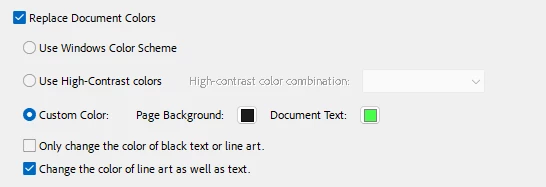
I changed the colors under preferences to replace the documents colors. This seems to have affected the colors in the bookmarks pane. When I hover over the bookmarks, the white color turn into black.
If I revert the colors in preferences and hover over the text in the bookmarks pane, the text changes into white. I find this behavior unexpected. Is this a bug? Is there a way to stop the behavior? I need the text to be white so I can read it easily.
I am using the latest Acrobat Reader version in Windows 11.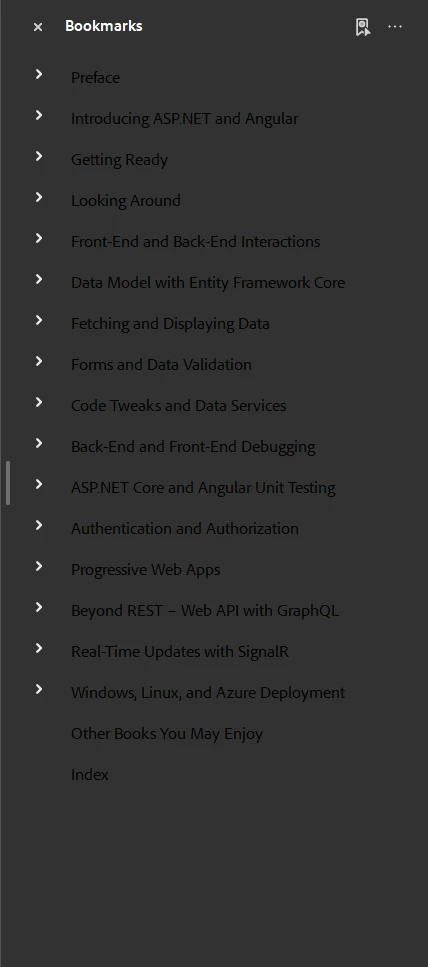


 AdChoices