



Button that checks required fields and then shows another button if that condition is met
Hello,
I have a worksheet that i'm creating for my place of work that needs to have some conditional features in it. I would like the "Validate" button to check the worksheet and then display the "Complete" button if all the required fields are completed. I have no experience with JavaScript so i'm sorry if i'm not using the correct terms etc.
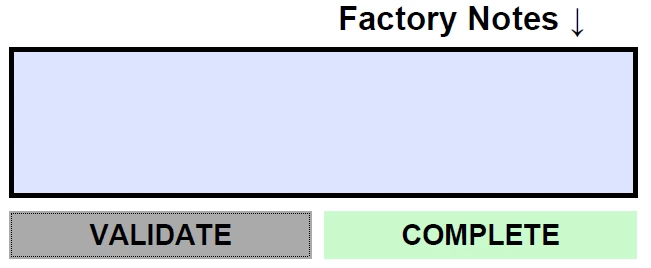
Currently it will display the "Complete" button no matter what each time even if the page flags unfullfilled forms. I've sourced the code script below from this website and it works to check the Form/PDF.
var emptyFields = [];
for (var i=0; i<this.numFields; i++) {
var f= this.getField(this.getNthFieldName(i));
if (f.type!="button" && f.required ) {
if (f.valueAsString==f.defaultValue) emptyFields.push(f.name);
}
}
if (emptyFields.length>0) {
app.alert("Please complete the following fields:\n" + emptyFields.join("\n"));
}
Would there need to be additional lines within this code to validate all fields have been filled in to then display the "Complete" button? The "Complete" Buttons name is "Complete Worksheet Tag"
Any help would be massively appreciated and again apologies if i've not been able to describe everything properly.
Kind Regards,
Sam

 AdChoices