Participant
January 28, 2025
Answered

Calculate Date on a Form

  • January 28, 2025
  • 3 replies
  • 551 views

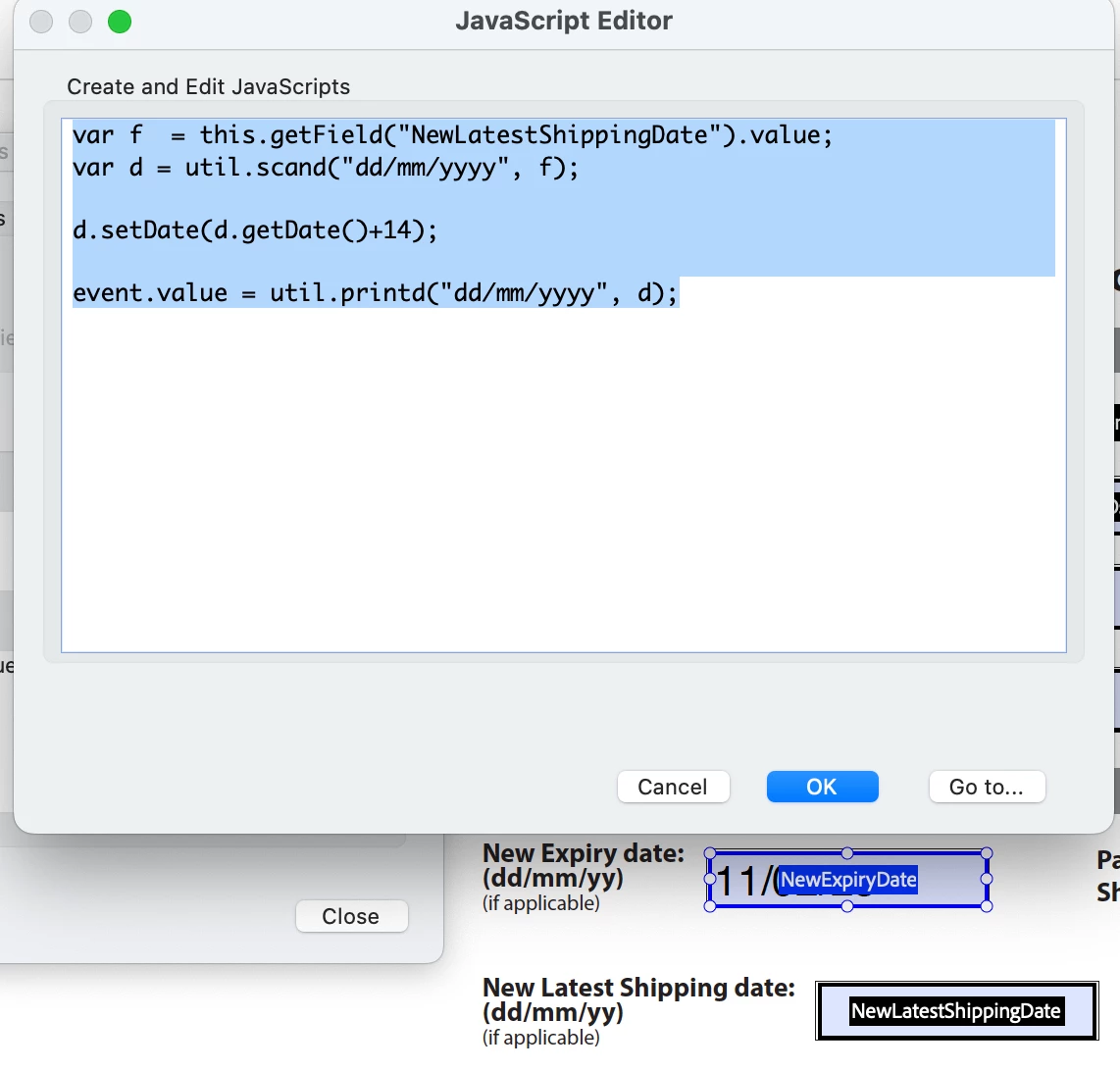
I know this question has been asked many times. I have followed so many scripts and I keep running into the same issue and cannot figure out why.


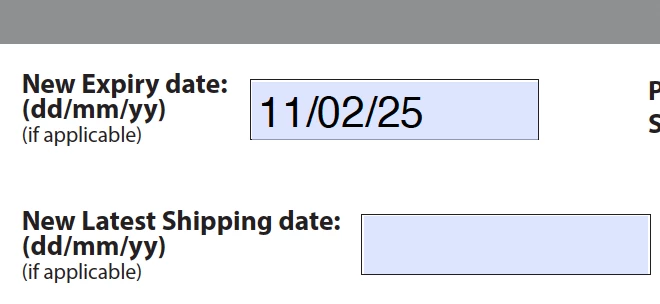
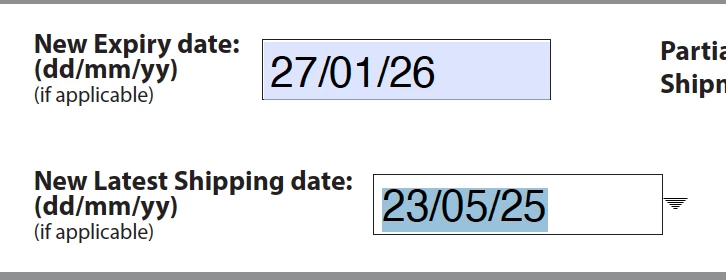
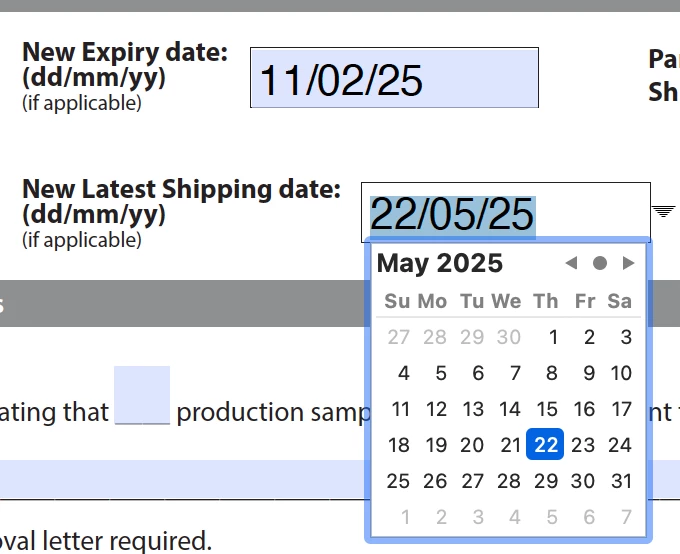
I have a date field that will be user entered. I need a 2nd field to calcuate 14 days from that date.


The issue that I am having is when i add the script (any that I have tired) the 2nd field calculates 14 days from TODAY. even when I enter a new date in the User entered date field the calculate field will not change. 


Very frustrating! (Note I am Not a coder this is new to me... pls be kind) I hope someone can help!
Correct answer jb_1205

Ok so idk what i did but ultimately got it to work! this was the code i used in case it can help anyone... 

Thank you everyone who tried to help!!


var d = util.scand("dd/mm/yy", this.getField("NewLatestShippingDate").valueAsString);

var theTime = d.getTime () ; var oneDay = theTime + 14*24*3600*1000;

var dd = new Date(oneDay); event.value = util.printd("dd/mm/yy", dd)

3 replies

jb_1205AuthorCorrect answer
Participant
January 28, 2025

Ok so idk what i did but ultimately got it to work! this was the code i used in case it can help anyone... 

Thank you everyone who tried to help!!


var d = util.scand("dd/mm/yy", this.getField("NewLatestShippingDate").valueAsString);

var theTime = d.getTime () ; var oneDay = theTime + 14*24*3600*1000;

var dd = new Date(oneDay); event.value = util.printd("dd/mm/yy", dd)

AnandSri
Community Manager
Community Manager
March 3, 2025

Thank you for sharing the steps and code, Joan. This will definitely help other community members. For future reference, you can refer to this article: Adobe Acrobat JavaScript Developer Guide.


~Anand Sri.

Nesa Nurani
Community Expert
Community Expert
January 28, 2025

Check that field is not empty before setting date:

var f = this.getField("NewLatestShippingDate").valueAsString;
var d = util.scand("dd/mm/yyyy", f);

if(f !== ""){
 d.setDate(d.getDate()+14);
 event.value = util.printd("dd/mm/yyyy", d);}
else
 event.value = "";
PDF Automation Station
Community Expert
Community Expert
January 28, 2025

Which field is your script in and what type of script (calculation/validation)?