You can use Acrobat Pro's Print Production > Output Preview window for manual checks… Or you can use the Print Production > Preflight for automated checks:
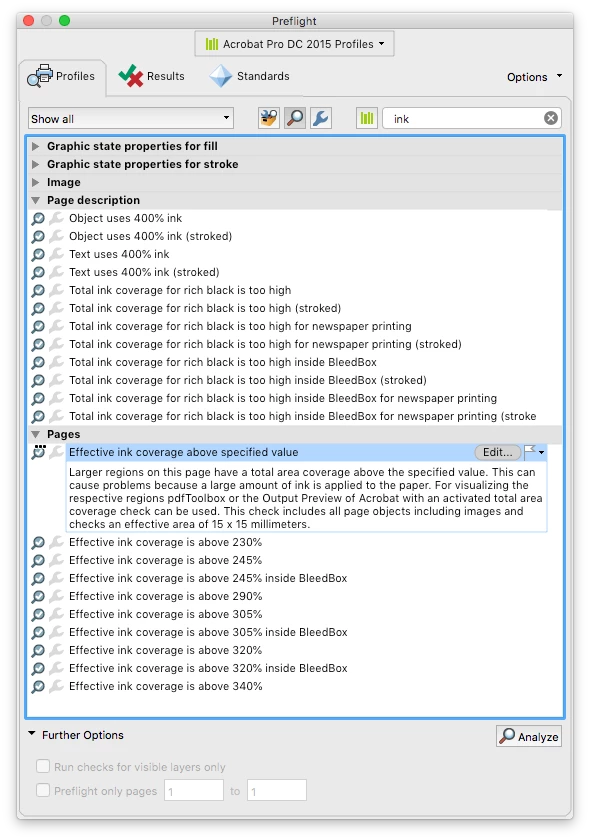
Then there are third party tools such as the Enfocus PitStop Pro plug-in for Acrobat Pro that can also report on ink used.
Here are a couple of very simple sample files and their matching reports:
Dropbox - PitStop Ink Reports.zip
Of note is that as these reports are based on surface area and ink coverage, the unprinted “white space” in a PDF file can affect the reported values. You may note that the only difference between the two test files is that the printed area is the same, but the second file has white space equal to the inked area, which effectively halves the reported in values, even though at the object level the ink use has not changed.




 AdChoices