
Participant
February 4, 2020
Question

Can I create a form template that I can then apply to existing files?

  • February 4, 2020
  • 1 reply
  • 1283 views

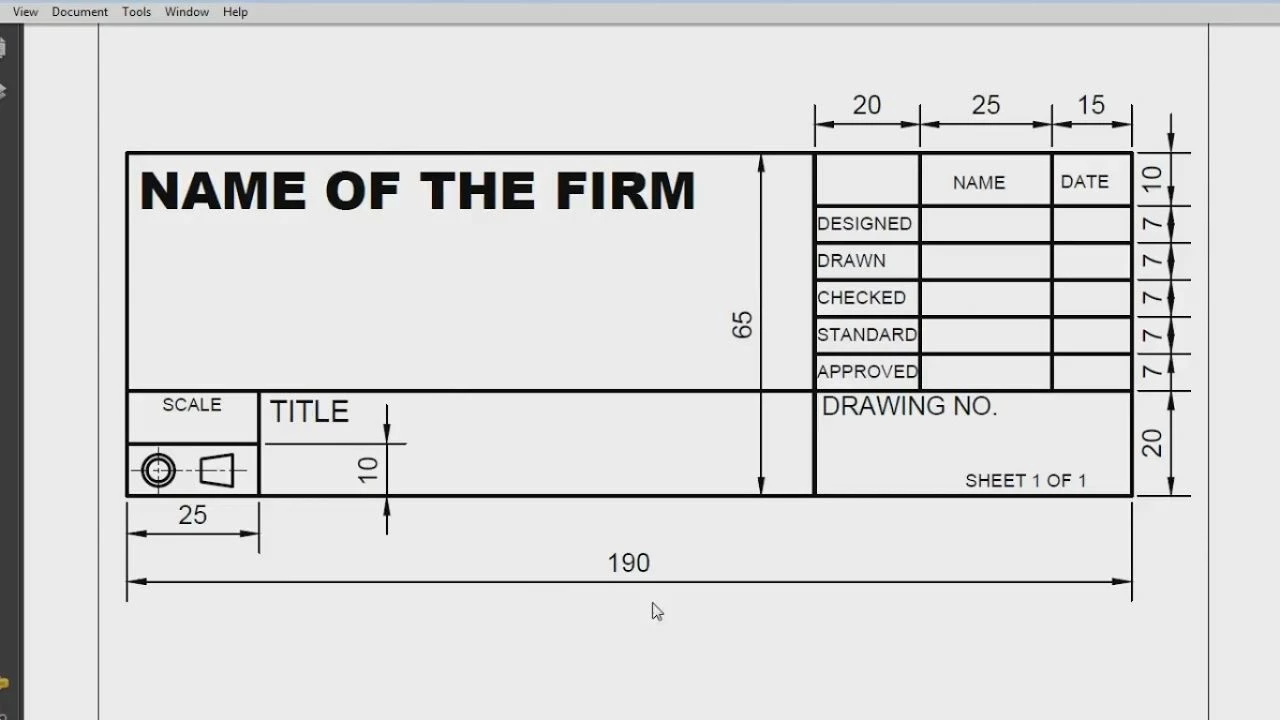
Hi, I'm an engineer looking at options to release/mark drawings. I was wondering about the capabilities of Acrobat (we have Standard DC at work). I'm trying to figure out how to create a template with signature fields. Our CAD software outputs PDFs of drawings, so I'm hoping to then apply this template to the existing drawing PDF, and have a handful of signature fields show up in the appropriate position/size on the drawing. Then the PDF can be circulated on the server or e-mail, and people can add their signature in one of the signature fields. Can it be done?
 

This topic has been closed for replies.

1 reply

try67
Community Expert
Community Expert
February 4, 2020

Is the location of the signatures always the same? If so, it can be done using a simple script. If not, you can add the fields to an arbitrary place and then drag them to the desired location.

Participant
February 4, 2020

Yes, the locations are always the same. Strictly speaking, there are 4 sizes we use, but that could probably be 4 scripts? What does writing a script for Acrobat entail? I played around with the drag & resize method and that level of tinkering won't get any traction within the department. Thanks!

try67
Community Expert
Community Expert
February 5, 2020

Well, it entails being familiar with Acrobat JavaScript, which is not a simple task... If you're interested I could develop this script for you, for a small fee. You can contact me via [try6767 at gmail.com] to discuss it further.