
Can no longer filter by comment status (completed, rejected, etc.) with new Acrobat UI
Since the new Acrobat UI was released, I haven't been able to filter my comments by status consistently. Sometimes the option is there and sometimes it's not. As of today, I'm on version 2024.003.20180 and on a Mac.
I know some of my clients use a project management software where they can make comments in and the PDFs come back looking a little wonky sometimes (large outlined boxes, highlighted text becomes a new comment for EACH letter) but even with all of this, filtering by status was never an issue pre-new Acrobat UI. I can only filter by status now very rarely, which is the opposite of what I need when I'm often working through hundreds of comments.
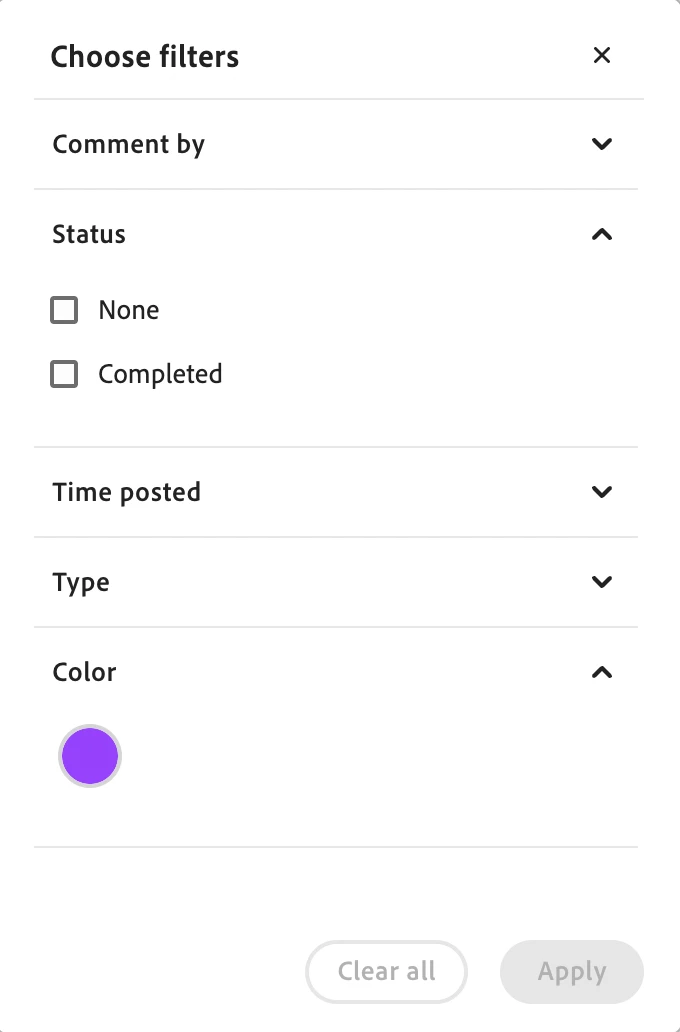
First image shows the filter options of a PDF I created where I can filter by status. I just added in comments and set a status to test. Seems to be working fine.
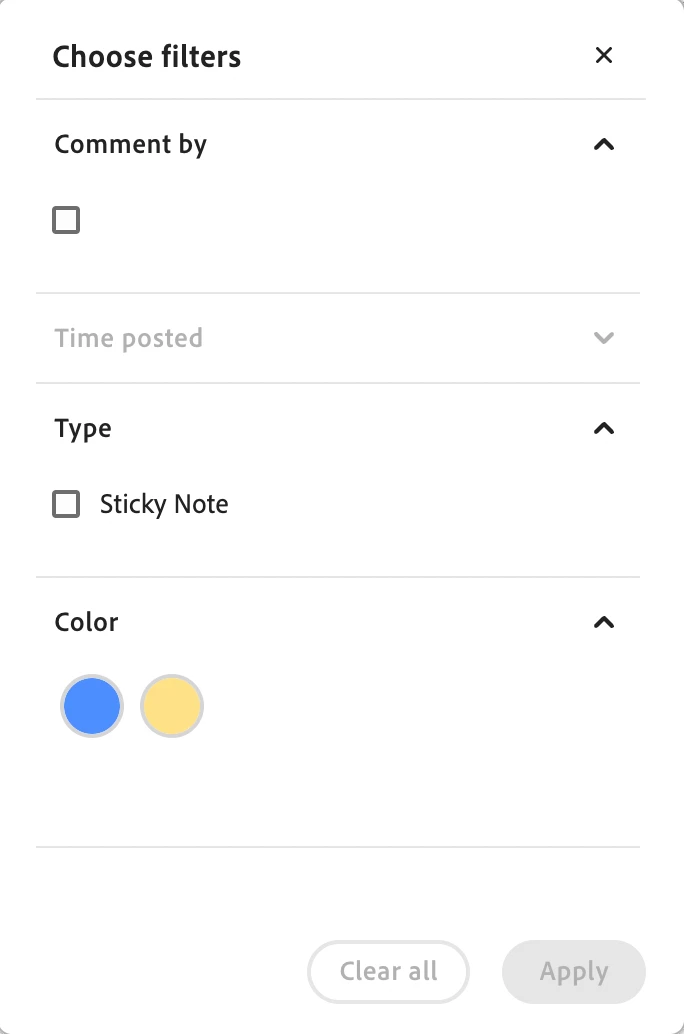
Second image shows the same PDF that has been marked up by a client and I can no longer see the option to filter by comment status (completed, rejected, approved, etc.) — even though *ALL comments have a status set*


 AdChoices