


Known Participant
April 10, 2025
Answered

can't access files on acrobat.com

  • April 10, 2025
  • 1 reply
  • 559 views

Hello,

I am new to this forum, so please forgive me if my problem has been solved before!

Recently, I bought a nex laptop.

I have Acrobat XI Pro on my old laptop working perfectly.

Installed Acrobat XI Pro on the new one as well (Windows 11) and got it updated to version 11.0.23 after some tries...

This gave me, at start-up, the option to load a file from acrobat.com back. Hooray so far.

However, when clicking on this option, I do no see my saved files in the Adobe cloud (and there are several!) but a screen that asks me to sign in.
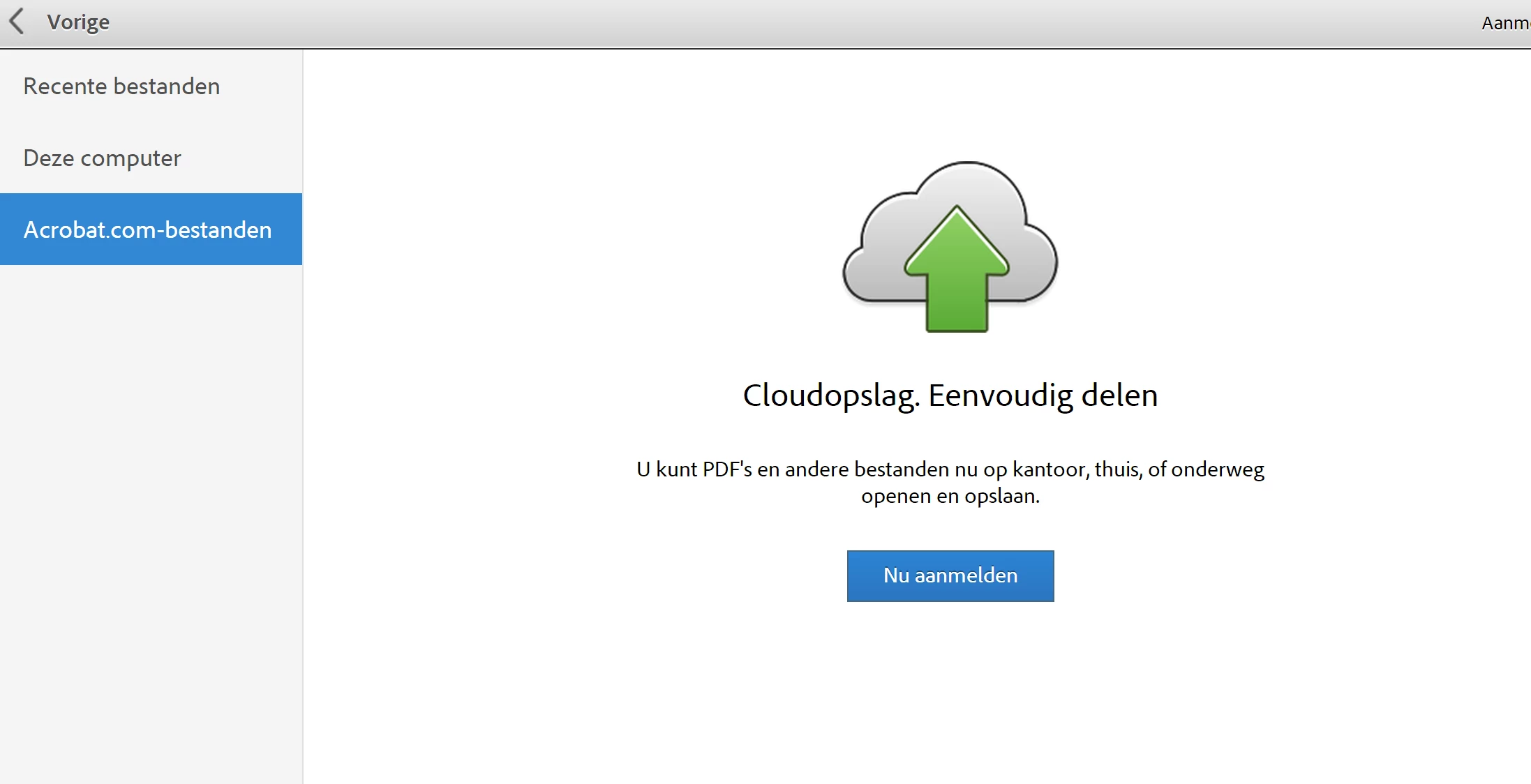
As I have an account, no prob you would think.... However....

When clicking on sign-in button I get this screen:
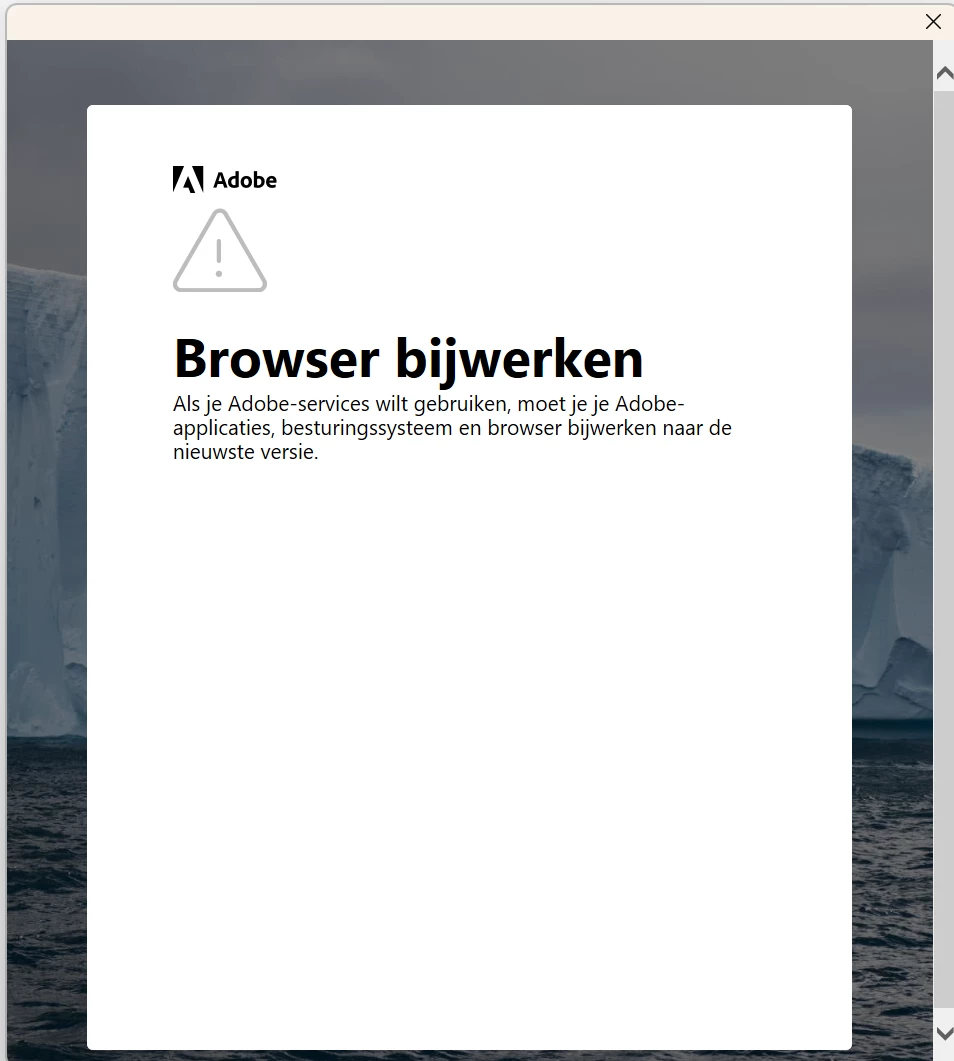
 

And that's it... Fully stuck!

I can close this pop-up, but this returns me to the start screen.

Anybody who can help me?

I can see the files in the web browser and on my old laptop so they do exist!

Reached out to helpdesk of Adobe, but they kindly and friendly told me to find out for myself... 😞

Looking forward to replies...

Thanks

LVL

Correct answer AnandSri

Hello,

Thanks very much for this post.

Following your suggestion, I deactivated Acrobat on my old laptop.

However, problem and signs (pop-up window) stays the same on new laptop :-(:-(

Or does the Adobe system needs to update (only once a day?) before I can sign in on the new laptop?

Grrrr...

LVL


Hello!


I hope you are doing well. And thanks for sharing all the details.


As you mentioned, you are using Acrobat Pro 11. This is an old and out-of-support product, and the support ended on October 15, 2017. See this article for more information: https://adobe.ly/42ADR0H


A few functionalities may or may not work on a new machine with the latest operating system. Check the technical specifications for Acrobat 11 here. If you wish to access your files in the cloud, log in to the cloud services and check your PDFs under the file section.


Note: If you try to activate Acrobat 11 again on a new laptop, you may experience issues, as the activation servers of Acrobat 11 are no longer available. And there isn't much that can be done from our end. You may try the suggestions from this article, but they may or may not work for Acrobat 11: https://adobe.ly/4indEsn


I hope this helps.

Thanks,

Anand Sri.

1 reply

creative explorer
Community Expert
Community Expert
April 10, 2025

@LVL that pop essentially says according to Google Translate is update your apps, OS and browsers. I would go to adobe.com, and download the Creative Cloud


Once you have done that, I would then go through that to open your Desktop Acrobat


Open your Acrobat Preferences (Control K)
Uncheck the box next to "Show me messages when I launch Adobe Acrobat"


I have mine turn on, so, uncheck it will look this:


m
LVLAuthor
Known Participant
April 14, 2025

Hello,

Thanks for the tip.

One thought however: Creative Cloud is a paying solution and rather expensive at it.... 😞

I opened the preferences of my Acrobat and found the same options, unchecked messages from Adobe, restarted Acrobat, but still the same problem...

Still working perfectly on old laptop though....

Regards,

LVL


creative explorer
Community Expert
Community Expert
April 14, 2025

@LVL I just thought of this, you mentioned that you got a new computer. So, you have this installed on two computers. You can usually install your Adobe software on more than two computers. BUT, the key restriction is on how many computers you can be signed in (activated) on simultaneously. For individual subscriptions, this limit is usually two computers. If you try to sign in and activate your Adobe account on a third computer while already signed in on two others—You won't be able to fully sign in and use the software on the third computer until you deactivate it on another. It's important to remember that individual Adobe subscriptions are intended for one user only and should not be shared between multiple individuals, even if they are using different computers at different times. This could be the reasons why you are getting these pop-ups?

m