

NAUJane-M
Participant
November 18, 2019
Question

Can't save over PDFs with the same name from INDD
  • November 18, 2019
  • 1 reply
  • 1344 views

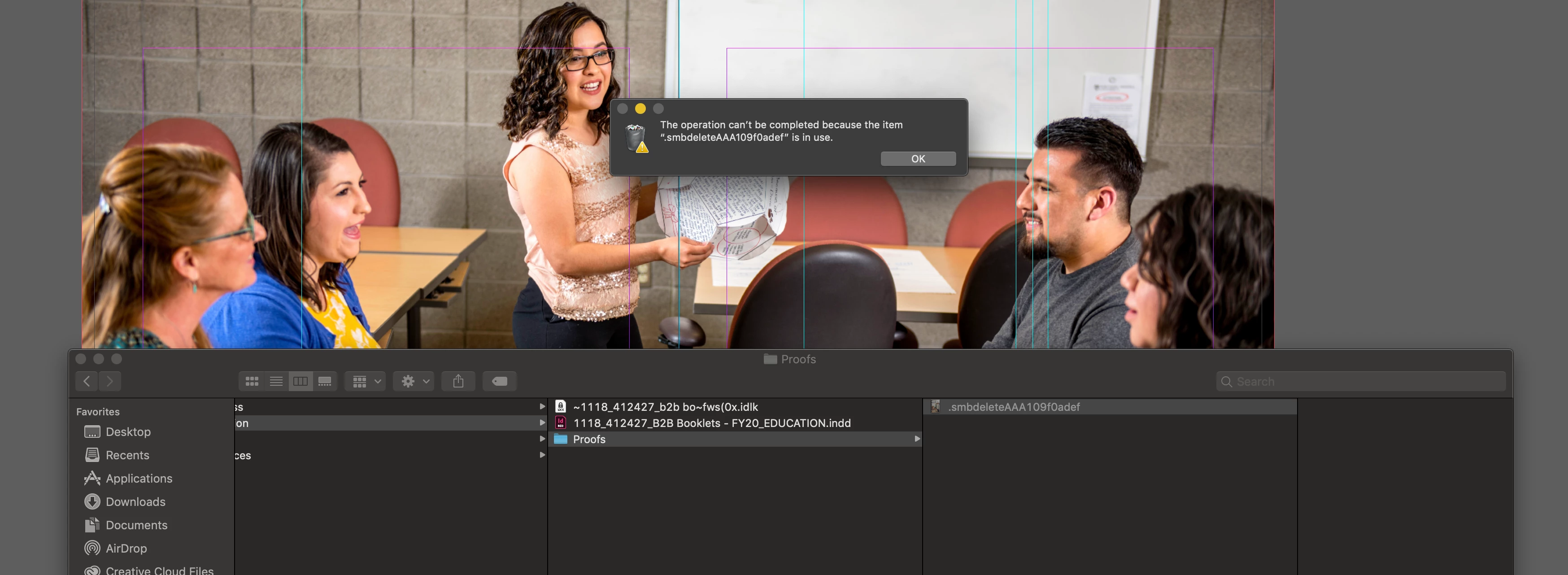
I can't save a PDF from INDD over a new one created with the same name after I close the file in acrobat and even delete the file in the folder. When I delete the file it leaves a ".smbdelete......" file behind and I can't delete it either. I've tried closing acrobat completely, but this problem still remains.

This topic has been closed for replies.

1 reply

Document Geek
Community Expert
Community Expert
November 19, 2019

I don't know why that's happening, but why not save it with a different name and then rename it to what you want?

NAUJane-M
NAUJane-MAuthor
Participant
November 19, 2019

Because we have certain naming conventions we have to follow for drafts, etc. I review in acrobat before posting to our project management software. Sometimes it requires reviewing and changing several times betweeen INDD and acrobat. I have had to change the name now (all of a sudden since) this feature isn't working properly, but I'd rather not, since it throws off our naming conventions. Also, if I'm plugging the PDF into another document, it's a pain to have to go back and relink it every time to a new document name.

Document Geek
Community Expert
Community Expert
November 19, 2019

I meant to just name it something different, just during the export process. Once it's done exporting, change the name to what it should be so that it meets your naming conventions and doesn't require relinking in InDesign later on.


I do that all the time. Sometimes my InDesign crashes when I'm exporting and there are invisible temp files or caches somewhere, tied to the name of a particular document that's problematic to export. So to get aroud it, I just add a - or something at the end of the filename. Then when the export is done. I just rename it (to meet my own naming conventions), and continue working as usual.