
Cannot edit form fillable PDF and cannot print to PDF
I'm running Mac OS X El Capitan 10.11.6 and trying to comment and edit a form fillable PDF.
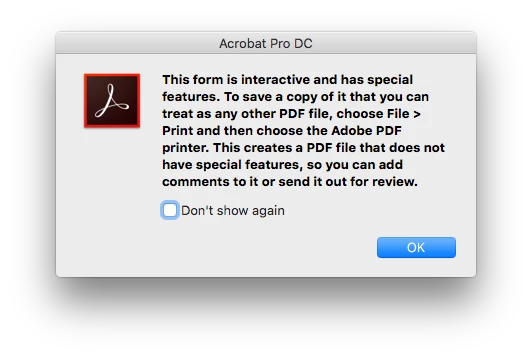
I cannot edit it because of the interactive form features so Acrobat Pro DC asks me to print it:
"This form is interactive and has special features. To save a copy of it that you can treat as any other PDF file, choose File Print and then choose the Adobe PDF printer. This creates a PDF file that does not have special features, so you can add comments to it or send it out for review."
So I try to print it using File > Print > [Printer] > [Save as PDF] / [Save as Adobe PDF]
"Saving a PDF file when printing is not supported. Instead, choose File > Save."
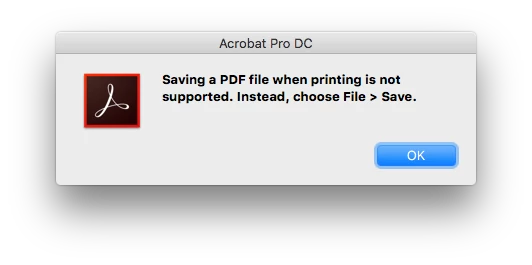
ugh, this is a very bad joke..
I can't seem to export it as a regular PDF, none of those options work either.
How can I export this as a regular PDF
What the can I do short of printing it and scanning it back in?
edit: I found this New iMac running OSX 10.11 El Capitan unable to print to PDF (Nov 2015) which says this is due to a security change in OS X -- its been over a year, is there a workaround?
 AdChoices