Participant
June 25, 2017
Question

Cannot edit pdf, font corrupted

  • June 25, 2017
  • 1 reply
  • 713 views

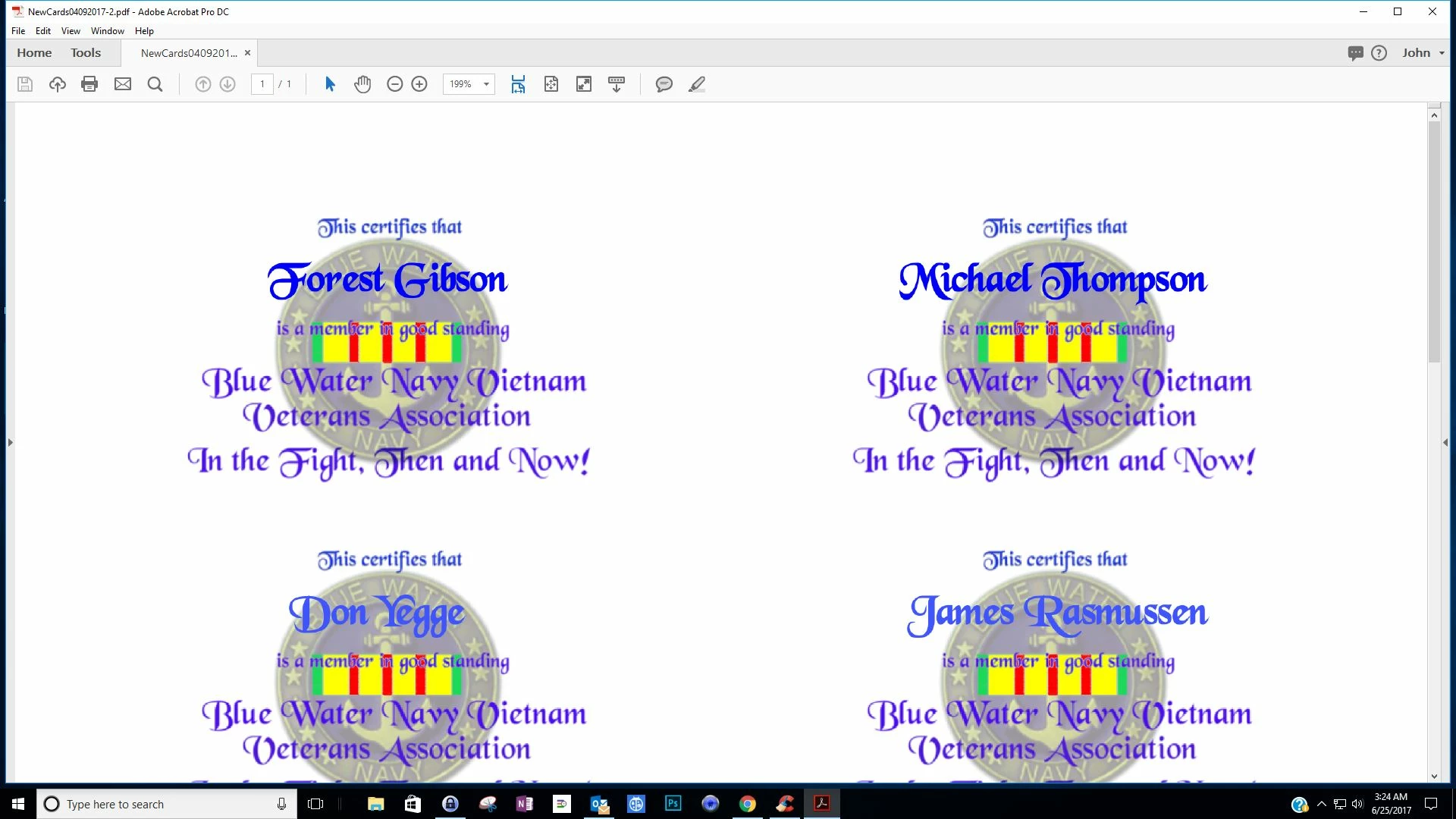
When I open the file everything looks fine.
When I go to tool, Edit PDF, I get this
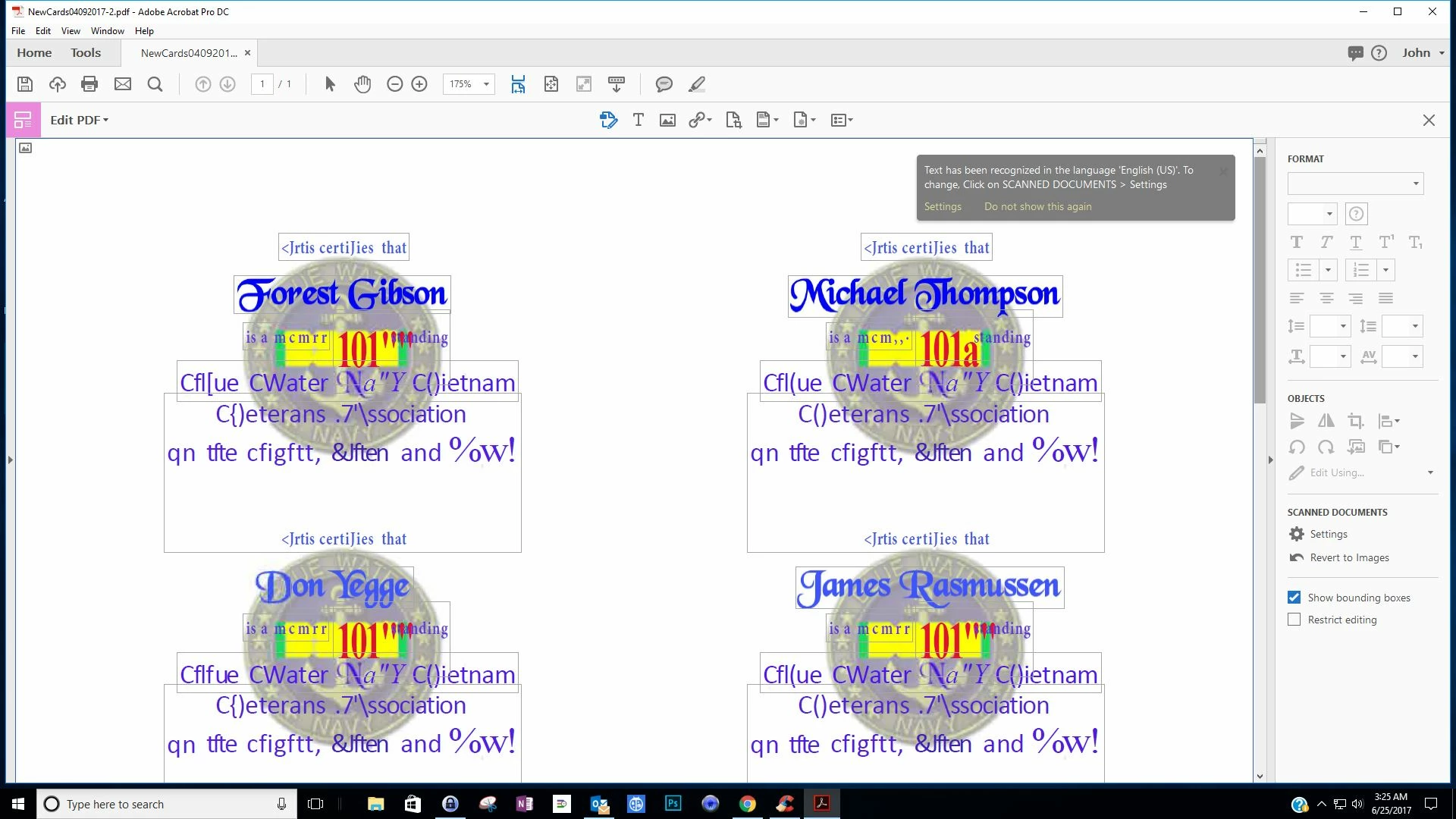
This never happened before. How do I fix it?

This topic has been closed for replies.

1 reply

Dave__M
Community Expert
Community Expert
June 25, 2017

It appears to me that your file was initially an imaged-based PDF.  By entering Edit mode, Acrobat performed Character Recognition (OCR) automatically.  There was an earlier post that offered this suggestion to change this behavior:

"Just open any scanned PDF and click on Edit PDF. On first launch, Acrobat will convert the image to text. Now all you have to do is click on the 'Revert to Image' button on the Right Hand Pane. Acrobat now remembers this setting and will not convert any scanned document to text unless you change it from here."

I hope this is helpful.

My best,

Dave

BWNVVAAuthor
Participant
June 25, 2017

When I did that I could no longer Edit the text. You are right though, I needed to make color changes  and did it in photoshop. Then I saved it as PDF. So I need to figure out how to edit the text.@ !

Dave__M
Community Expert
Community Expert
June 25, 2017

I believe you have 2 issues making this troublesome.  First, the font used is rather curvy, so the OCR will likely have difficulty getting things done accurately.  On top of that, the text is on top of the insignia, which would likely pose even more challenges for accurate character recognition.

I am curious as to what application the original was used to create your work?  Photoshop will output this as pixel-based.  Might you be able to compose the original in something like InDesign, which should give you a PDF with live, editable text?

My best,

Dave