



amlawrance
Participant
March 2, 2026
Question

Cannot Export a PDF to EPS
  • March 2, 2026
  • 1 reply
  • 44 views

Up until last week, when I did a complete computer reset and re-downloaded all my Adobe apps, I would open a PDF > Choose File > Export a PDF > Encapsulated PostScript.

This worked perfectly every time.

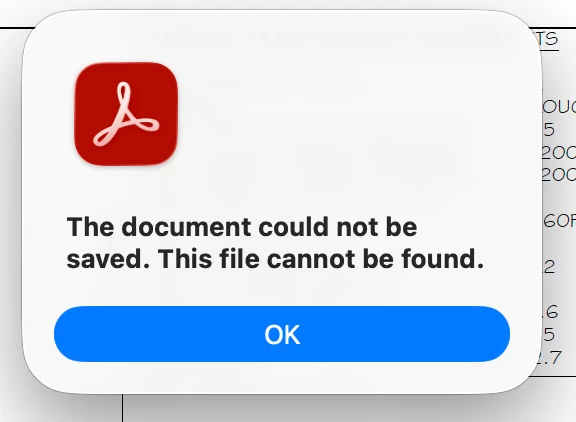
Now, after re-installing Acrobat, I’m receiving the same error: The document could not be saved. This file cannot be found.

Details:

  • Steps taken:  PDF > File > Export a PDF > Encapsulated PostScript
  • A pop-up appears with the exact words: The document could not be saved. This file cannot be found.
  • Adobe Acrobat Version 2025.001.21223
  • Running MacOS Tahoe 26.3

Thank you for your help!

Mandy

    1 reply

    creative explorer
    Community Expert
    Community Expert
    March 3, 2026

    @amlawrance I just tried on my end, and it worked, I even had to force quit realizing it was exporting a186 page PDF as individual EPS (which I forgot how large it was!) — It might be the PDF itself or access


    • Double check to see if your Acrobat has full disk access - System Settings (sorry, I still call it System preferences) Privacy and Security - Click on Full Disk Access and make sure Acrobat is checked or added. Restart Acrobat and try to export
       
    • You might need to disable the app’s online storage preferences which sometimes interfere with local exports. Command K for your Acrobat Preferences - General and turn off both show online storage when saving files and Show online storage when opening files. Once these settings are disabled, Acrobat will stop attempting to ping cloud paths during the process, allowing you to successfully run the Export to EPS command again. (Mine was already off for that)
       
    • I also hav turned off and disabled the new Acrobat...unless you need and use the AI assistant, you need to hav that on. I have found the new Acrobat just gives me to many issues to deal with
       
    • It could be the PDF if all that didn’t work out. Try downloading a new PDF (don’t use the previous version that you may have)
    m
    amlawrance
    Participant
    March 3, 2026

    I tried all these steps and I’m still running into the same pop up!  I have tried this on 4-5 different PDFs.

    creative explorer
    Community Expert
    Community Expert
    March 3, 2026

    @amlawrance when you re-installed it, did you by any chance also used the Adobe Cleaner tool to remove any corrupted files https://helpx.adobe.com/creative-cloud/apps/troubleshoot/diagnostics-repair-tools/run-creative-cloud-cleaner-tool.html?

    And also purge Acrobat Preferences in your Library? 

    m