
Participant
January 14, 2025
Question

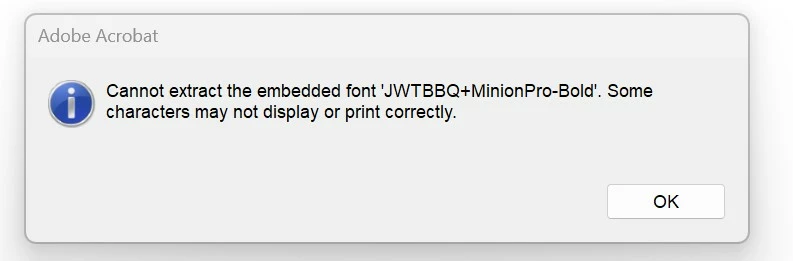
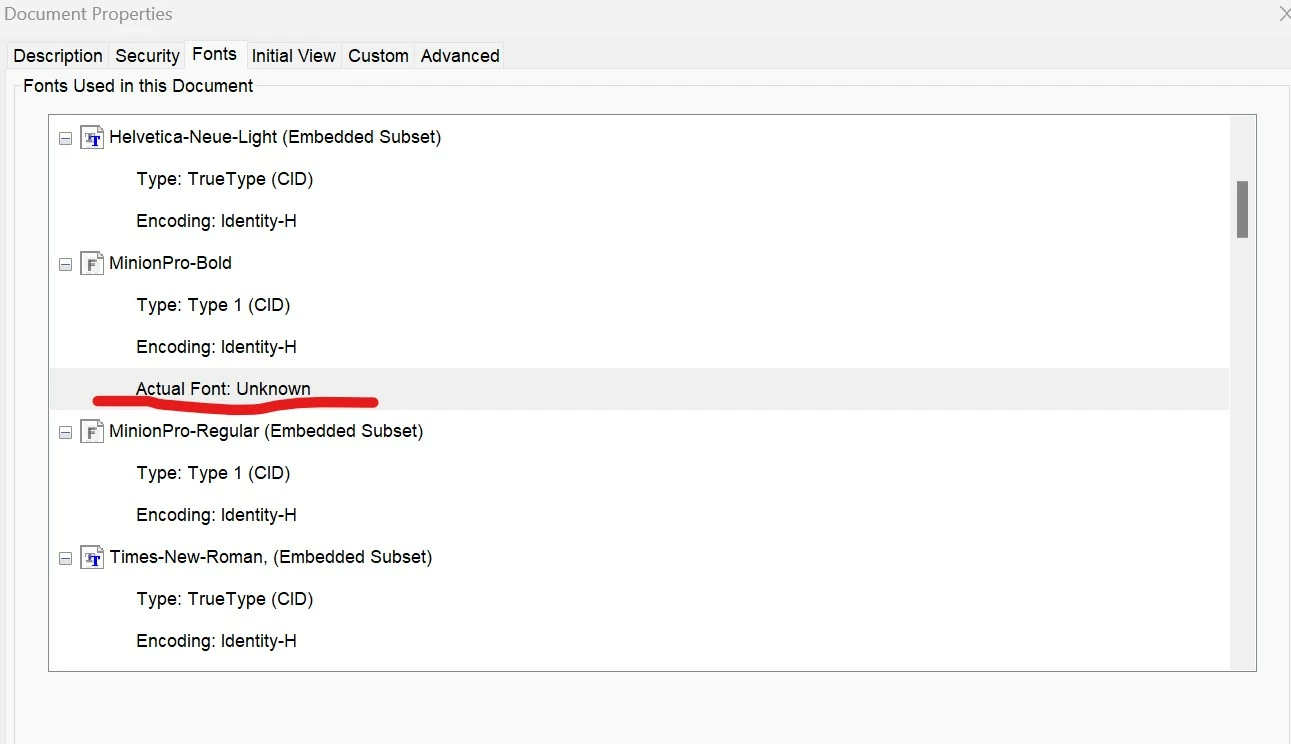
Cannot extract the embedded font JWTBBQ+MinionPro-Bold Actual font unknown

  • January 14, 2025
  • 1 reply
  • 277 views

I worked on a document for two days, making plenty of changes and always saving to the same file. Everything was fine, and all the fonts were visible. However, when I saved the document this time, I received an error saying, 'Cannot extract the embedded font,' and the document was saved. The undo option is grayed out, and now one font in the document has disappeared, leaving only white squares in its place. I also noticed that one embedded font is now marked as 'unknown,' and I can’t change it. This font was used as a subtitle on 90 pages, so it's a disaster 😞
1 reply

Souvik Sadhu
Community Manager
Community Manager
January 15, 2025

Hi @krystian_3320,


Hope you are doing well. Sorry for the trouble, and the delayed response.


Would you mind trying out the below steps:

Open the file-> go to Print-> Properties-> uncheck "Rely on system fonts only, do not use Document Fonts."


Once done, open the newly created PDF and check again.


-Souvik

Participant
January 15, 2025

I have uncheck "Rely on system fonts only, do not use Document Fonts." unfortunetly this did not change the font and I have still only white squares in its place

Participant
January 16, 2025

any help anyone, I do not want to write again subtitles in all 90 pages
