
Cannot install and use Acrobat Export with Acrobat reader -- absolutely cannot log in
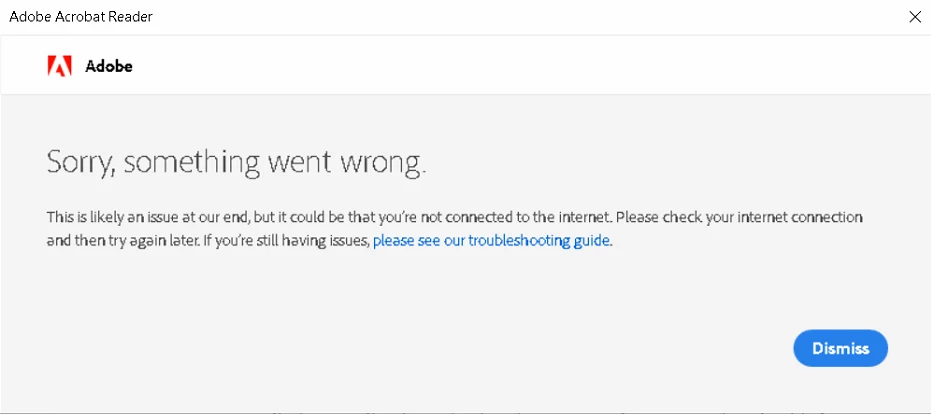
I've just wasted a day of my life on the monumental task of setting up a user with Acrobat Reader and the Acrobat Export add-in. I was told that the Acrobat Export was successfully acquired. But no way, no how can I sign in from Acrobat Reader and use it. When I try to sign in, I always get this 100% useless copout error message:
If I try to log in at https://auth.services.adobe.com/, I get this:
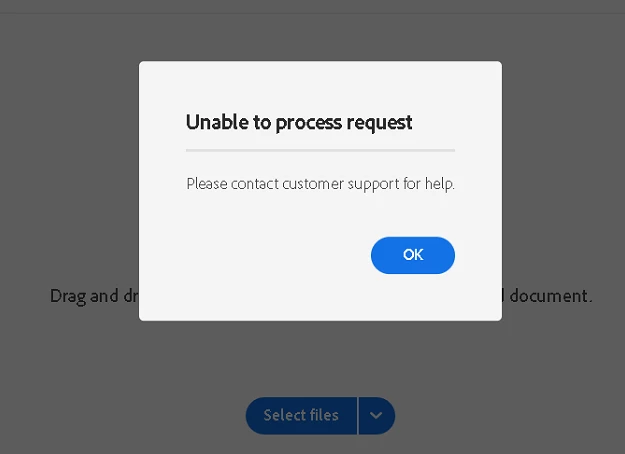
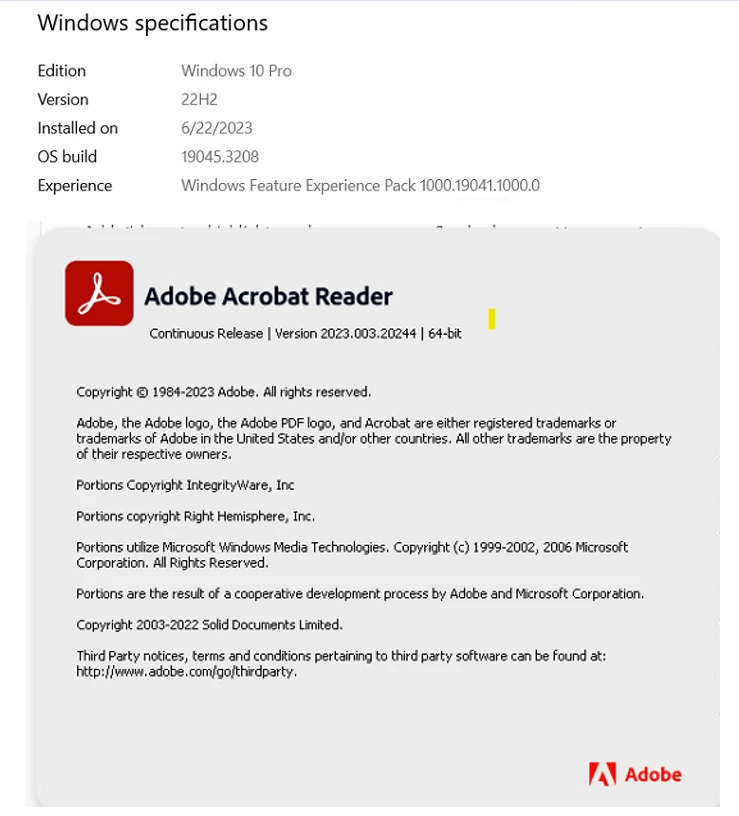
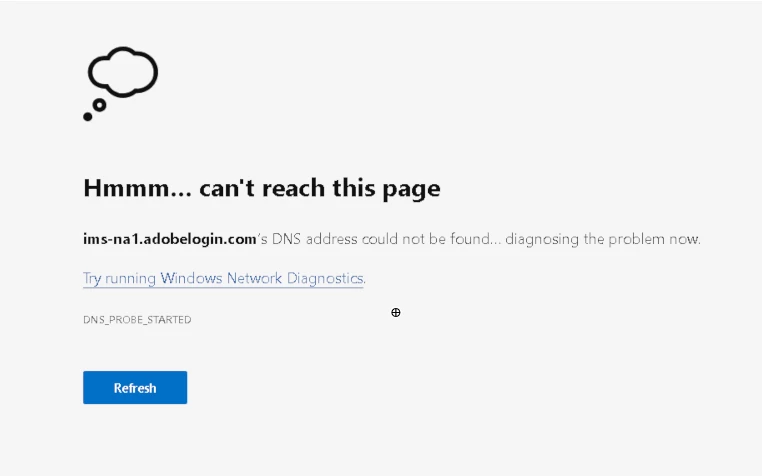
Another computer with Windows 10 and Microsoft Edge (updated to the minute on both machines) can log into the web site with no problem at all with the same credentials. (Yes, I'm logged out of it when I try signing in with the problem machine.) I've researched this issue on the web and the only useful information I could find was that the TLS version of your browser has to be 1.2 -- which it is on both machines.
I'm not insane enough to keep "trying again later" expecting different results. I'd bet anything that it's going to take some under the hood support to enable me to successfully log in -- that the error message will persist forever if none is forthcoming. Is there a known solution for this problem with this combination of products?
 AdChoices