Participant
February 6, 2019
Answered

Cannot reorder tabs on page 2 of a file

  • February 6, 2019
  • 1 reply
  • 967 views

Can easily reorder the tab order on page 1 but page two seem to be locked up.

This topic has been closed for replies.
Correct answer AkanchhaS8194121

Hi Chrishy,

I believe you are referring to the similar file where tab order is working for one page but not for other?

Open Page Thumbnail>Right-click a page in the Pages panel, select Page Properties and then look under the Tab Order tab. What is selected there?
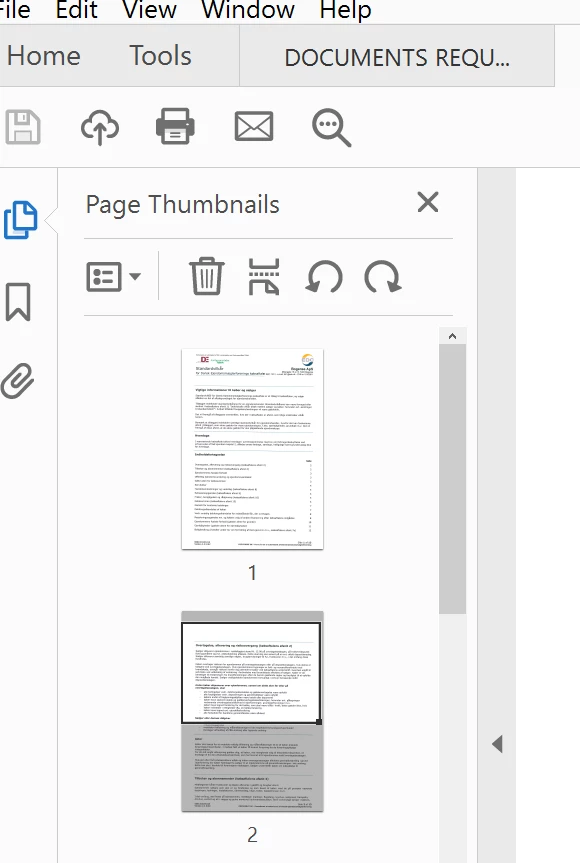
Also navigate to the Acrobat's preferences, Open Acrobat>Edit>Preferences>Forms>Automatically adjust tab order when modifying fields is it checked?

Regards,

Akanchha

1 reply

AkanchhaS8194121
AkanchhaS8194121Correct answer
Legend
February 7, 2019

Hi Chrishy,

I believe you are referring to the similar file where tab order is working for one page but not for other?

Open Page Thumbnail>Right-click a page in the Pages panel, select Page Properties and then look under the Tab Order tab. What is selected there?

Also navigate to the Acrobat's preferences, Open Acrobat>Edit>Preferences>Forms>Automatically adjust tab order when modifying fields is it checked?

Regards,

Akanchha

Inspiring
September 13, 2019

I can't tell if Akanchha ever answered the question, he (she?) just asked a couple of questions. I don't think selecting "Automatically adjust tab order when modifying fields" is the answer to fixing the issue with adjusting the tab order on page 2.  In fact, I don't want Acrobat to do ANY automatic adjustment, I want to adjust the tab order myself.

Has anyone out there found a solution for how to adjust the tab order on page 2?