
Question
Cannot resize object in adobe acrobat editor
I am trying to edit an object, just to enlarge is 1/8 of an inch. Whenever I try to move it horizontally, it starts snapping to green lines that appear on the screen.
If I attempt to take one of the existsing objects, copy, and paste it in to the document, it automatically is bounded by these green lines. The lines only appear when editing the specific images.
I have turned on visibility for all guides, the ruler, grid lines, etc...
A video of the behavior is below, as well as an image
Loom Video of Behavior 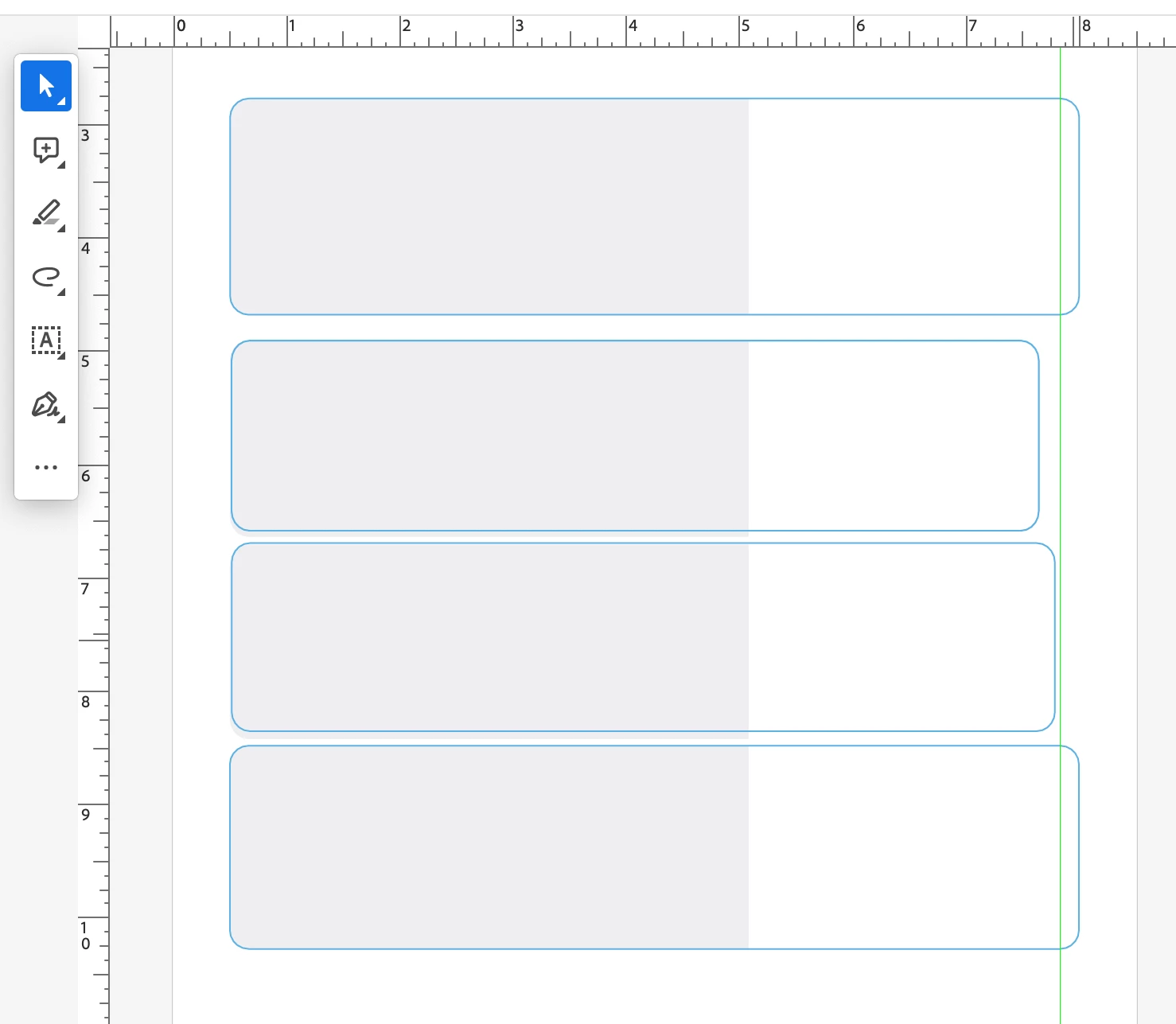
 AdChoices