Participant
December 2, 2020
Question

Cannot Use Redact, Sign, features on Mac

  • December 2, 2020
  • 2 replies
  • 412 views

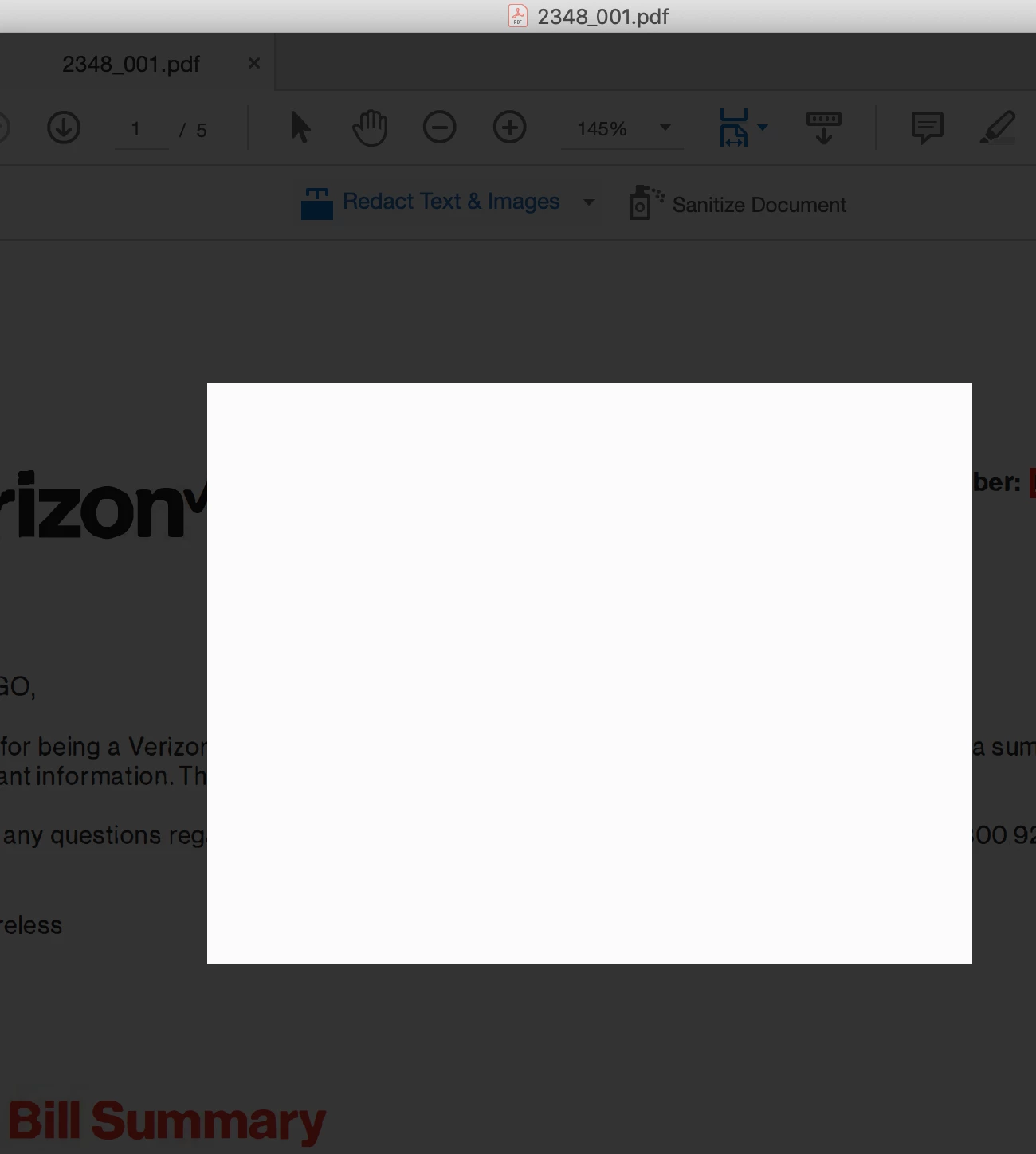
When I try to use certain features such as redact or sign, when I press "Apply" the boxes show-up empty. I've attached a partial picture, because as mentioned - I'm trying to redact some of this information. Any solutions?
This topic has been closed for replies.

2 replies

Dave__M
Community Expert
Community Expert
December 4, 2020

Although the tool works properly for me, I made a screenshot of what I am thinking is the dialog box that isn't rendering properly for you - in case it's of any help troubleshoot.

Good luck!

Dave

Anna5E7DAuthor
Participant
December 10, 2020

Thank you for the reply. Unfortunately, none of the suggestions worked. The box that pops-up for redaction (and other commands like "Save As") appear, but are blank and I can't click on any options.

AkanchhaS8194121
Legend
December 3, 2020

Hi Anna,


Thanks for the screenshot. Is this a behavior with a specific document? Have you checked any other file too?

You may try the following steps and see if that makes a difference.

1- Close the application and reopen

2- Make sure you have latest update installed for Acrobat. Open Acrobat>Help>Check for update

3- For this particular document. Right click>Document Properties>Security>check whether changes allowed or not

4- If everything at its place, then try making these changes to preference setting.

Navigate to Adobe Acrobat>Preferences>Security (Enhanced)>disable "Protected View" and "Enhanced Security">OK>close and reopen Acrobat

Note: these changes are only for testing purpose. Once tested, please change it back to the previous settings.


Thanks,

Akanchha

Anna5E7DAuthor
Participant
December 4, 2020

Thank you for the response. I tried all of the tips and I'm still experiencing the same issue. So far, I cannot use any of these features: (1) Sign, (2) Redact; (3) "Save As"