Participant
May 24, 2023
Question

Change colour of background box

  • May 24, 2023
  • 3 replies
  • 577 views
HELP!!!
 
(working on Acrobat build version 23.1.20177.0 on a mac)
 
I am trying to edit the colour of the blue background object: 
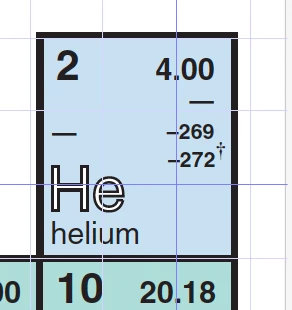


It has textboxes over top: 
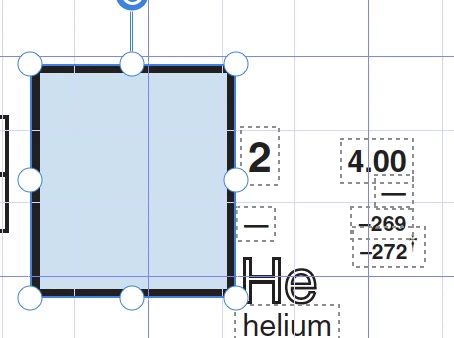


I cannot change the colour in any way... right click - no luck.  Ctrl- e, no luck... 
 
Any suggestions as I am editing a periodic table and it would take hours and hours to delete, redraw rectangle, etc (and when I do that it grays out the text in front even if opacity is changed....(also if I reduce opacity then the border changes correspondingly) 
 
Thanks for any help you can give me!
This topic has been closed for replies.

3 replies

JR Boulay
Community Expert
Community Expert
May 25, 2023

Acrobate du PDF, InDesigner et Photoshopographe
try67
Community Expert
Community Expert
May 25, 2023

This is really the kind of editing that needs to be done in the original application used to create the PDF, not in the PDF file itself.

Luke Jennings3
Community Expert
Community Expert
May 24, 2023

You can use a preflight profile to map the blue color to any color you want. Here is a link to a related discussion with instructions:

https://community.adobe.com/t5/acrobat-discussions/how-to-convert-color-image-to-black-in-acrobat-dc/m-p/11138554#M257032

Edit, link adjusted.