
Answered
Change default "Extract Pages" location
How to change default "Browse For Folder" location?
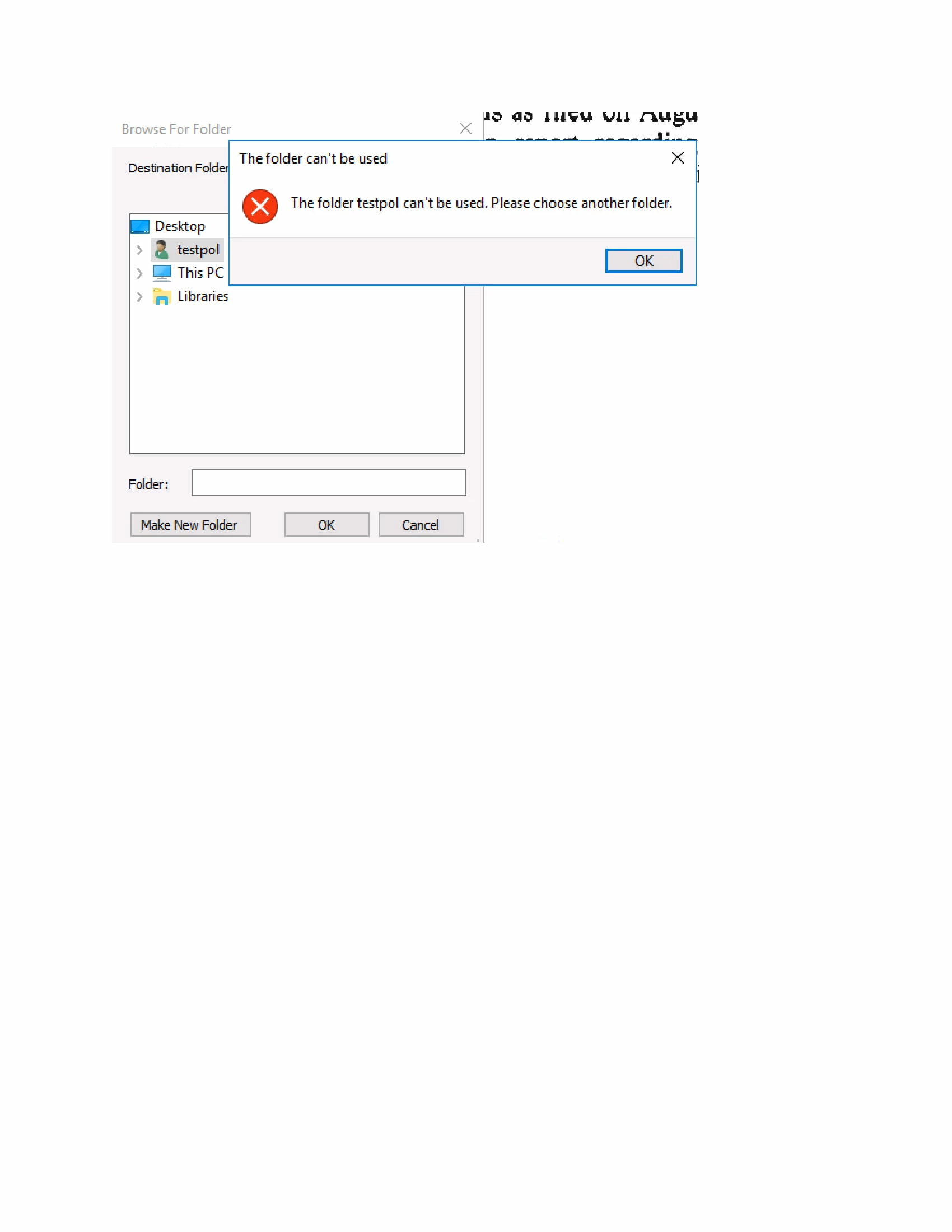
After choosing "Extract Pages" option in Acrobat Pro DC 2015
Default save location is on user profile name, we have terminal users with GPO configured. (RDS2016)
And this default location which is user "profile name" is disabled by policy.
So the users are getting and error popup every time. (The folder "username" can't be used. Please choose another folder.)
Also the user save location for this is deep in there folder structure.
 AdChoices