Participating Frequently
March 24, 2018
Answered

Change texte area/input properties when filled

  • March 24, 2018
  • 1 reply
  • 1339 views

Hello,

I have an issue with a form I'm trying to make.

In my form, I have textearea and I want to change the properties of this textearea when there is text in.

In this exemple, when there is or not text, the input field looks always the same and I don't find anyway to change this.
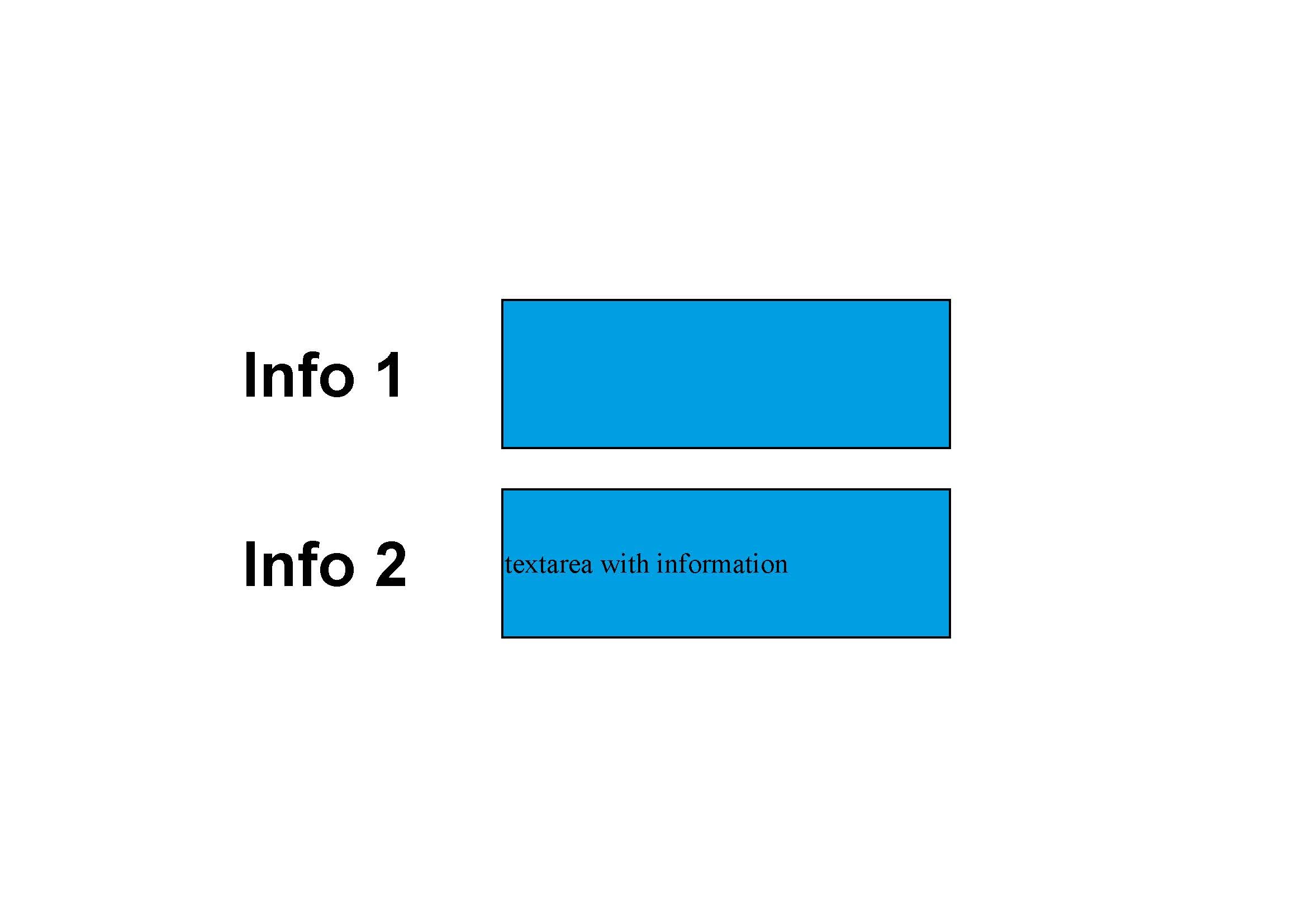
Thanks for your help.

This topic has been closed for replies.
Correct answer try67

You can use something like this as the field's custom validation script:

event.target.fillColor = (event.value=="") ? color.red : color.blue;

1 reply

try67
Community Expert
Community Expert
March 24, 2018

In what way do you want to change how it looks?

Participating Frequently
March 24, 2018

For example, I want that the textarea background become red or wahtever.

try67
Community Expert
try67Community ExpertCorrect answer
Community Expert
March 24, 2018

You can use something like this as the field's custom validation script:

event.target.fillColor = (event.value=="") ? color.red : color.blue;