
Participant
July 8, 2024
Question

Changing all text of a certain colour to another

  • July 8, 2024
  • 1 reply
  • 239 views

Hello,


I want to automatically change all text of the colour below:
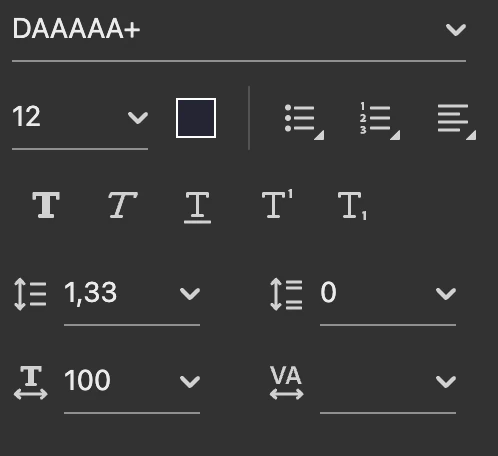
to the following colour, automatically (as in I would hope adobe acrobat would identify all text in colour 1 and convert to colour 2):
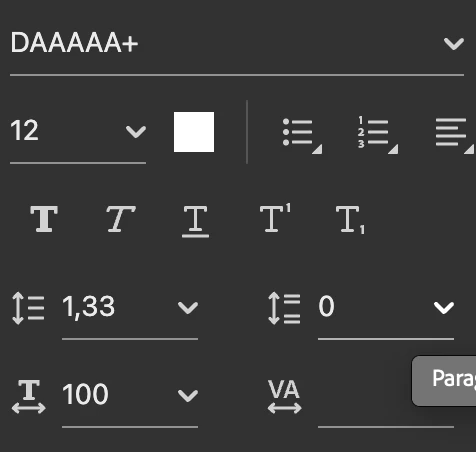
Can this be done on adobe acrobat? I hope so because otherwise the PDF becomes barely readable as I have the high contrast mode on, thus the background is black.

This topic has been closed for replies.

1 reply

Amal.
Legend
July 16, 2024

Hi there


Hope you are doing well and thanks for reaching out.


Please go to Preferences (Ctrl,Cmd+K) > Accessibility > Select 'Replace documents colors' and under custom color, set Document text to 'White'


Marking a reply or response “Correct” will help future users with the same issue quickly identify the correct answer.


~Amal