
David Healy
Inspiring
December 6, 2022
Question

Changing Email address for a completed PDF form to be returned to.

  • December 6, 2022
  • 1 reply
  • 1394 views

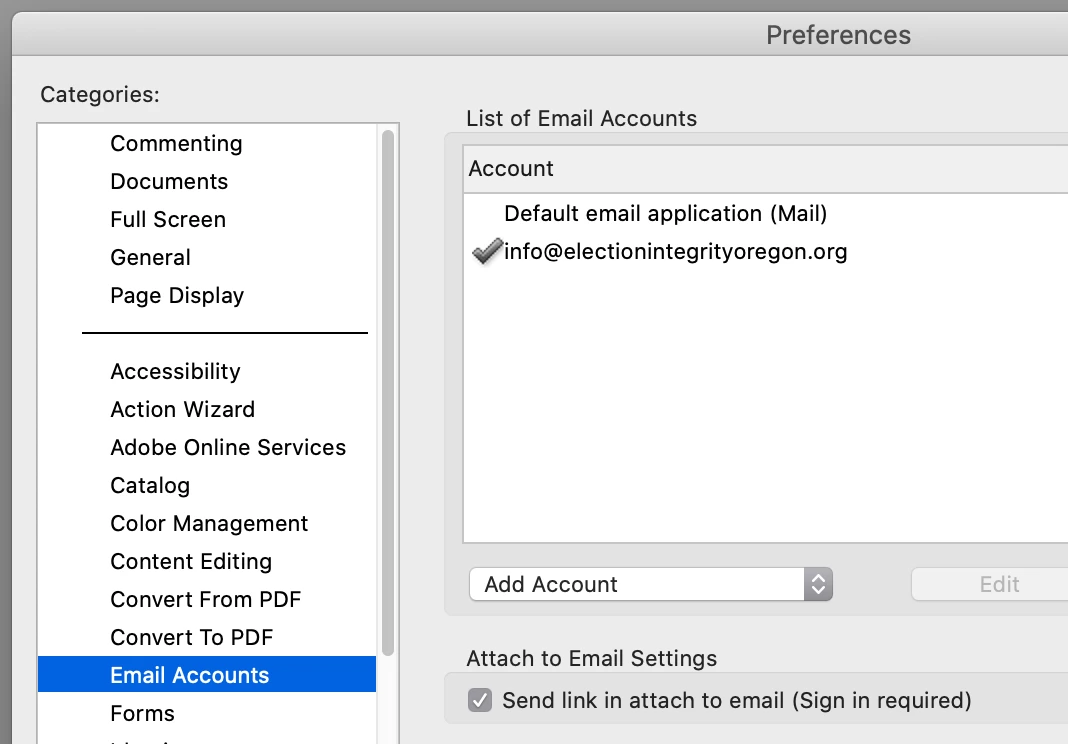
I created an E-Signature PDF form where I want to have the completed form returned to a different email address. On my Mac I selected Preferences > Signature > Identities and Trusted Certificates and created a new name with the new address but it didn’t take effect. What am I missing?


This topic has been closed for replies.

1 reply

try67
Community Expert
Community Expert
December 6, 2022

Does your form have a Submit button in it? If not, how are you sending it?

The Email Accounts prefs. have nothing to do with it, by the way.

David Healy
Inspiring
December 7, 2022

Yes, it has a Submit button addressed to: URL: mailto:info@name.org;llor@name.org.

When I convert with Request E-signature the Submit button disappears:

You said, “The Email Accounts prefs. have nothing to do with it.” Where do I specify the origin email address(s)?

Thank you,

David


try67
Community Expert
Community Expert
December 7, 2022

What do you mean by "convert with Request E-signature", exactly?

I think you're converting the file to an Adobe Sign form. In which case you should ask your question in the Adobe Sign forum.