


Participant
November 16, 2018
Answered

Changing Login Identity?

  • November 16, 2018
  • 1 reply
  • 12425 views

I need help changing my login Name and filling in the rest of the information concerning digital signatures, reviews and comments.  I am NOT looking for patch fixes, such as "create a comment>Menu>Properties>General>[rename author]>Make properties Default" . That doe snot "Fix" the problem which is seen in the screen shot below:
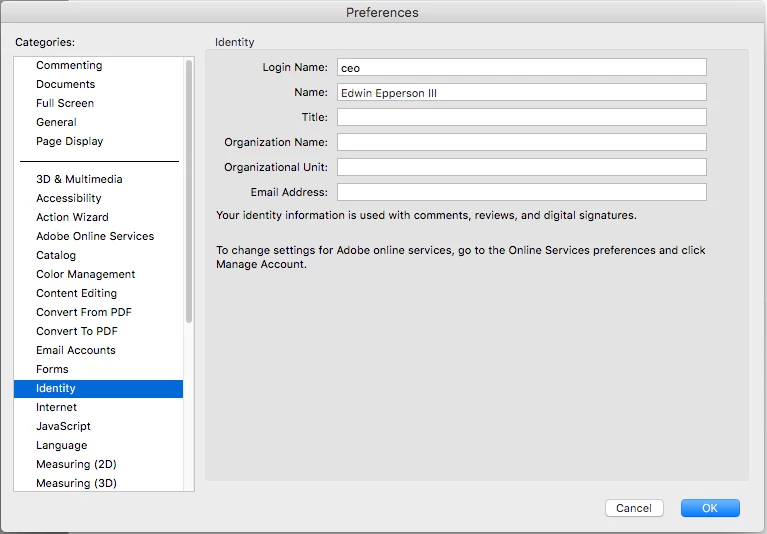
My question is WHERE is the Online Service Preferences>Manage Account found at?  I have logged into my Adobe Acrobat Pro online account and the only thing I can manage is my email and my first and last name see screen shot below:
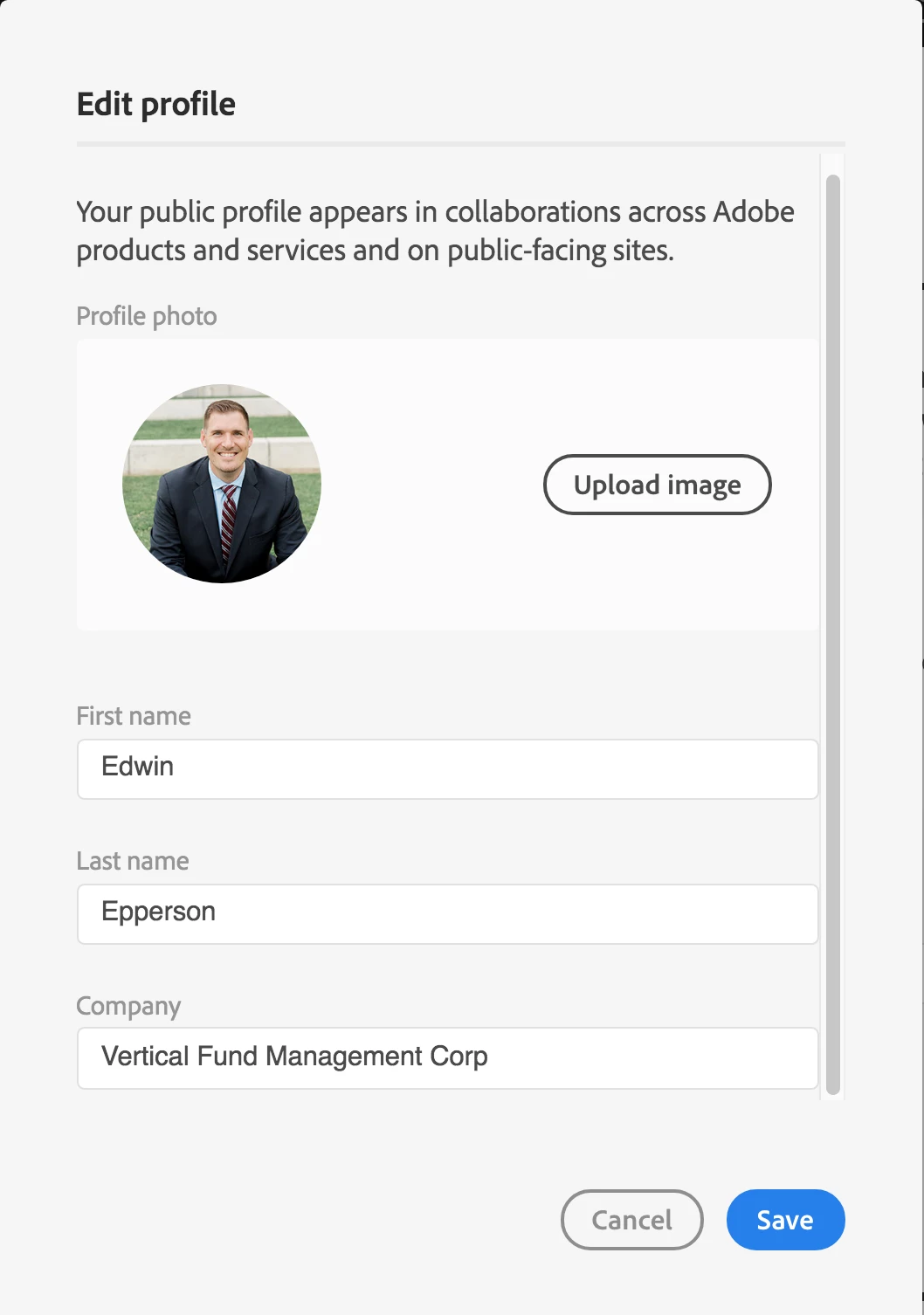
All I need to know is where to find the online service preferences at, I cannot seem to find it.  I am using macOS, High Sierra 10.13.6

Correct answer Adorobat

Hi ee7325,

As per the issue description mentioned above, you want to change the login identity for the comments, digital signatures, reviews and comments in Acrobat, is that correct?

Please refer to the following forum threads discussing the similar topic:

how to change log in name? - can't edit the text field

How can change my login name in acrobat? I want use other name in my comments

Change user name for commenting in Acrobat 10.1.4

Changing Login Name in Acrobat Reader

Let us know if you have a further query.

Shivam

1 reply

Adorobat
Community Manager
AdorobatCommunity ManagerCorrect answer
Community Manager
November 19, 2018

Hi ee7325,

As per the issue description mentioned above, you want to change the login identity for the comments, digital signatures, reviews and comments in Acrobat, is that correct?

Please refer to the following forum threads discussing the similar topic:

how to change log in name? - can't edit the text field

How can change my login name in acrobat? I want use other name in my comments

Change user name for commenting in Acrobat 10.1.4

Changing Login Name in Acrobat Reader

Let us know if you have a further query.

Shivam

Participant
March 17, 2022

When I click on this link, it brings me to a long list of adobe products.  Nothing more.

Participant
July 28, 2022

Same here.