maria del marr21664063
Participant
January 7, 2018
Question

changing multiple hyperlinks name to one universal name "link"

  • January 7, 2018
  • 1 reply
  • 420 views

Hello there,

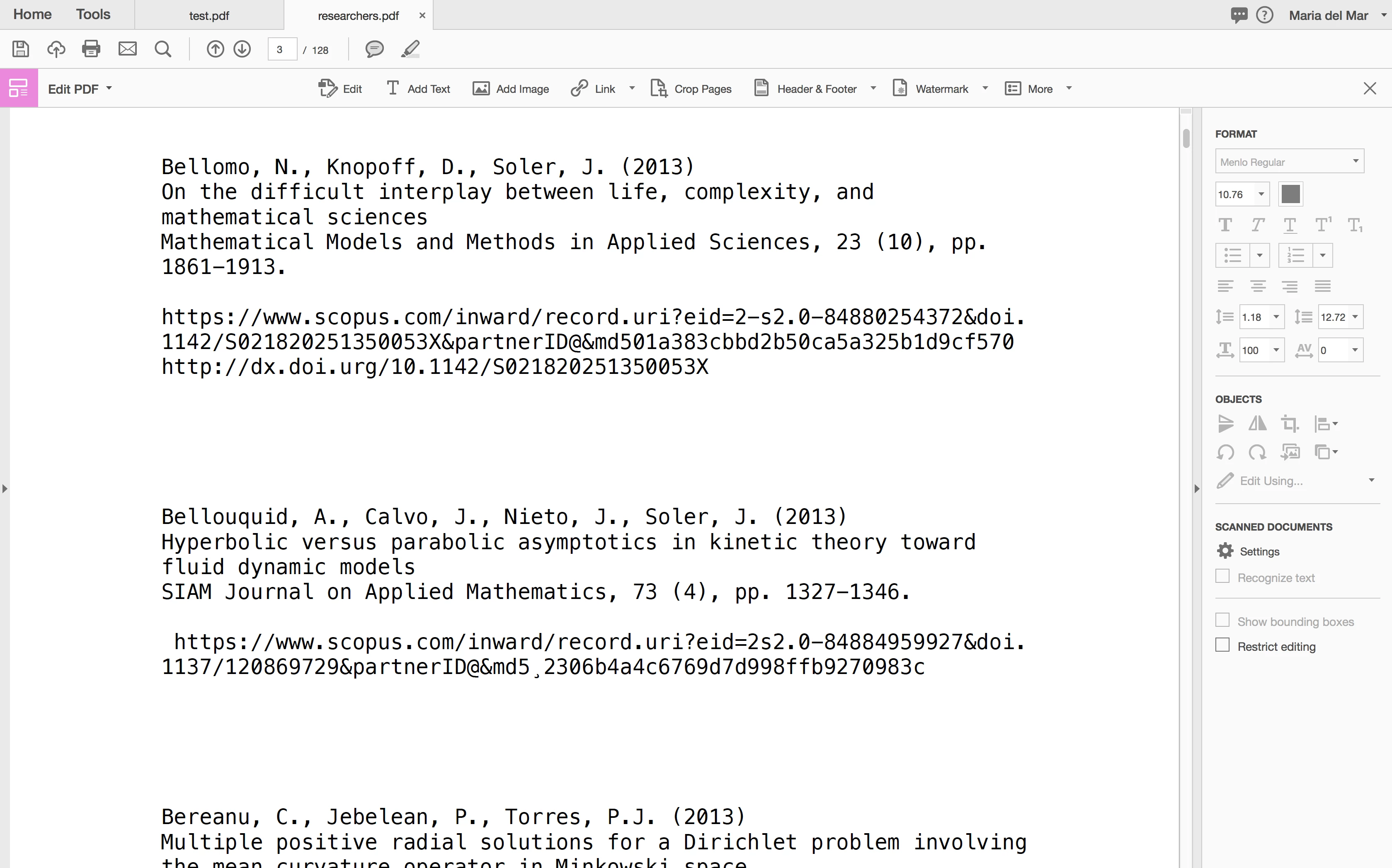
Here is my problem. I have 300 pages of authors and specific link to their articles.

I would like to change long confusing link to something simple like " link"  but I can't imagine doing it one by one  (it would take weeks I think)

Is there any way to make it automatic or basically, change every single long link into simple form 'link"

please see screen for clarity.  I'm a begginer so help please !
This topic has been closed for replies.

1 reply

try67
Community Expert
Community Expert
January 7, 2018

This is not the kind of thing that you should do in a PDF file, nor can you do it automatically, really.

You would need to edit the original file used to create the PDF, and then generate a new PDF from it, or if you don't have access to this file, export the PDF to a more editable format (like MS Word or InDesign), edit it and then create a new PDF.

maria del marr21664063
Participant
January 7, 2018

okkk,

so I imagine you're suggesting to move this topic to indesign dep. rather than this?

try67
Community Expert
Community Expert
January 7, 2018

Did you create this PDF file from an InDesign document? Do you still have access to that document?

If so, then yes, ask over at the ID forum.