Question
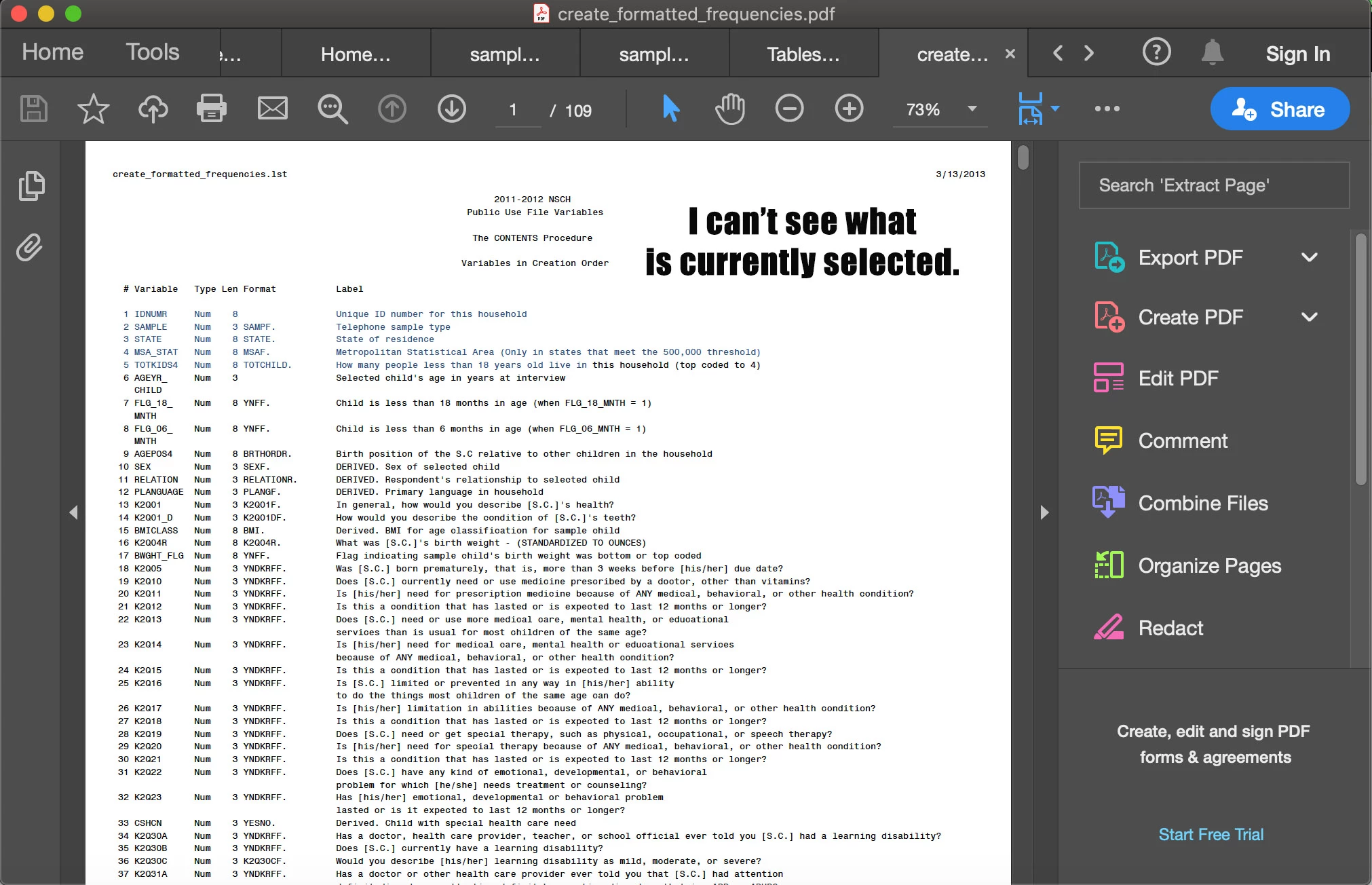
Color blind issue: How do I change the color of the indicator for the selected text? (Mac OS)
I have a problem with selected text where I cannot see what is selected when either the text or the background are light colors. This is especially problematic when using the Find tool for single words, and I have to ask someone near me to show me where on my screen the word is being displayed. It is also a problem when I select text I want to copy where I can't tell what text I have selected, and also when trying to read selected text. I'm told that the selection color is a light blue/gray. Can someone help me figure out how to change that setting? I only know how to change the setting for the colors if I am using the highlighter tool. This does not help for most of the problems I have.
 AdChoices