
Participant
June 2, 2018
Question

Colors different in PDF opened in Chrome/Photoshop vs Acrobat

  • June 2, 2018
  • 2 replies
  • 3927 views

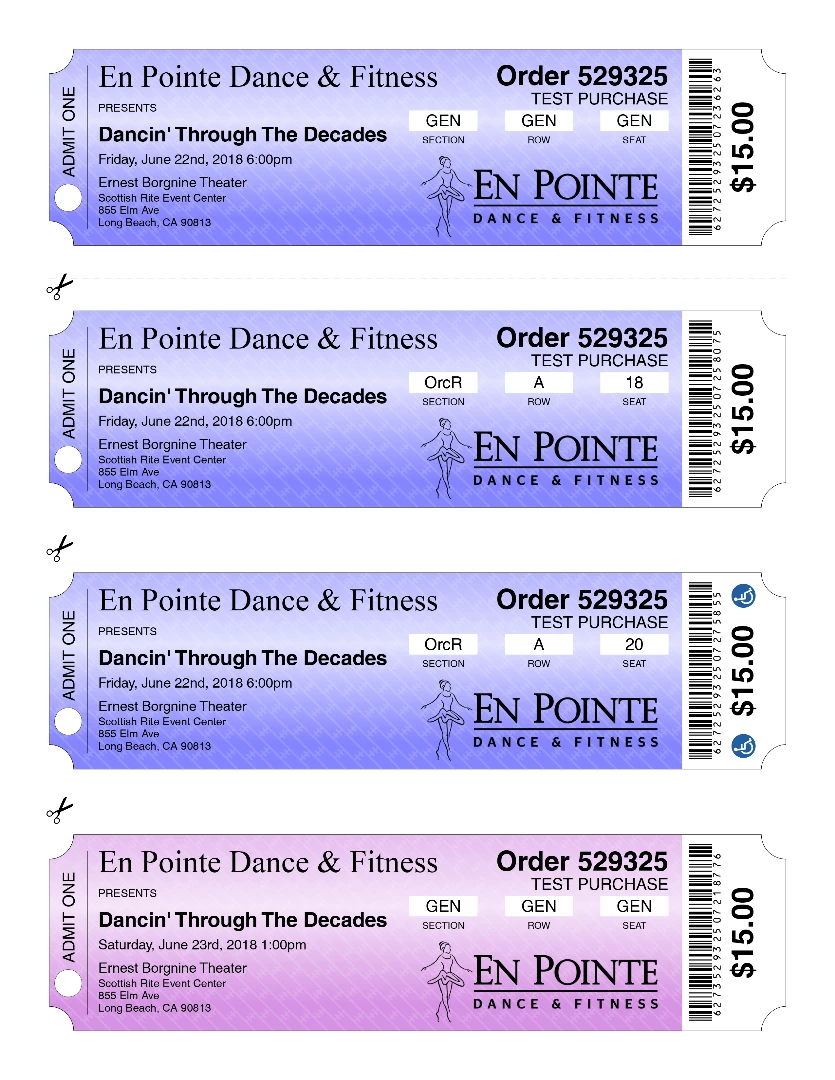
This is what the colors look like when opened in Chrome or imported into Photoshop -- I consider this to be right.
This is what the same file looks like opened in Acrobat X (10.1.16) -- I consider this to be wrong.
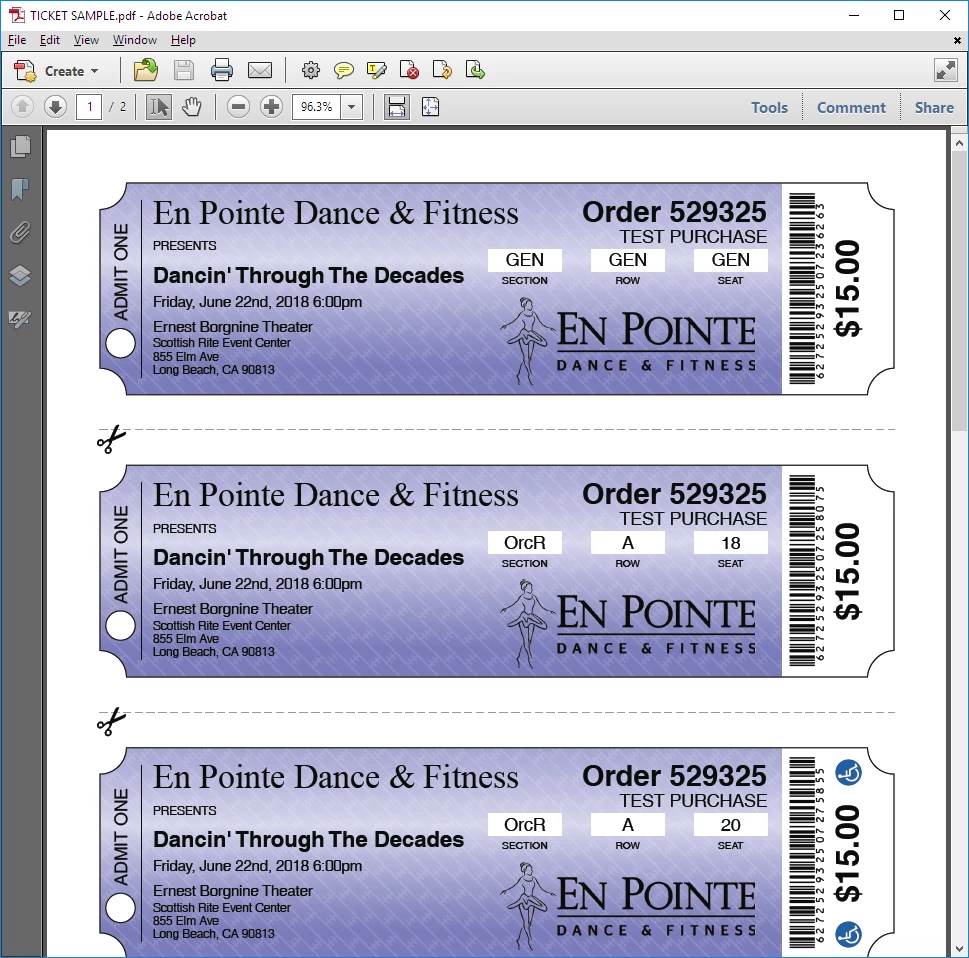
Why question is simply... why? Why is there a color difference? I've tried every setting in Acrobat under Preferences->Color Management and nothing seems to liven up the colors.

Thank you in advance!

This topic has been closed for replies.

2 replies

Legend
June 3, 2018

If you are using transparency be sure to set a blend colour space. You can also do this using the transparency flattener in Acrobat Pro.

Legend
June 2, 2018

Looks like it's being converted to CMYK, perhaps because of transparency. Did you make the PDF, if so how? If not, how did you decide which is right?

Legend
June 2, 2018

Also, I imagine you're choosing RGB when you open in Photoshop. Try choosing CMYK instead, see if it matches.

Participant
June 2, 2018

I opened it in Photoshop and selected CMYK, as suggested, and it does indeed match the colors as when I open it in Acrobat. The PDF was generated using PDF Kit (a nodejs tool) and the colors were chosen using RGB values, which is why I decided that the Chrome rendering was more accurate. While I'm not sure if PDFKit is robust enough to allow me to address this issue, I appreciate you pointing me in the right direction. Disregarding PDFkit specifically, is there a flag in the PDF specification that would cause the rendering engine to produce consistent colors on most (if not all) displays?