
maxm45822469
Participant
August 30, 2024
Question

Colour display problem

  • August 30, 2024
  • 1 reply
  • 194 views

Hello everyone,


I'm writing to you because I've had a problem for 2 days that I can't seem to solve.


I work in the printing industry and use Illustrator and Acrobat Pro on a daily basis.


For the past two days, when I open a PDF file from a customer in Acrobat, it appears randomly with the correct colour rendering :
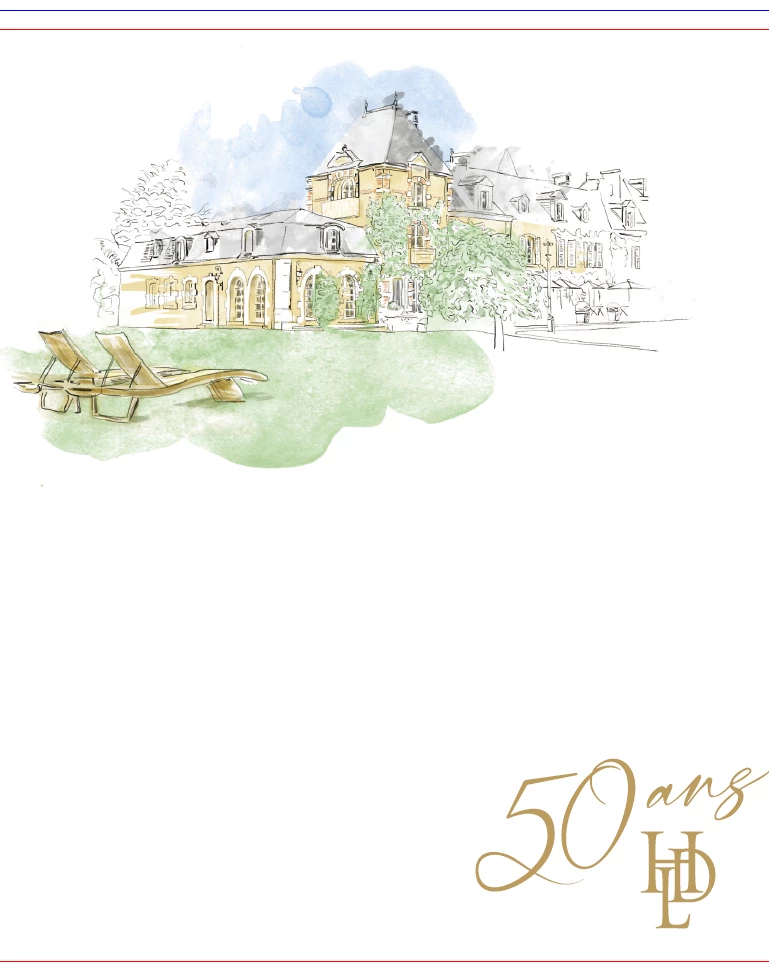
 

or with a bland white filter :
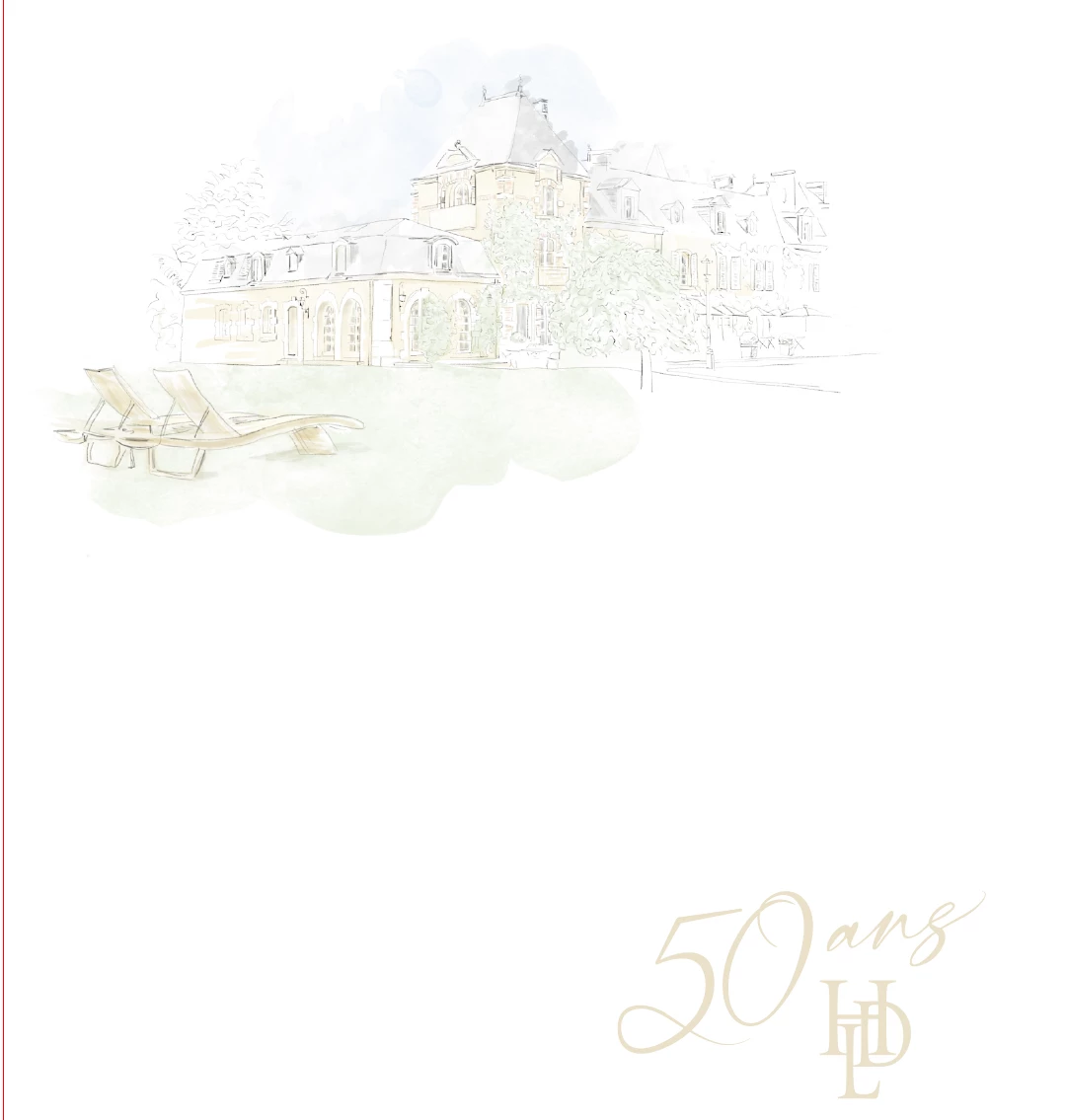
 

Here's an example of a file, sometimes when I open it I get the right colours and other times I get this.

I've tried adjusting the colour management settings, using the Adobe ACE or CMM or Microsoft ICM engine, but it doesn't make any difference.


I've tried changing the colour profile in the Windows display settings or removing the HDR rendering, but nothing changes.


I've noticed that sometimes, when I set my window to small rather than full screen, the colours revert to the correct ones at random.


Do you have any idea what the problem is?

1 reply

Souvik Sadhu
Community Manager
Community Manager
January 24, 2025

Hi @maxm45822469,


Hope you are doing well. Sorry for the trouble, and the delayed response.


If you still experience the issue, you might want to try the steps below:


  • Open Acrobat and go to Edit > Preferences > Page Display.
  • Under Rendering, ensure the following:
    • Use 2D Graphics Acceleration is unchecked (if enabled, it can sometimes cause display issues).
    • Smooth Line Art and Smooth Images are enabled.
  • Click OK to save changes and reopen the file to test.

Also, checking the color management settings on for Acrobat might also be helpful:


  • Go to Edit > Preferences > Color Management.
  • Ensure the Monitor Profile matches your calibrated display profile or set it to Adobe RGB (1998) for consistent rendering.
  • Check that the Working Spaces for RGB and CMYK align with the customer's expected color profiles (e.g., sRGB, Coated FOGRA39 for print).
  • Set the Rendering Intent to Preserve Embedded Profiles or Relative Colorimetric (which preserves colors better for print).


Hope this helps.


-Souvik