Known Participant
April 22, 2019
Answered

Combine fields only if field has content

  • April 22, 2019
  • 1 reply
  • 1957 views

I have 30 comment fields in my form and I want to consolidate it to 1 field.
However, users have an option to just use how many comment fields they like. That means 1-30.

The comment fields have a default value, "Comment -1", "Comment-2" etc.

Since the fields have default value, is there a way to combine items only if it has content, meaning users have put in a real content in the field and not just the default value?

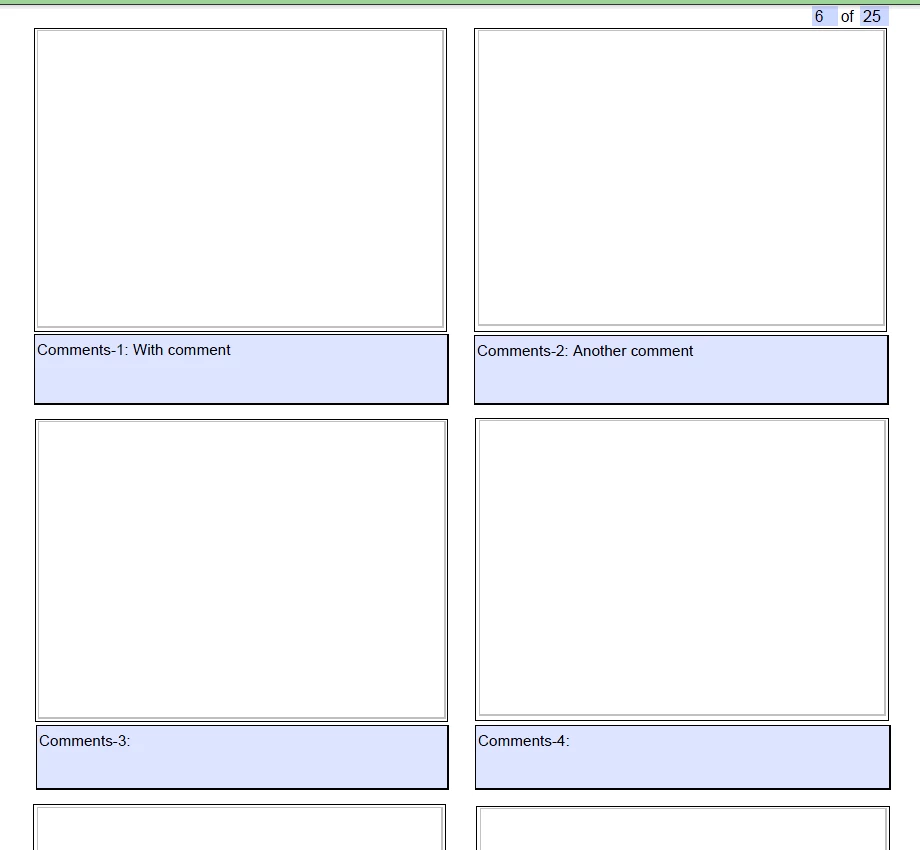
Right now this is how the form looks like. The script I have is only written up to comment 4 that's why comments 5-30 is not visible.
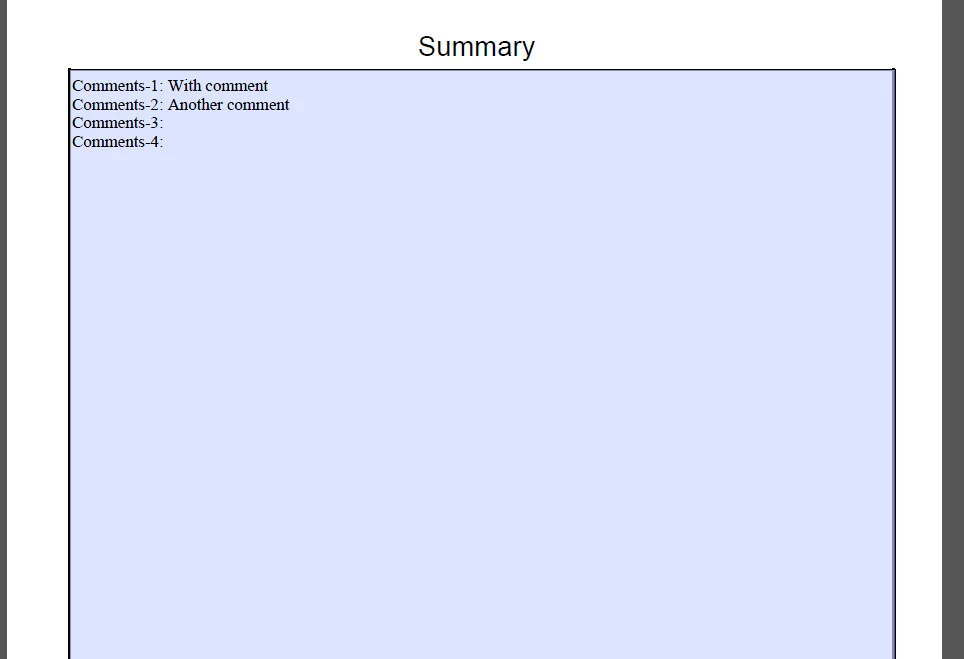
I want the summary field to show only comments 1 and 2, with the "comments#".

Thank you in advance.

This topic has been closed for replies.
Correct answer try67

You can use this code as the custom calculation script of your text field:

var text = "";

for (var i=1; i<=30; i++) {

    var s = this.getField("Comment-"+i).valueAsString;

    if (s!="") text+="Comments-"+i+": " + s + "\r";

}

event.value = text;

1 reply

try67
Community Expert
try67Community ExpertCorrect answer
Community Expert
April 22, 2019

You can use this code as the custom calculation script of your text field:

var text = "";

for (var i=1; i<=30; i++) {

    var s = this.getField("Comment-"+i).valueAsString;

    if (s!="") text+="Comments-"+i+": " + s + "\r";

}

event.value = text;

Known Participant
April 22, 2019

Hey. Thank you for responding. Should I use this code for the summary field? I tried pasting this script and looks like it didn't work.

Might be another stupid question but the current field names of my comment fields are t_1, t_2, t_3, t_4 etc. Should I change the names in order for this code to work?

try67
Community Expert
Community Expert
April 22, 2019

Yes, as the custom calculation script of the summary field.

OK, in that case you need to change either the names of the fields or the code.

Doing the latter is much easier... Simply change this:

var s = this.getField("Comment-"+i).valueAsString;

To:

var s = this.getField("t_"+i).valueAsString;

PS. When a code doesn't work the first thing you should do is look in the JS Console (Ctrl+J), as it will report any errors that happened while executing it, like an incorrect field name.