
Participant
March 26, 2025
Question

Combining Fillable Form PDFs with a PDF

  • March 26, 2025
  • 1 reply
  • 234 views

I am using the latest version of Adobe Acrobat 64-bit (25.001.20435). I have a short manual (35 pages) that I wrote in MS Word and saved as a pdf. I have several fillable forms that I created in the same version of Acrobat. When I combine the 4 fillables forms with the manual, some of the fields become unfillable in the combined file. They are fillable in the individual pdfs. For example, all the fields in this screen capture should have checkboxes: 
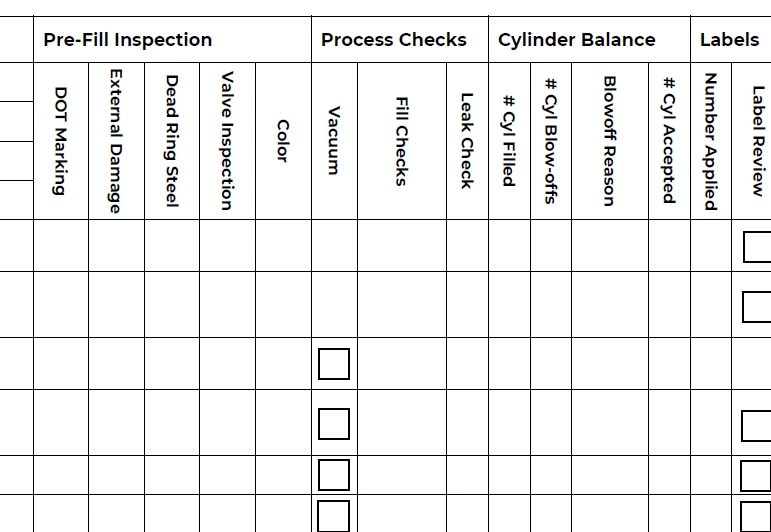
 

Is there a setting to prevent the fillable fields from being removed?


Thanks.

1 reply

Thom Parker
Community Expert
Community Expert
March 27, 2025

You need more detailed help. This isn't a forum question.  For example, are those fields hidden or removed? You say they are unfillable, but it looks like they aren't there. Which is it? Does this really happen in the combining process? Some tests need to be done. It's possible that fields could be lost if the PDFs are malformed in some way.


Did you create fields in the different forms that use the same name? This can be an issue.  All the different forms need to use different field names if the forms are to be combined. 


Thom Parker - Software Developer at PDFScriptingUse the Acrobat JavaScript Reference early and often