
Participant
June 15, 2020
Question

Comment Drawing Rotated

  • June 15, 2020
  • 1 reply
  • 360 views

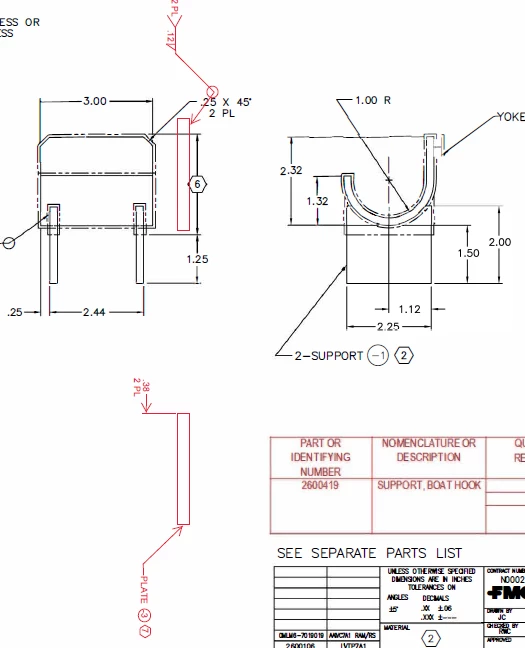
I used the Comment Drawing Tools and Insert Text features to create a graphical comment in a scanned PDF.  When I selected the Edit PDF feature Acrobat rotated my Comment 90 degress clockwise.  Why did this happen?  How do I correct that?  Snapshot image of problem pasted into this message:
 

This topic has been closed for replies.

1 reply

Karl Heinz  Kremer
Community Expert
Community Expert
June 15, 2020

As to why this happens, my guess is that you ran into a bug. Which version of Acrobat are you using? If it's anything recent, you should report this bug here: http://www.adobe.com/products/wishform.html


You could try to edit the document first, and then add your comments. Does that make a difference? 


Unfortunately, Acrobat does no allow you to rotate comments via the user interface, they can be rotated with JavaScript however.

Participant
June 15, 2020

I am using Adobe Acrobat Pro DC (Version 2020.009.20067).

I have never used JavaScript, can you provide the code to rotate the comments?