
Question
Comment Pane always opens for a doc without any comments
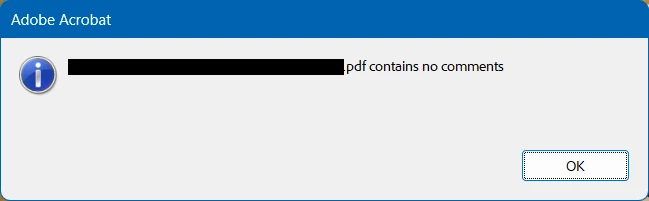
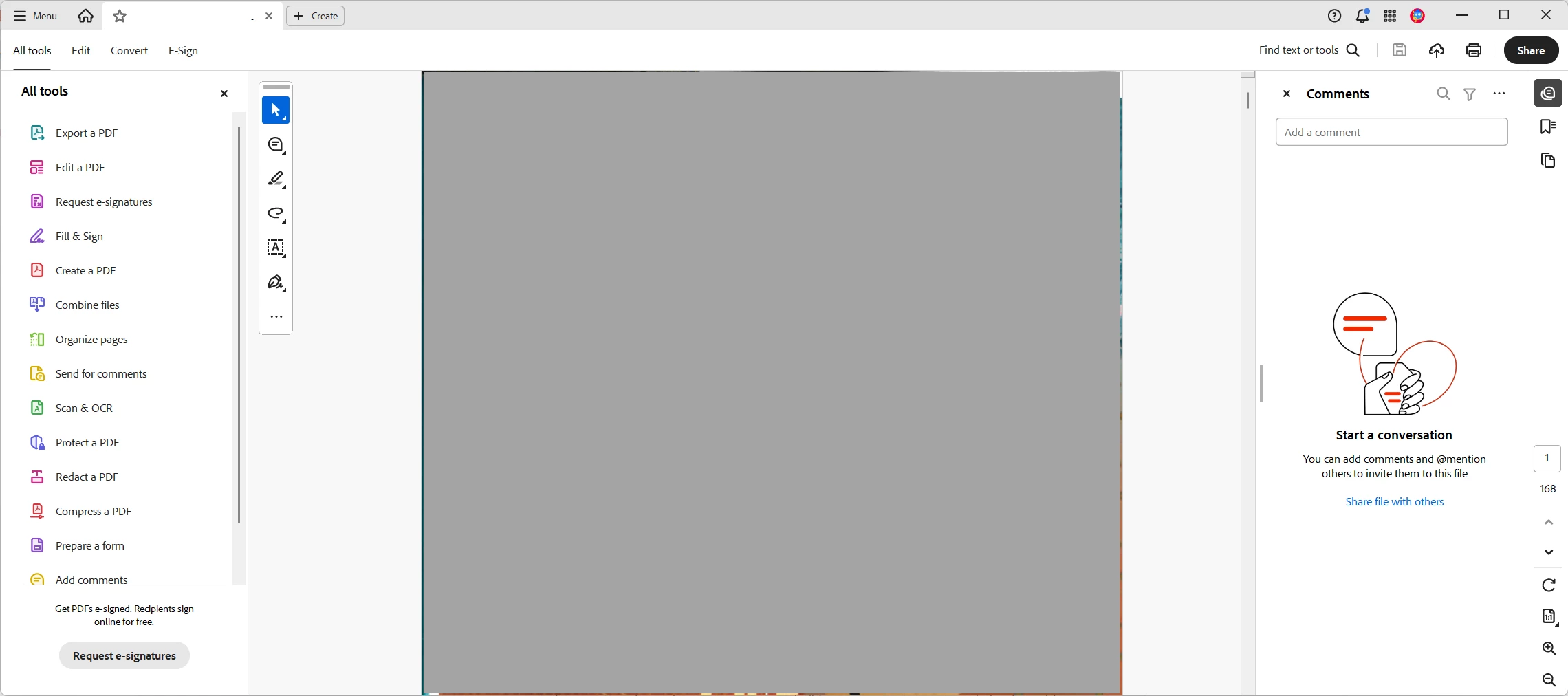
I have a PDF that does not have any comments in it, yet it always opens with the comment pane showing. Acrobat DC 2024.005.20320
The option to 'restore last view settings' did not resolve it. I set that, closed the comment pane and then Acrobat, but the pane opened again when I reopened the PDF.
Turning off the option 'show comments pane when a PDF with comments is opened' is not a solution, I do want the pane to open if there ARE comments present. However, I tried it anyway and the setting would not stay unchecked with either the New or Old Acrobat interface.
Any suggestions welcome.


 AdChoices