rachel_o_123
Participant
July 11, 2017
Answered

Comment size shrinks when selected for copy/paste

  • July 11, 2017
  • 1 reply
  • 3633 views

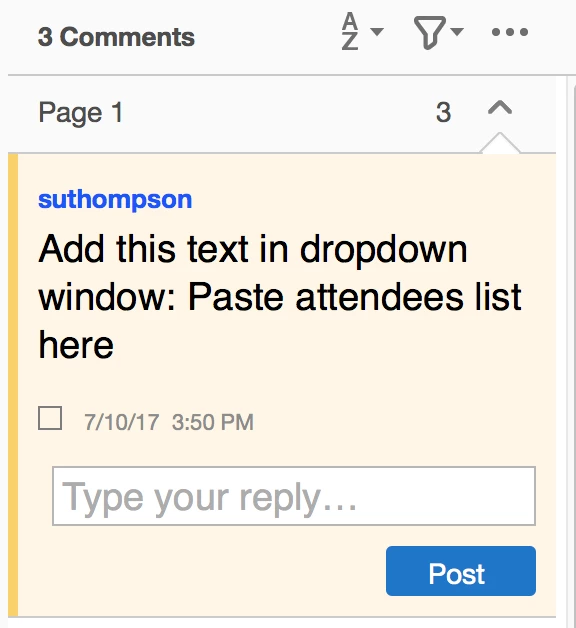
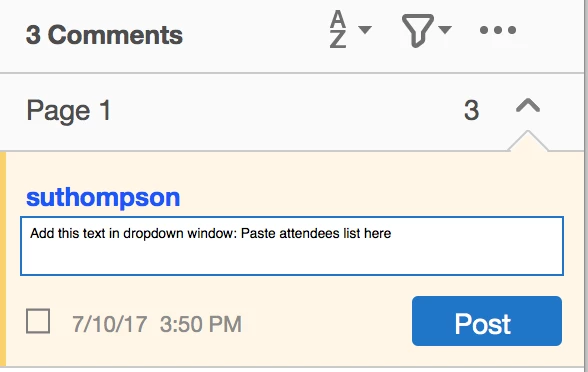
When I view a comment in the Comment Panel, it is a large font. When I click in the comment to select text for copy/paste, the font shrinks to a very small size (See photos for example before and after). How can I keep the font at a larger size?

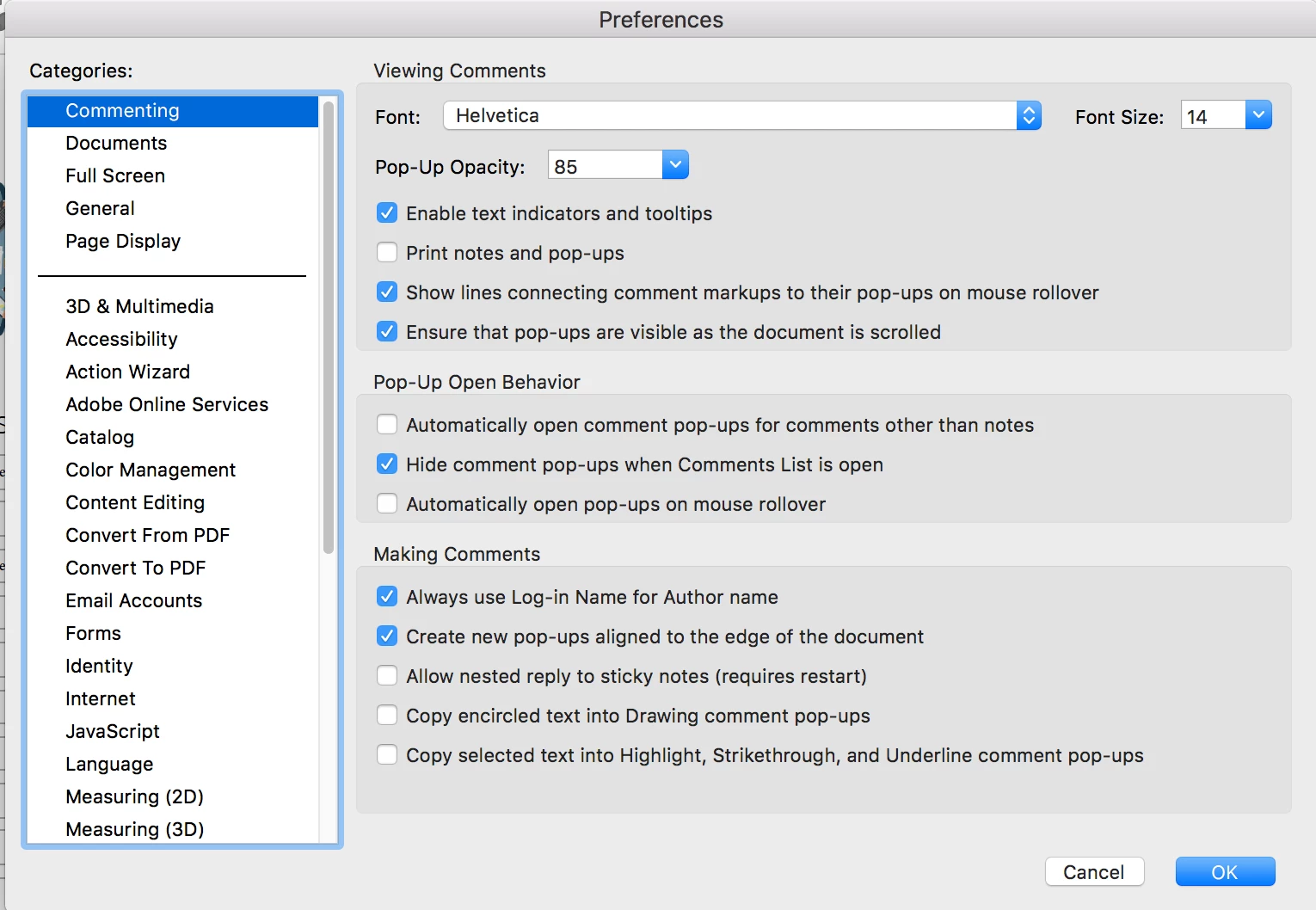
The Commenting Preferences option seems to only change the font size in the comment panel before you click in the comment. When hovering over a sticky note, the font is also small.
This topic has been closed for replies.
Correct answer Document Geek

I think the issue has to do with pasting. Acrobat will retain certain text attributes when you paste text into a sticky note. One of those attributes is font size. The user interface for font size is very confusing and doesn't work well. To edit the size of the type, you'll need to select in in the sticky note itself, not in the Comments pane. Then you can us the Text Properties tool in the toolbar to change the size of the type. You can also use the Properties Toolbar to change the font size. Your choice. I wrote about the Properties toolbar here: Document Geek: How to Edit Font Properties Within a PDF Sticky Note

If you want to keep the text size at the default when copying and pasting, first paste the text into a plain text format of some sort. I like to use a blank email, and paste it into the Subject field. Or you can paste it into a text document. Whatever you want. It just needs to be some sort of program that will first strip the text formatting out.

1 reply

Document Geek
Community Expert
Document GeekCommunity ExpertCorrect answer
Community Expert
July 12, 2017

I think the issue has to do with pasting. Acrobat will retain certain text attributes when you paste text into a sticky note. One of those attributes is font size. The user interface for font size is very confusing and doesn't work well. To edit the size of the type, you'll need to select in in the sticky note itself, not in the Comments pane. Then you can us the Text Properties tool in the toolbar to change the size of the type. You can also use the Properties Toolbar to change the font size. Your choice. I wrote about the Properties toolbar here: Document Geek: How to Edit Font Properties Within a PDF Sticky Note

If you want to keep the text size at the default when copying and pasting, first paste the text into a plain text format of some sort. I like to use a blank email, and paste it into the Subject field. Or you can paste it into a text document. Whatever you want. It just needs to be some sort of program that will first strip the text formatting out.

rachel_o_123
Participant
July 12, 2017

Thank you, that does seem be the issue! Whatever size the text is when someone pastes it into a sticky note is the size the font changes to when you open the note.

Unfortunately for me, since the edits are coming from other people, this will not be something I can control.