
Participant
March 11, 2025
Question

Compare PDF greyed out/not available

  • March 11, 2025
  • 1 reply
  • 415 views

I use  Adobe Acrobat Pro in Continous Release.

According to the instructions, there should actually be a tool called "compare" that I can use to compare two PDFs. https://helpx.adobe.com/de/acrobat/current/compare-documents.html

Unfortunately, the tool is not available in the sidebar.
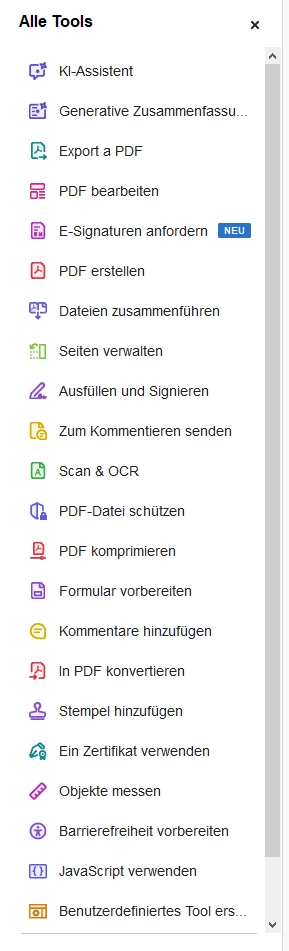
If I go to "all Tools" and search for it, I can see that the tool is there, but it's greyed out/blured:
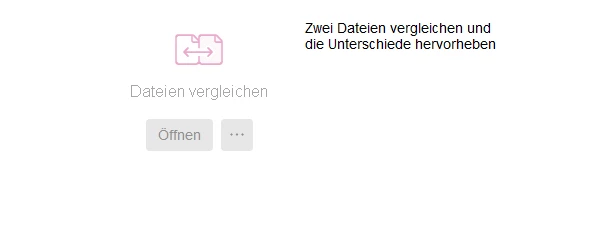
I can't find any settings to switch the feature on. What I can see ist this:
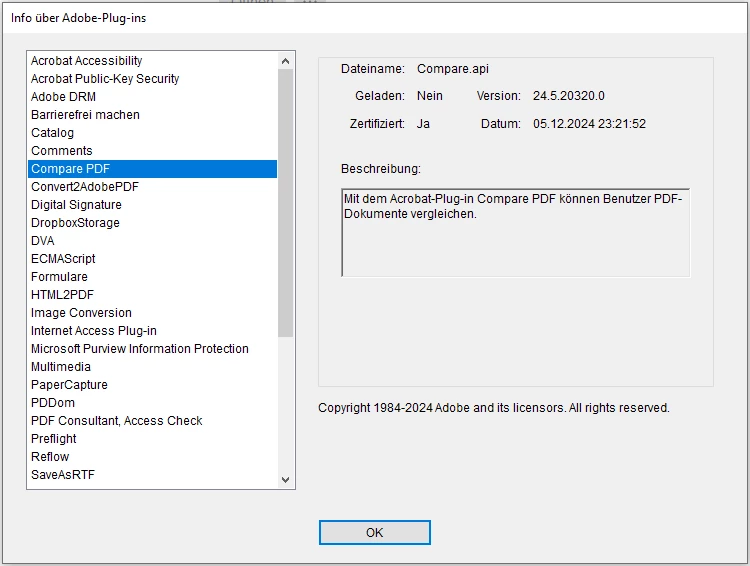
It claims that compare.api is not loaded? Not sure about this.

1 reply

Legend
March 12, 2025

Hi @hendrik_2895, 


Thanks for reaching out with your question and sorry for the troubled experience. 

I tried checking your Subscription details with the email ID you use to log in to Adobe Community; however, I could not find any active subscription on the account. 


The only possibility of not having the "Compare Tool" on your copy Acrobat on your machine is if you are using Acrobat Standard subscription, please use this link to check for feature comparison Acrobat Pro Vs Standard: https://adobe.ly/4bJ5WqC;


Let us know if you have further questions. 


~Tariq