


Answered
Complaint - Completing a Comment now requires three clicks instead of one
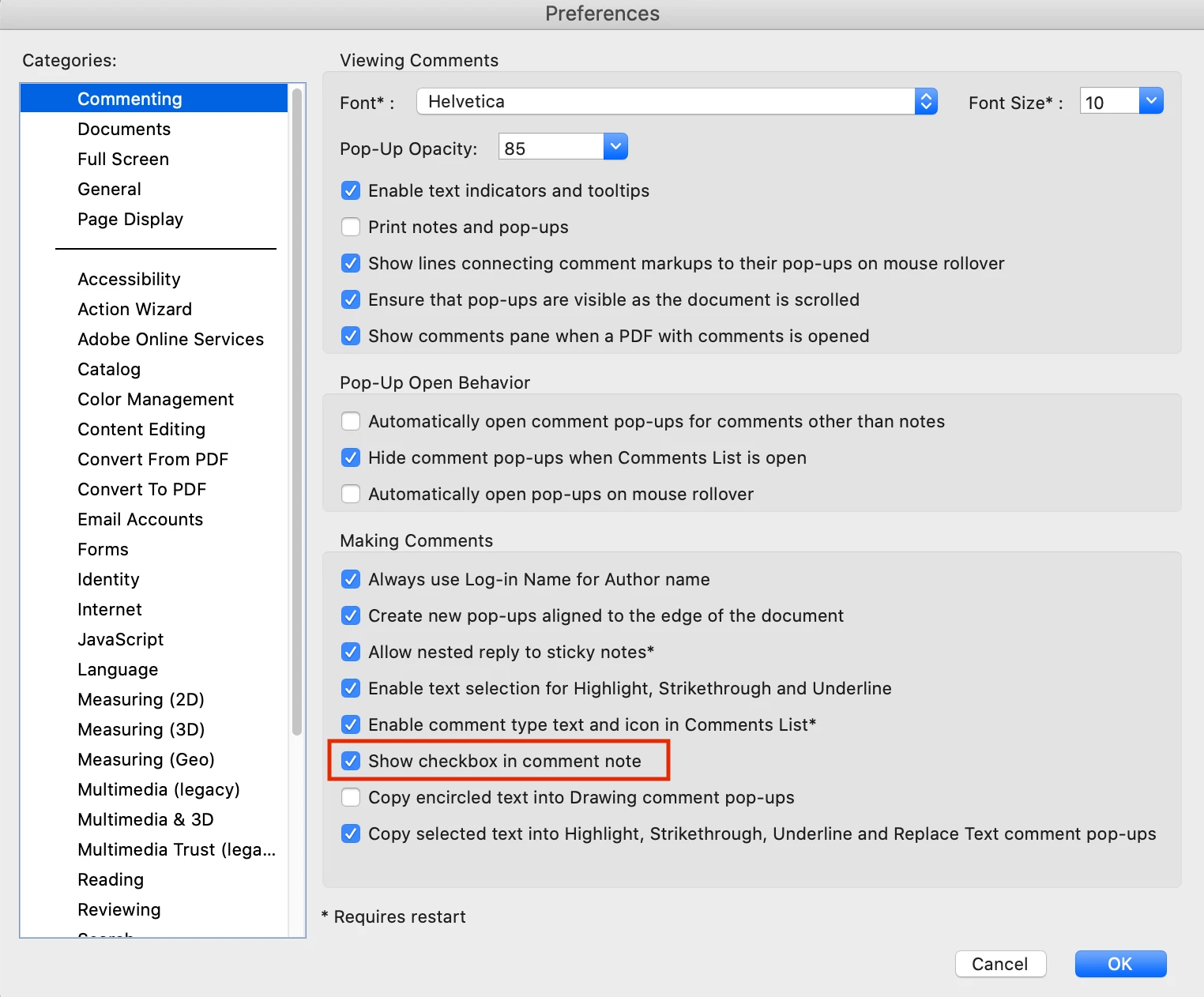
In the latest version of Adobe Acrobat Pro DC, comments have to be completed by resetting the status instead of just checking a box. This requires clicking on the three dots, opening the Set Status menu and selecting Completed. Three clicks instead of one.
I understand that someone must have requested more statuses instead of just Completed (rejected, hold, etc.) so completed was bundeled into the new function. However, the files I have to process routinely have 1000 or more individual changes that I have to complete (big files). That's a lot of extra clicks just to complete a change!
I vote we keep the menu of new stauses for those that need it, but restore the Completed checkbox!

 AdChoices