



CONSTANT ERROR NAME PAGES
I have to print a 76 page document. Very simple. Brother laser printer HL-L5200 with up to date Firmware. Intel iMac with up to date iOS - Sequoia 15.6.1
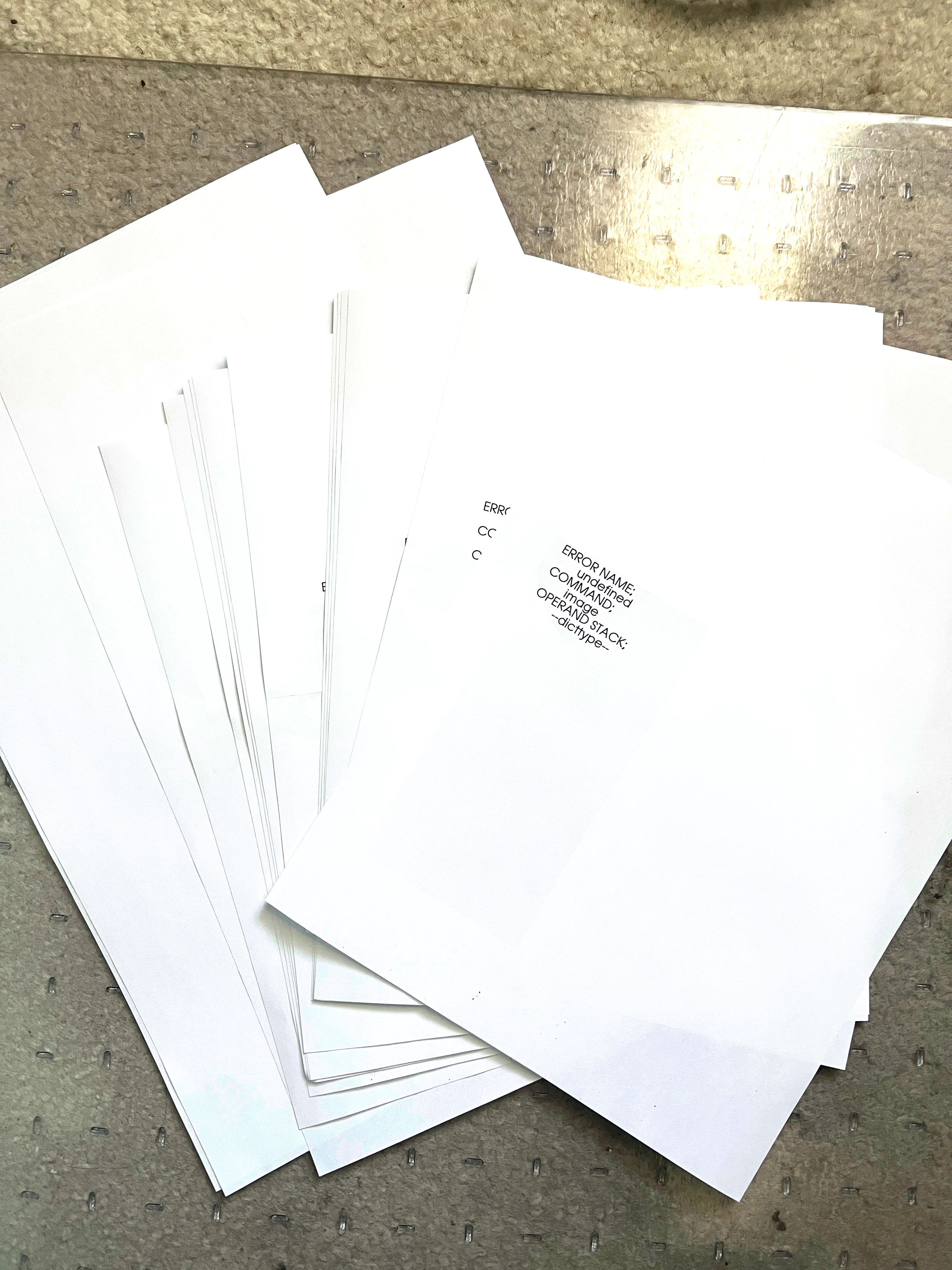
It’s taking me HOURS because I keep getting the error name pages. I now have 16 error name pages. I’ve unplugged, restarted everything. Using Adobe Reader and Acrobat. I’ve gotten one error name page before here and there but restarting the printer seemed to fix it. But not now. The document is nothing but text on letter and legal. I have a dual tray printer and using Adobe Acrobat the printer will select the paper size needed when printing.
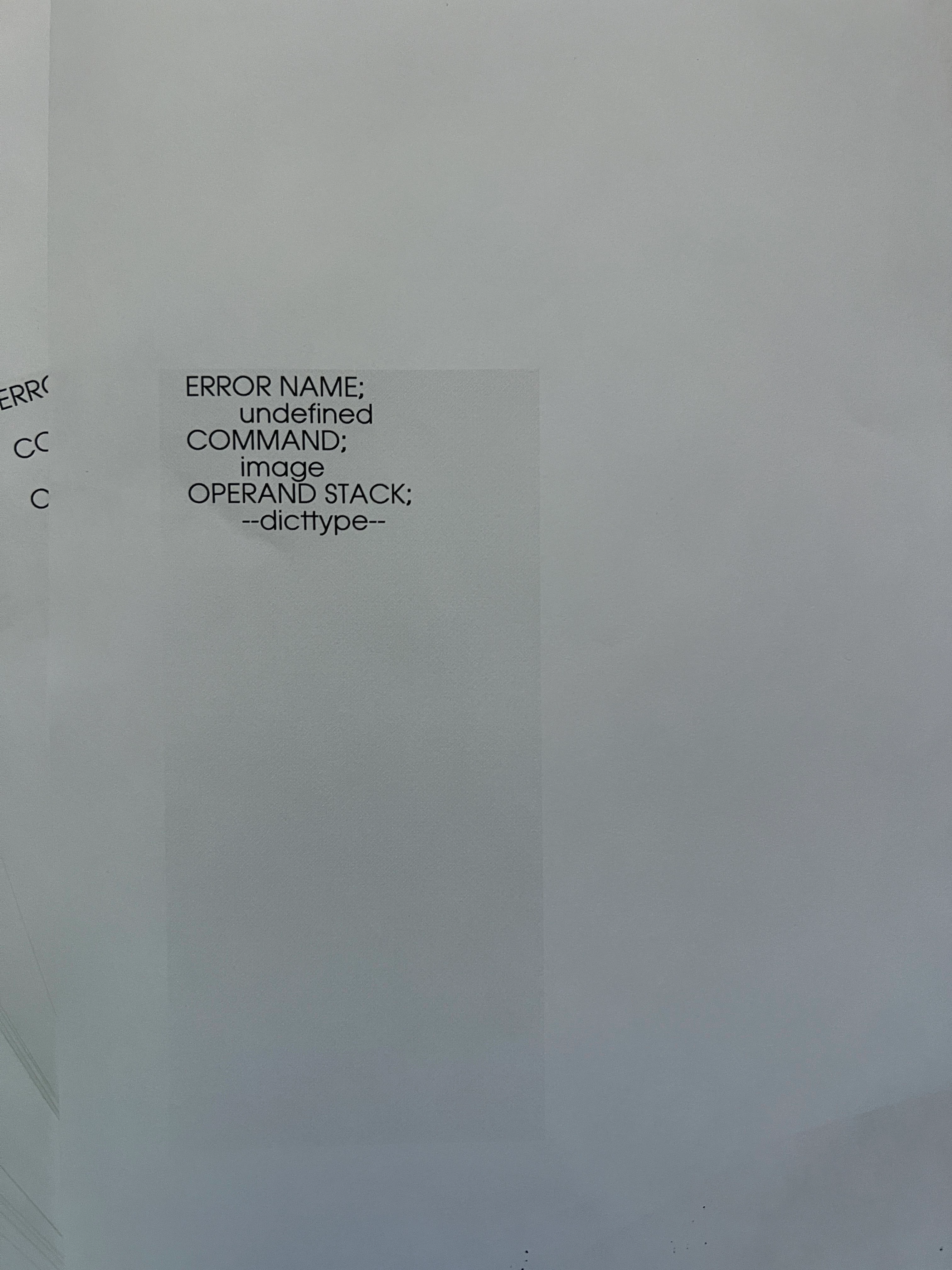
I’ve tried printing one page at a time. When I do that I only get the Error Name pages. All of the Error name pages say the same thing. Does anyone have a solution? Thanks in advance.
i'm now up to 20 error pages. Wasting so much paper.
 AdChoices