
Convert PDF to PPT with out changing the text frame format
I use indesign to first create the format for the document and then convert to a PDF for sharing. But I need to convert PDF to PPT in acrobat pro again for my coworker.
Then the problems appear when I open the PPT. Some text frames which were separate in PDF are combined to be a table in PPT.
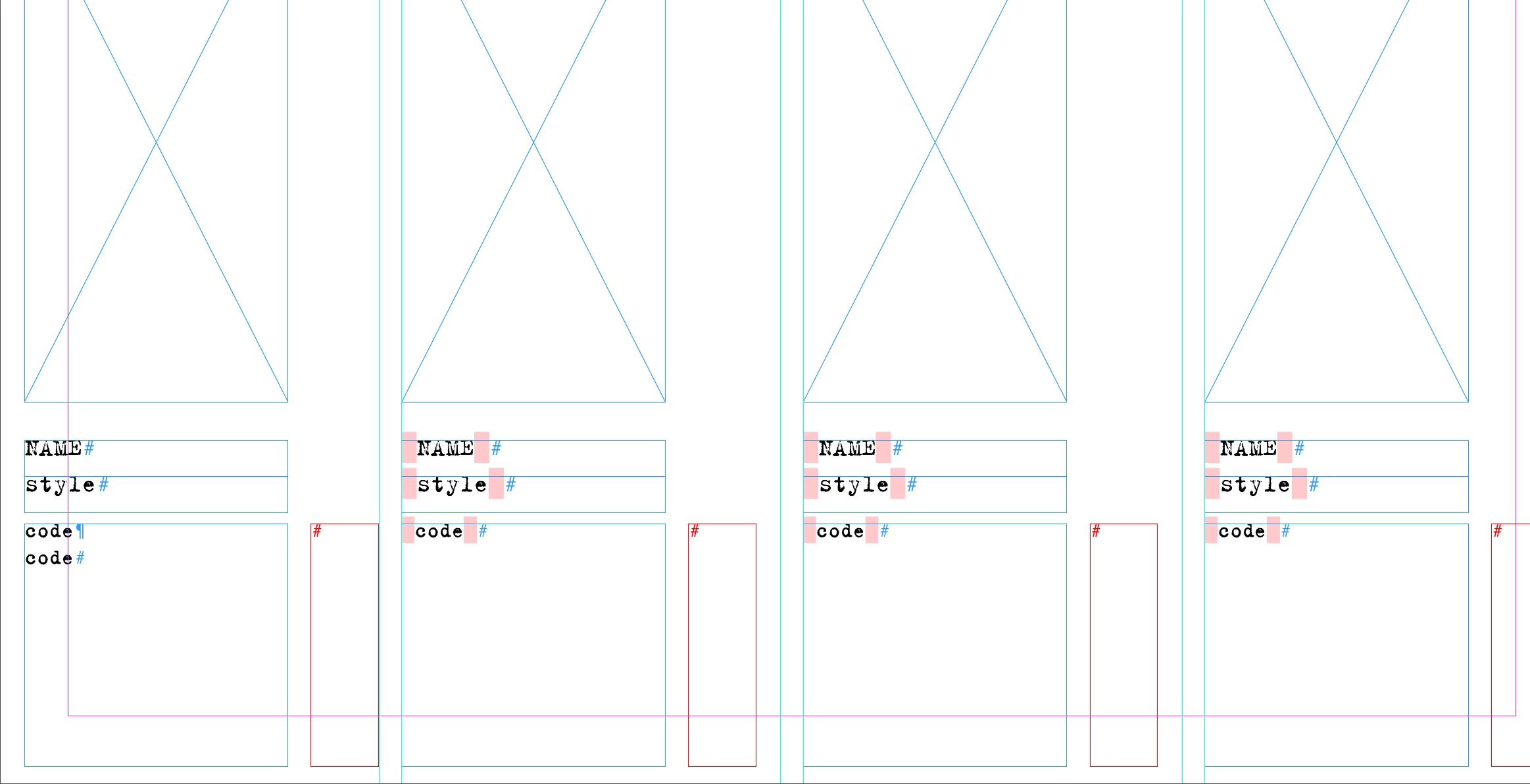 1st pic is the indesign format I use for line up as a reference.
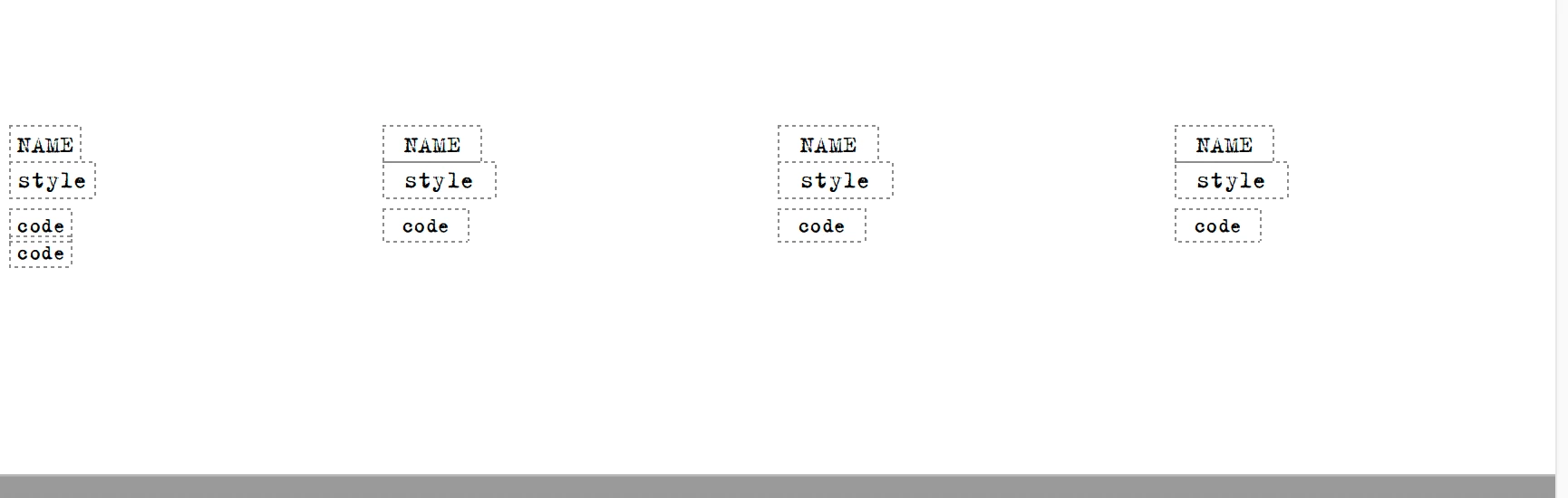 2nd pic is in the acrobat edit mode when I opend the pdf file in acrobat pro. The text frame is also fine.
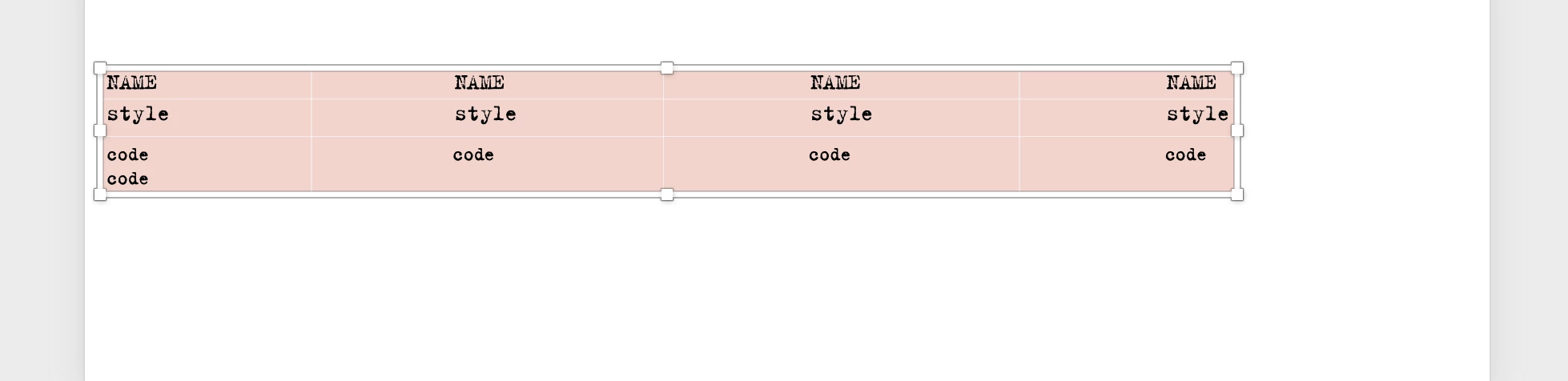 This is the text after I convert PDF to PPT. Text frames were also converted to table. So I have to manually moving the text frames a little bit not perfectly lined up in indesign to avoid this problem. But sometimes it still appears.
I want to find a solution to this problems. However I do understand that Indesign is more advanced than Powerpoint so some function might not be perfect. Anyways, I am still looking forward to some cool solutions. Thanks!
 AdChoices