Known Participant
October 1, 2021
Answered

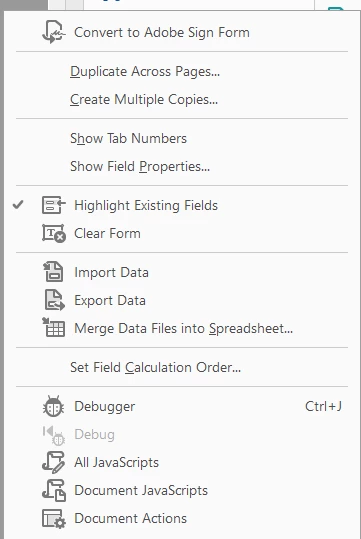
Convert to adobe sign form , Loosing calculation box & features when converting to adobe sign

  • October 1, 2021
  • 2 replies
  • 721 views

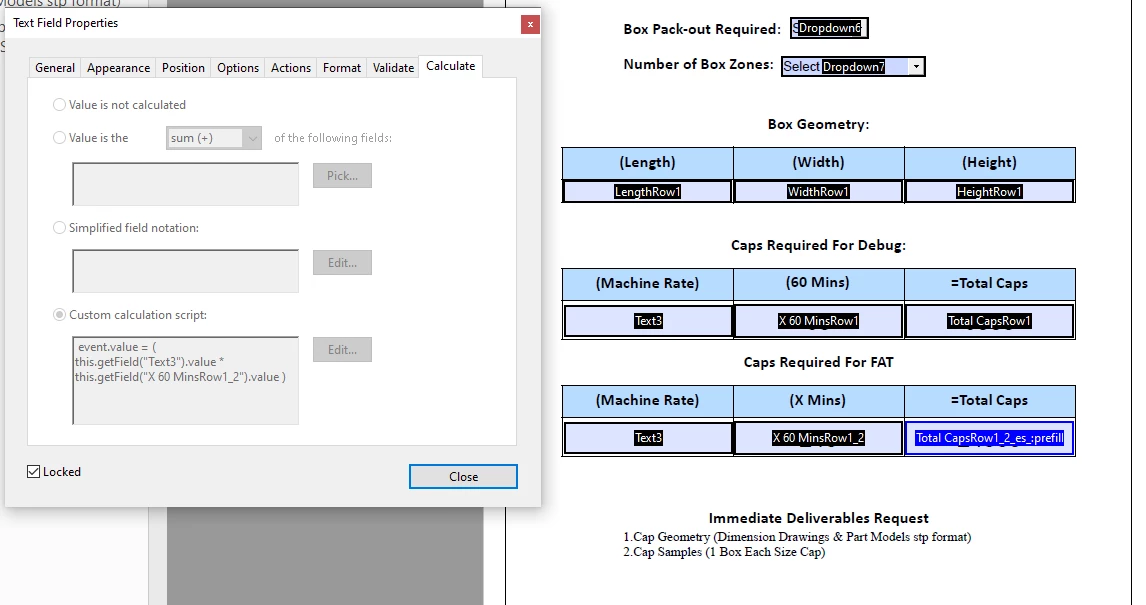
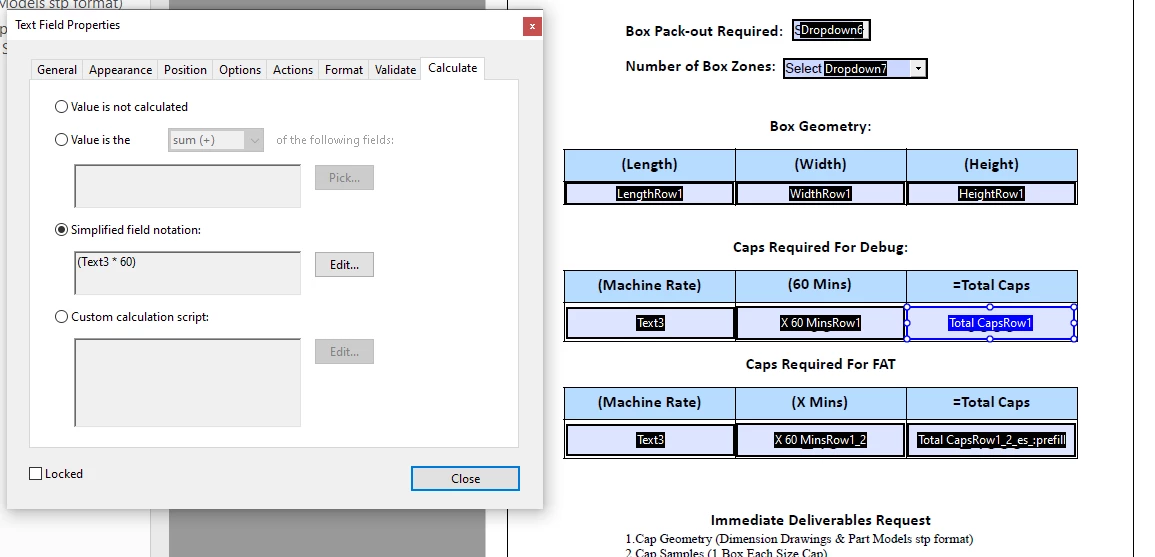
i prepared a document the user fills out signs and sends back, i assigned a box to take the sum of two other boxes. When i convert the document to adobe sign form, i loose the auto calculation box. . The first 2 screenshots are the calculate scripts i am trying to use in the interactive signed PDF. 

Any solution to this problem. Also i used the prepare tool on the pdf i created in framemaker>i then adjusted the values and in its finalized form the total cap boxes are leting the user fill in data when the data in those boxes should be automatically inputted when they fill out the machine rate boxes. 

In the first screenshot the user is required to fill out machine rate, which is copied from page 1, and they fill in the mins to get the total caps count highlighted in the screen shots. 

the caps required for debug script is simpler and times machine rate x 60mins to give a total cap count


This topic has been closed for replies.
Correct answer Ronald Lashley

They can submit the form back via email, or to a web-server (more automated, but more complicated to set up).


The developers to date have not sorted out how to resolve this issue. There is a huge disparity between the two products when converting a form to adobe sign. Adobe Form does not give you the option to assign fields to specific people, which AS does but to do that, you loos the functionality that Adobe has, like calculations. The other solution you provided is viable utilizing the web-server like you can do with SharePoint for multiple access but if someone signs it and it requires multiple signatures doesn't it lock the document after the first signature?  

2 replies

try67
Community Expert
Community Expert
October 1, 2021

If you want to use Adobe Sign you can't have scripts, including calculation ones, and vice versa.

Use a digital signature field, instead of Adobe Sign.

beau5CC8Author
Known Participant
October 1, 2021

if i Use a digital signature field, can i populate the document returns to my adobe document inbox, or is there a way for the user to select complete form and it will automatically be sent back with some kind of audit trail?

try67
Community Expert
Community Expert
October 1, 2021

They can submit the form back via email, or to a web-server (more automated, but more complicated to set up).

beau5CC8Author
Known Participant
October 1, 2021

Note: the page works until i convert, i loose all functionality as soon as its concerted and processed through the adobe sign tool. This is for a work project and the pressure is on to find a solution or an answer as to wether or not this is possilbe.

Thank you