Participating Frequently
March 6, 2026
Question

Convert to Grayscale preflight turns photos very dark

  • March 6, 2026
  • 2 replies
  • 23 views

We have certain items with grayscale photos that use CMYK ink that we need to convert to black ink only. However when I use Convert to Grayscale or Digital Printing (B/W) to achieve this, the photos become extremely dark, unless I turn on Output Preview, at which point they appear brighter.  The dark appearance happens whether I’m viewing them in Acrobat or a web browser.  Why is this happening, and how can I prevent it?  It has caused confusion when proofing to clients.

Using Print Production → Convert Colors → Gray Gamma 1.8/2.2 gives slightly better results for the photos but turns all of the text a faded gray color.

Examples shown below:
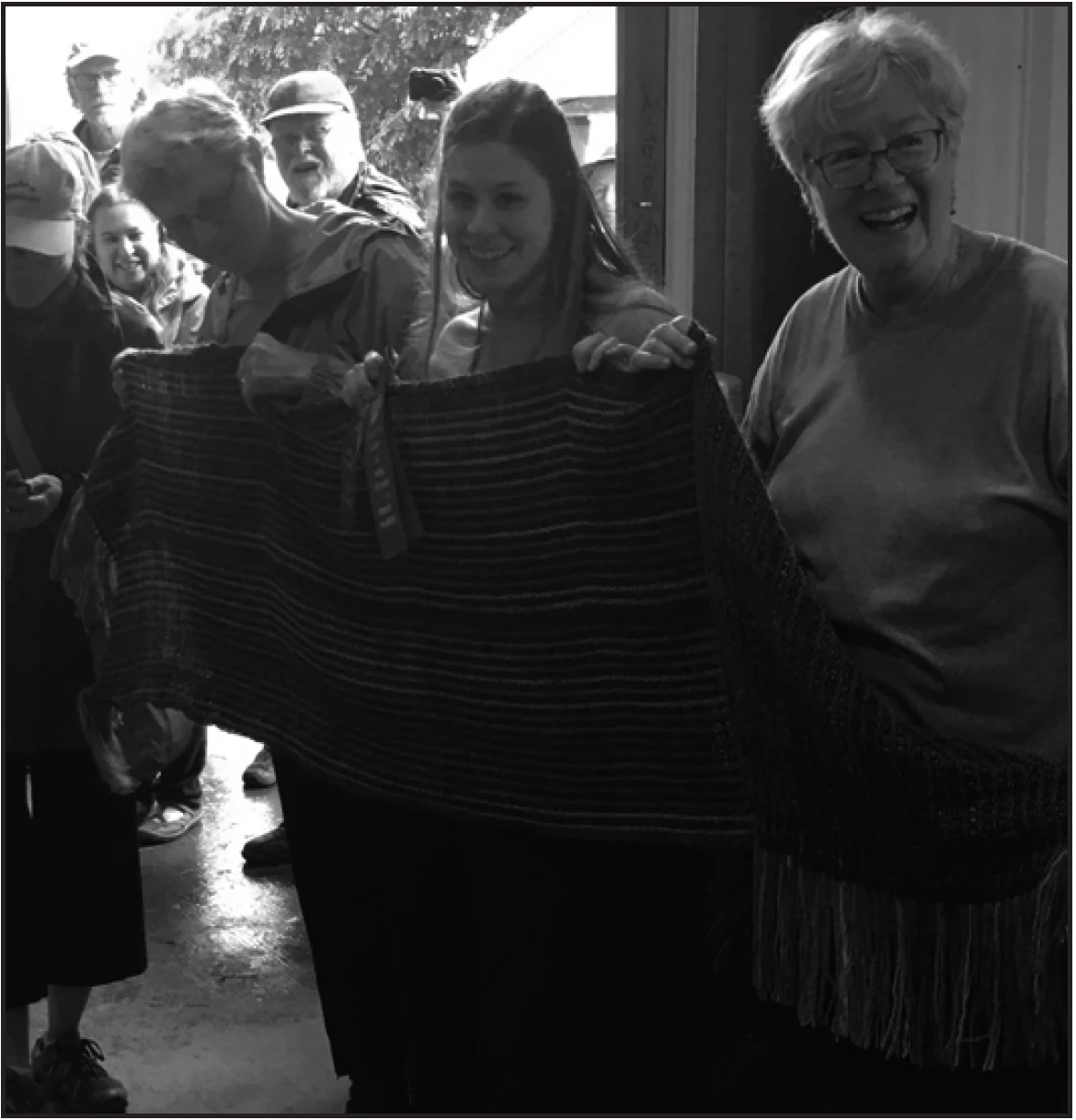
Original photo using 4 colors
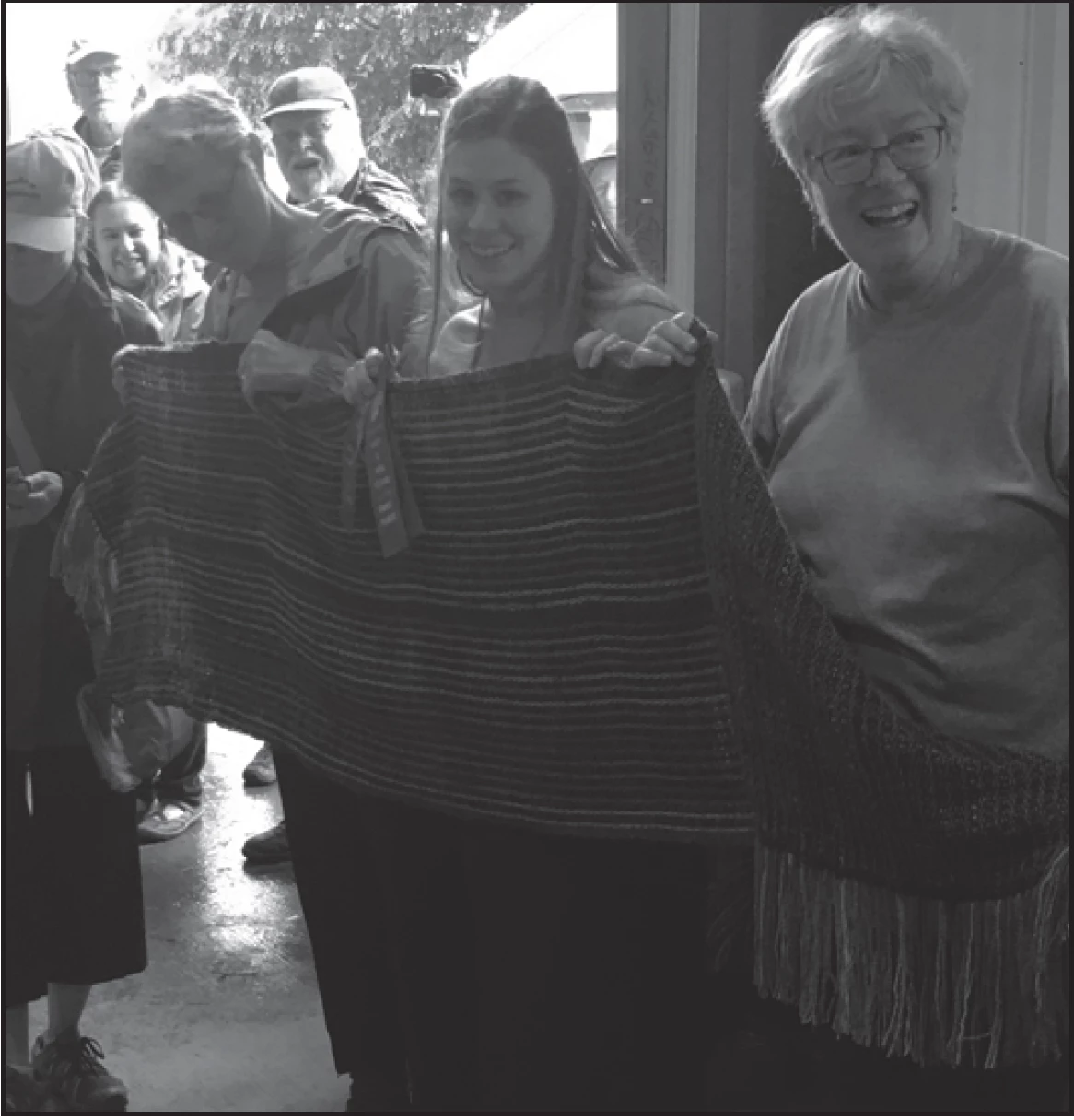
Converted to grayscale using preflight, regular viewing in Acrobat/web browser
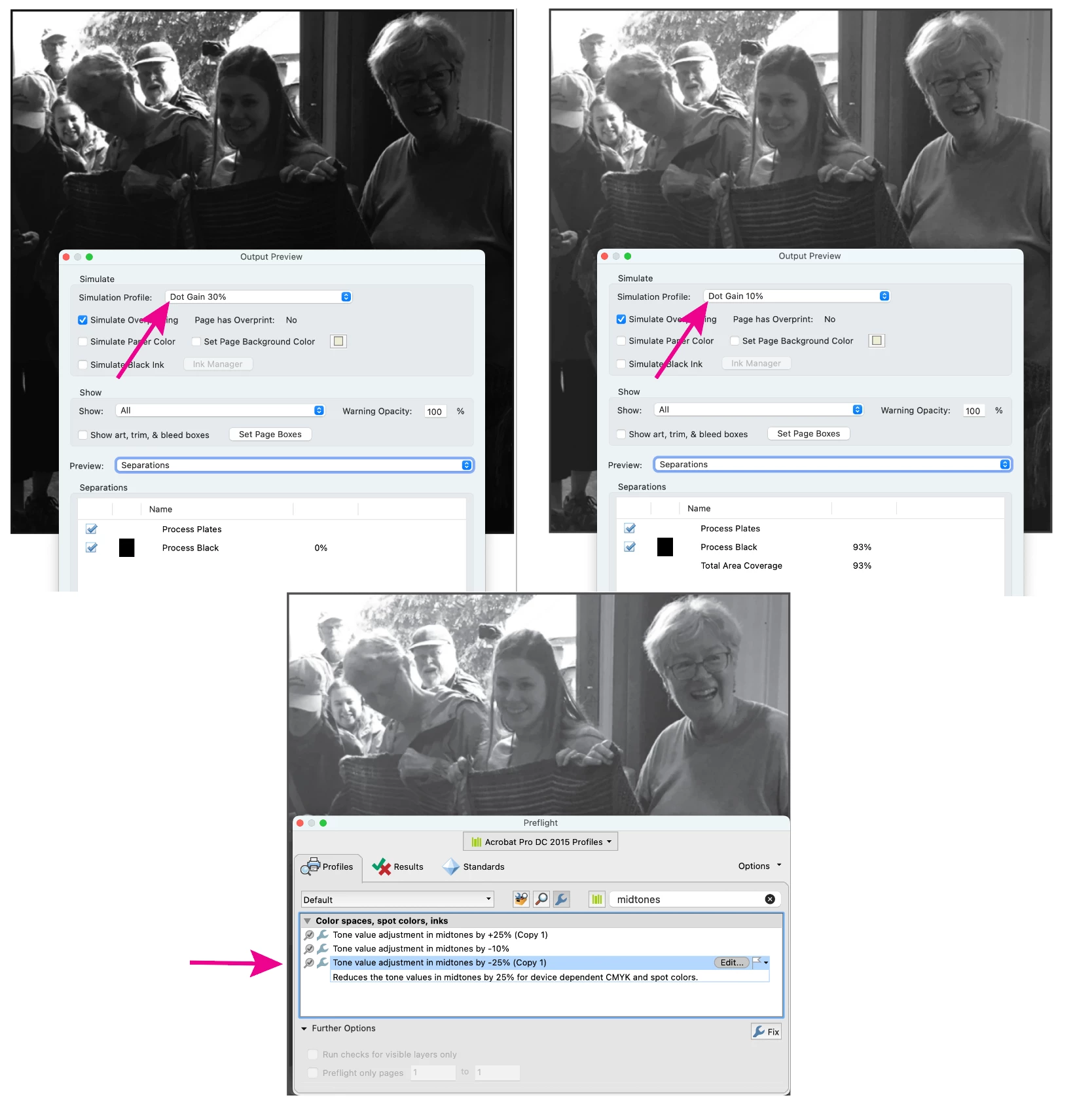
Output preview turned on in Acrobat


    2 replies

    Dave Creamer of IDEAS
    Community Expert
    Community Expert
    March 6, 2026

    Turn on Overprint Preview in Acrobat and see what happens. 

    David Creamer: Community Expert (ACI and ACE 1995-2023)
    Dave Creamer of IDEAS
    Community Expert
    Community Expert
    March 6, 2026

    Try adjusting the color photo with the Black and White adjustment filter before converting to grayscale. Also check your grayscale conversion settings. 

    David Creamer: Community Expert (ACI and ACE 1995-2023)
    Participating Frequently
    March 6, 2026

    Do you mean to adjust it using Photoshop? Some of these can be long multi-page booklets where we don’t have the source files, is the best solution really to go in and edit them one by one?