Answered
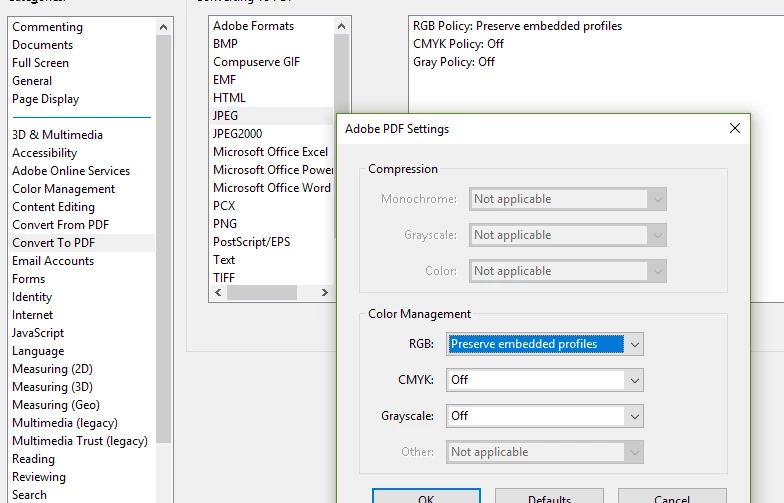
Convert To PDF - JPEG, has no page size options
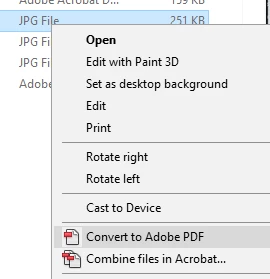
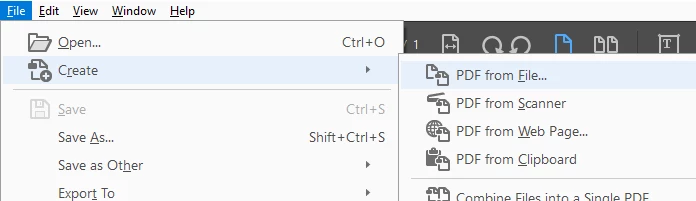
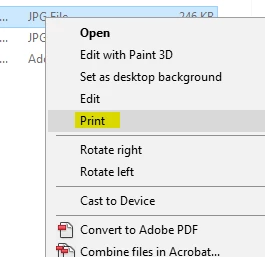
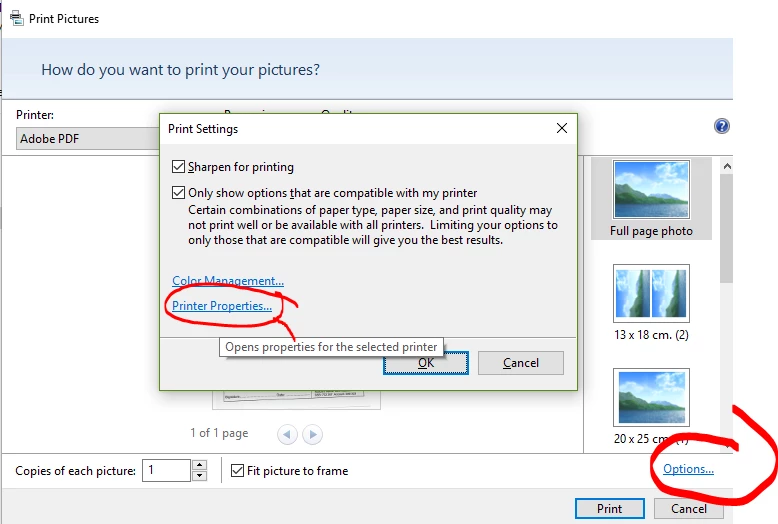
When creating or converting a jpg (jpeg) file to PDF, the resulting page size doesn't appear to be editable.
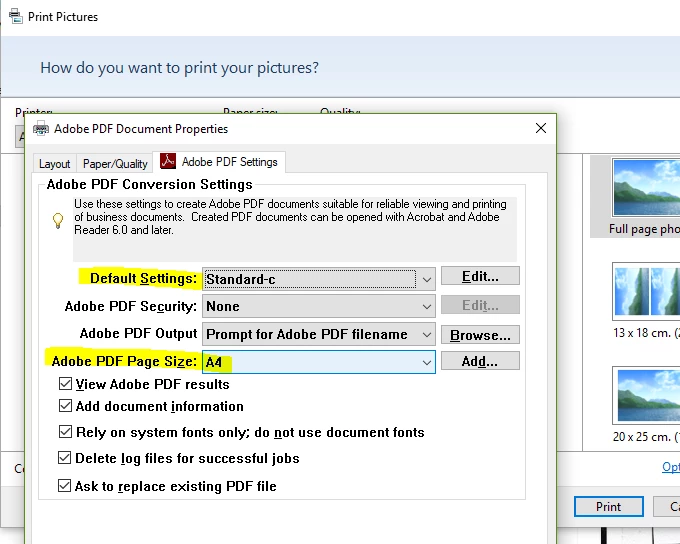
Is there a way of making the PDF page size A4 210x297mm (or whatever size I need) upon creation from the jpg file, or do I need to first scale the jpg image to A4 before creating the PDF?
This should be an easily accessible feature of converting/creating PDF from jpg (JPEG).
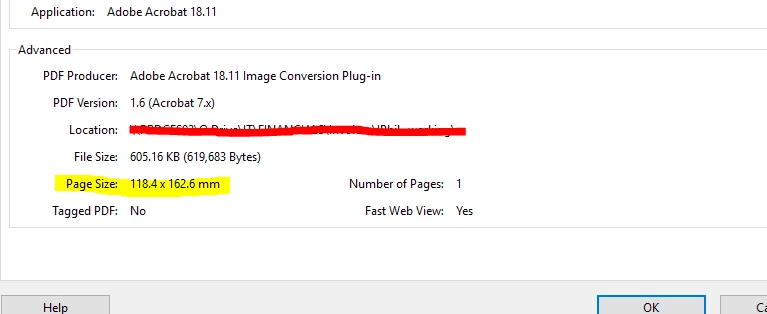
...from "Document Properties"
 AdChoices