Question
Converting from WORD, comments pane shows when there are no comments
Recently (I assume there was some kind of update), I and my team are having a hard time when performing the "Save as Adobe PDF" function from Word. Even though we select "No Markup," after conversion, the PDF has a comments pane (so basically an empty gray bar along the side of the document). We have tried deleting all comments and accepting all changes, but it still does it. Is this a bug? Or is there some new setting we're not finding to tweak? See the picture below. There are NO comments in the entire document, yet this bar shows up.
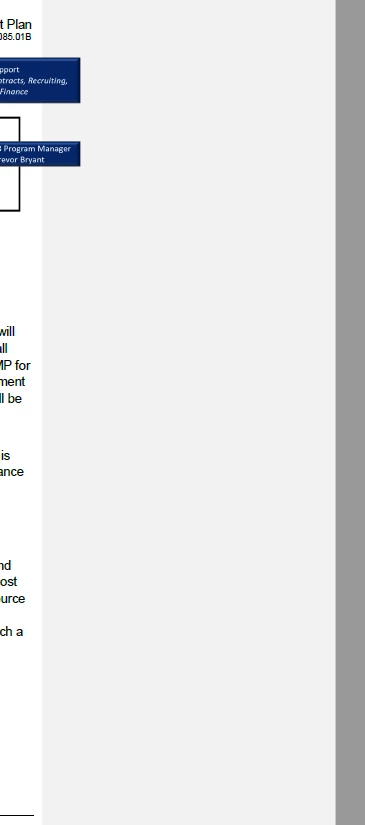
Accepting all changes sometimes works; however, this is not a feasible long-term workaround as we need to retain the markup and comments.
Thanks for any help!
 AdChoices