


Participating Frequently
February 27, 2026
Question

Converting PDF to Excel does not work

  • February 27, 2026
  • 1 reply
  • 61 views

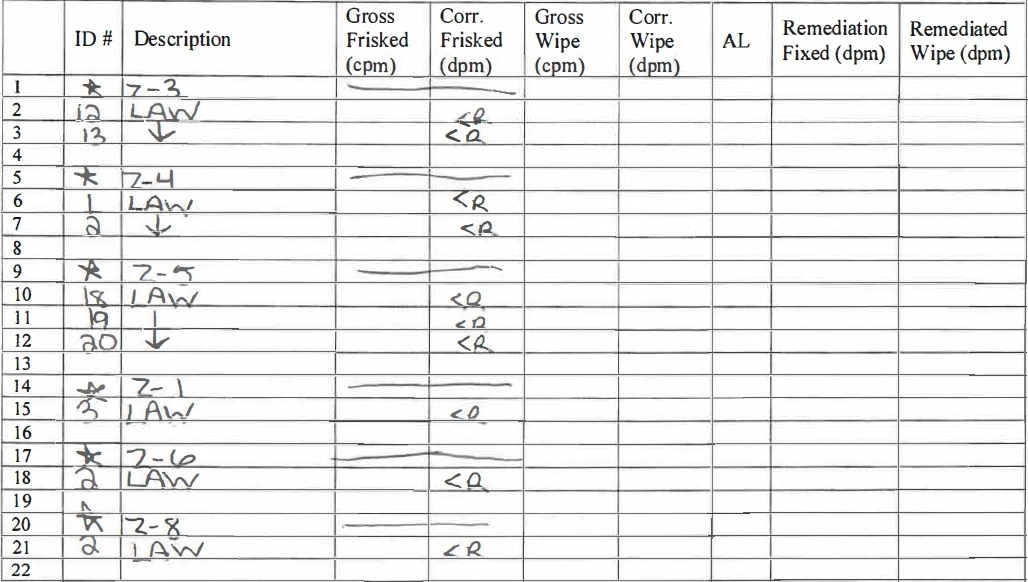
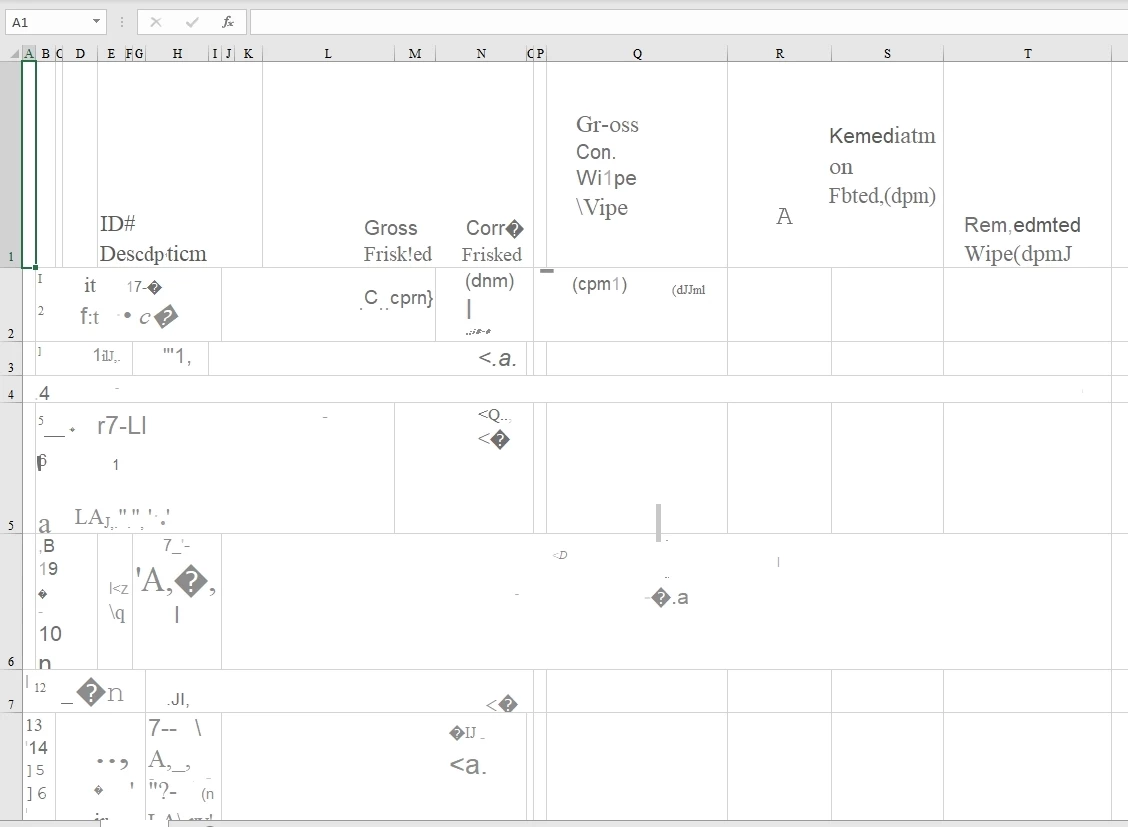
I’ve tried two ways. These are scanned documents. The entire purpose is to not have to manually enter the data. We can scan it in with the header or without. Either way they both come out a mess. Nothing is lined up and handwritten text is not converted properly. There are other programs out there that are able to convert the document without the header and it looks great. We pay for Adobe. Sure don’t want to pay for two programs to do what the first one should do.

Am I doing something wrong?

I read somewhere that the only way this works is if the document is not scanned in. If it was already in the system, I wouldn’t have to convert it this way. Saying the document cannot be scanned defeats the entire purpose.

From this...

To this...
Thanks,

Jessica

    1 reply

    Dave Creamer of IDEAS
    Community Expert
    Community Expert
    February 27, 2026

    Based on the hand-written sample you shown, I would expect to have to enter the text manually in Excel. 

    David Creamer: Community Expert (ACI and ACE 1995-2023)
    Participating Frequently
    March 3, 2026

    There is a program called Lido that converts it. Not trying to pay for two programs. Already paying for Adobe. Thinking about canceling the Adobe subscription. Was hoping Adobe had a better solution. I have the full suite.

    Thanks,

    Jessica

    Dave Creamer of IDEAS
    Community Expert
    Community Expert
    March 4, 2026

    Lido offers 50 pages free without a credit card. Might be worth checking out. 

    David Creamer: Community Expert (ACI and ACE 1995-2023)