TheRealJamesGunter
Participating Frequently
June 20, 2019
Question

Converting pdf to Excel file (What Am I Doing Wrong???)

  • June 20, 2019
  • 2 replies
  • 620 views

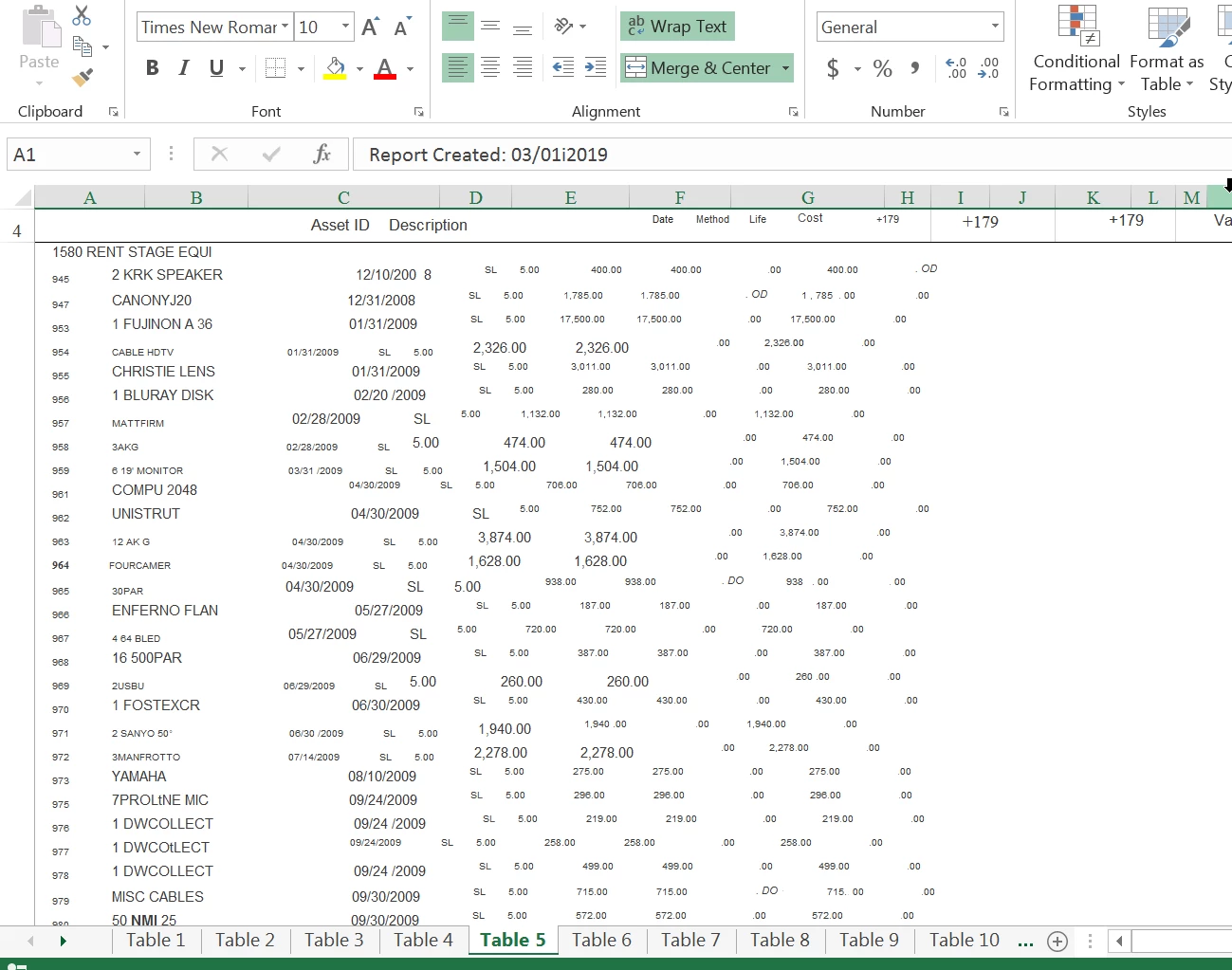
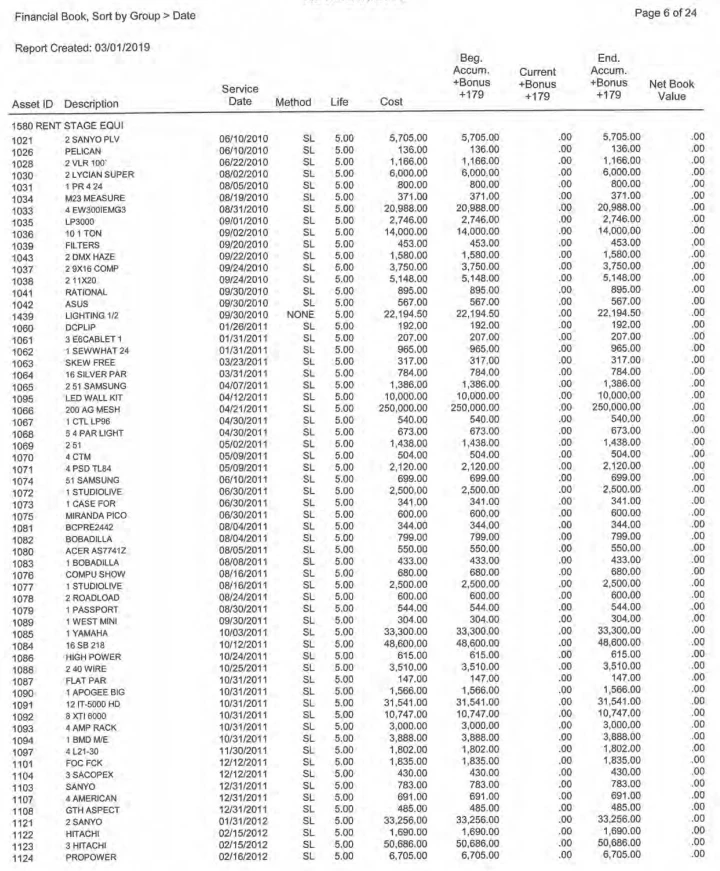
I don't know what im doing wrong, but im assuming its everything....  when I export pdf to the spreadsheet everything ends up jumbled in one large field.  Ive tried different copy / paste options also, and nothing is working.   Help please
 

This topic has been closed for replies.

2 replies

jane-e
Community Expert
Community Expert
June 21, 2019

Hi James,

Have you tried Data > Text to Columns after you are in Excel?

  • Delimited with spaces as the delimeter won't work well for you this time.

  • Try Fixed Width. In Step 2 you can add, subtract, and move breaks. In step three you can choose not to import empty columns (or just delete them later.

~ Jane

TheRealJamesGunter
Participating Frequently
June 25, 2019

try67
Community Expert
Community Expert
June 20, 2019

Some PDF files don't export well to other formats. It depends on many factors, but the most important one is how they were created.

There's not much that can be done about it, unfortunately. If it works, great; If it doesn't, you need to fix it manually or using a script or macro.

try67
Community Expert
Community Expert
June 20, 2019

The PDF file seems pretty consistent in terms of structure, though, so it might be possible to develop a custom-made script that will export the data in a better way. It's not a simple task, though.