Participant
September 5, 2023
Question

copy and paste acrobat DC pro, wrong places
  • September 5, 2023
  • 5 replies
  • 862 views

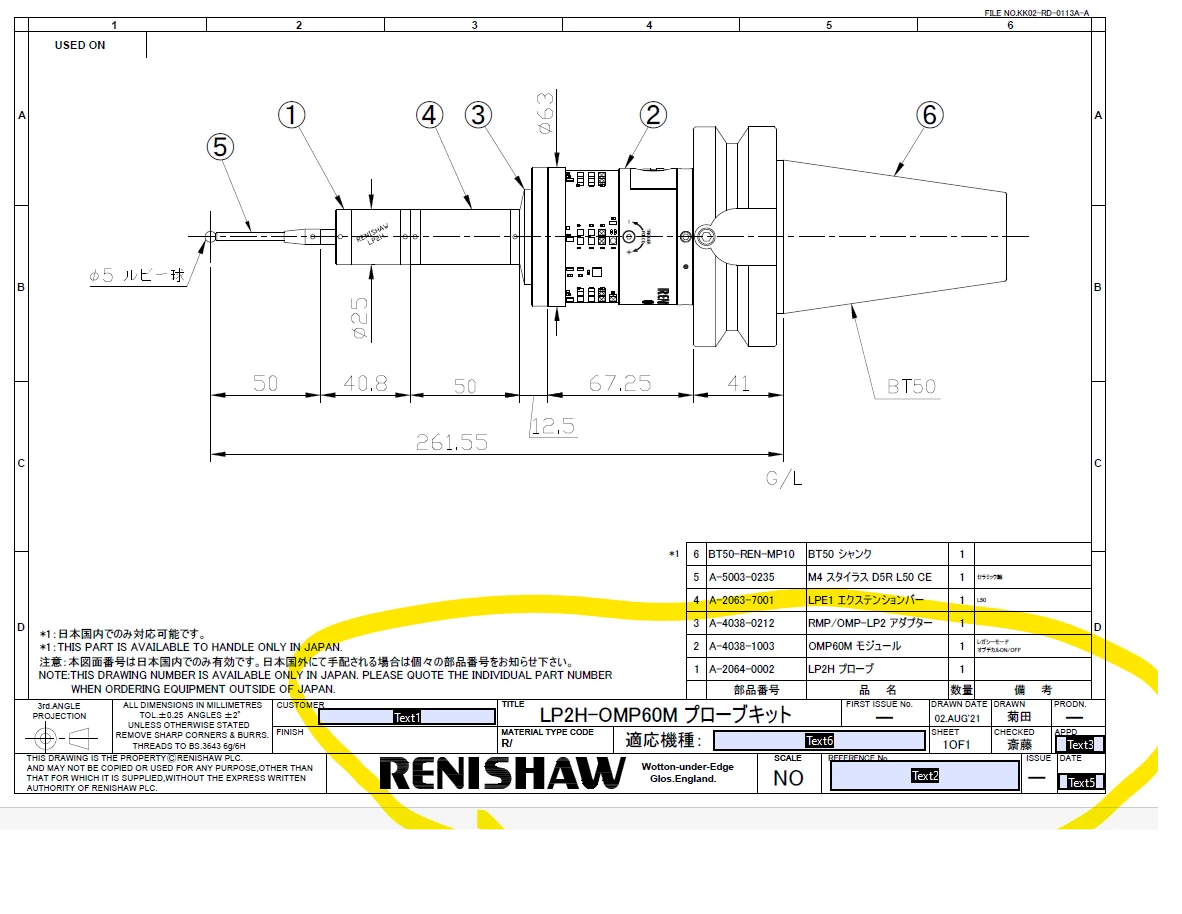
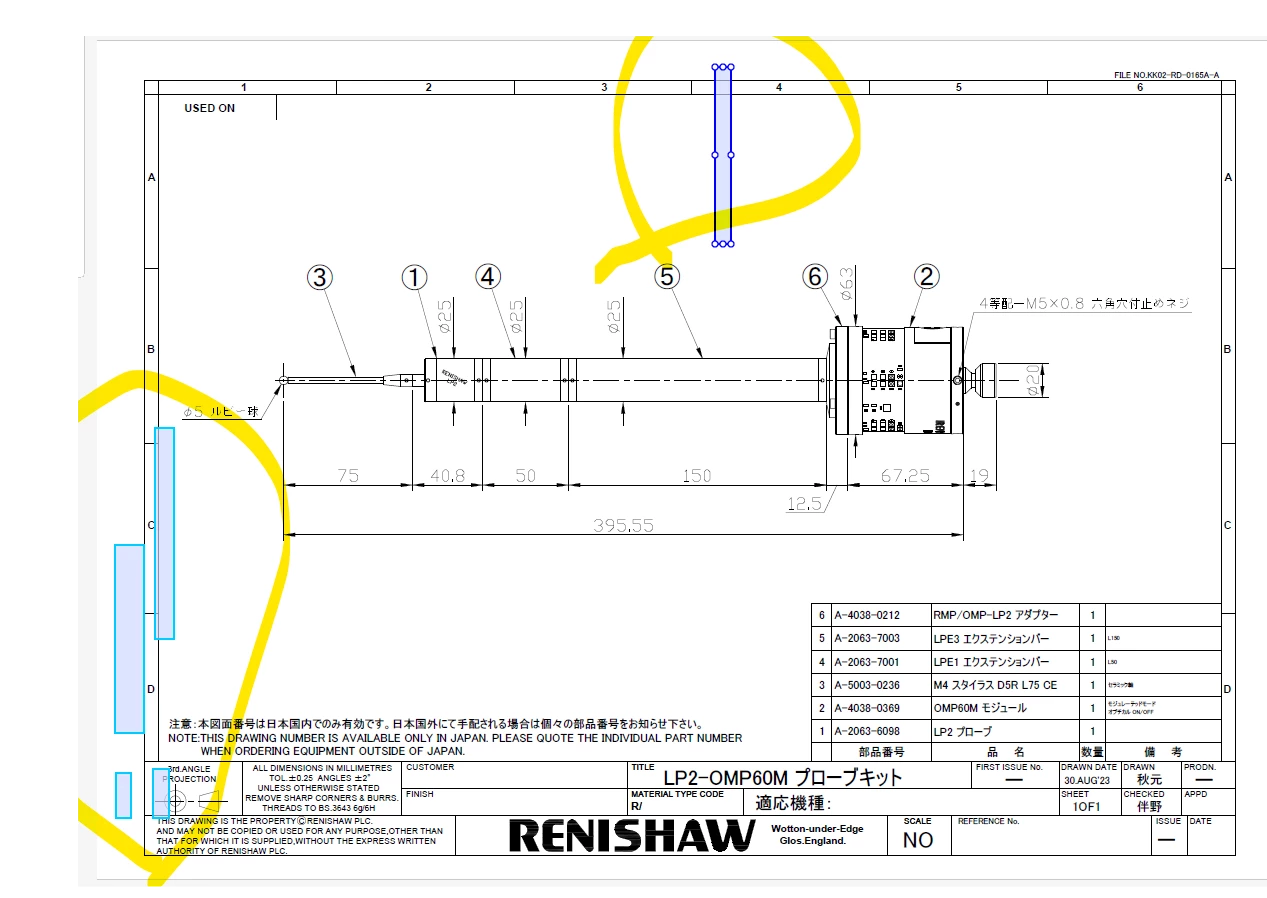
we copied from there and pasted to here ,as you see, wrong place not the correct place, how to fix?


This topic has been closed for replies.

5 replies

JR Boulay
Community Expert
Community Expert
September 6, 2023

By default, acrobat don't have the option to copy/paste the form fields, links elements in same X,Y axis position.

This is not true, now the default behaviour in Acrobat DC is to copy-paste in place, even for form fields.

In older versions it required to press the Shift key when using Edit menu: Paste* for pasting in place.


* It only worked with the menu, not with the keyboard shortcut (Acrobat engineers are geniuses when it comes to creating an absurd interface).

Acrobate du PDF, InDesigner et Photoshopographe
santhoshr29800103
Known Participant
September 6, 2023

By default, acrobat don't have the option to copy/paste the form fields, links elements in same X,Y axis position. It will differ then other pages. Otherwise you can follow JR Boulay suggestion.

JR Boulay
Community Expert
Community Expert
September 6, 2023

Try to "Replace page" instead of copy-paste, form fields will stays untouched.

Acrobate du PDF, InDesigner et Photoshopographe
Thom Parker
Community Expert
Community Expert
September 5, 2023

These pages have different rotations. That's why the fields show up rotated. The only thing you can do is manually move, resize, and set the field rotation to match the page. 


Thom Parker - Software Developer at PDFScriptingUse the Acrobat JavaScript Reference early and often
Eric Dumas
Community Expert
Community Expert
September 5, 2023

The second image does not show the names of the fileds, did you open the second, select prepare Form to add the fields in the same 'mode' as the first one?