
Participant
September 26, 2023
Question

Copy text results in extra space

  • September 26, 2023
  • 1 reply
  • 740 views

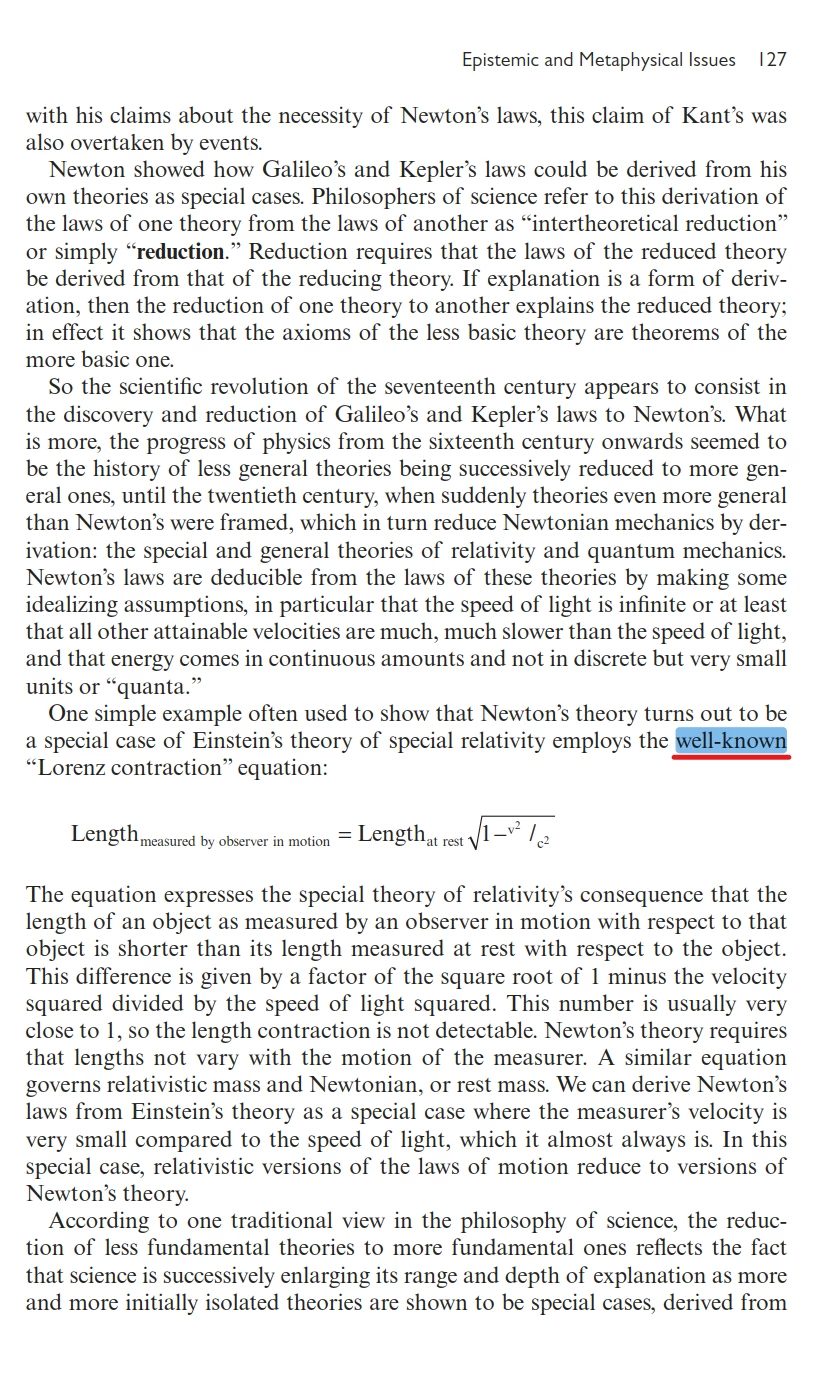
After selecting and copying the word "well-known" in this page, pasting it results in "well- known" (notice the extra space after the dash). It happened in Adobe Acrobat but not the PDF reader of Microsoft Edge or Zotero.


Please help explain this behavior of Adobe Acrobat because it causes problems with finding text. I attached the PDF page in this post. Thanks a lot!


This topic has been closed for replies.

1 reply

try67
Community Expert
Community Expert
September 27, 2023

The explanation is a bit technical but the bottom line is the space is present there. It was added by the application that created the file, in the form of an ActualText tag, probably for accessibility reasons. The other applications are just ignoring it, most likely, although they shouldn't.

nhan000Author
Participant
September 27, 2023

Thanks for the answer. Could you provide some links/documentations about this issue. I'm not technical at all but may want to give it a try to understand this issue.


Regarding Acrobat, is there setting to make it ignore this space?

try67
Community Expert
Community Expert
September 27, 2023

Like I said, it's fairly technical. If you want to read about it search the 1000+ page PDF ISO Spec for "ActualText".

And no, it can't be disabled.