Question
Couldn't convert scans to COG. - Resolved
After updating to the latest Acrobat DC last month (June 2020) I was unable to get the app to convert scanned text to COG. I always got this error:
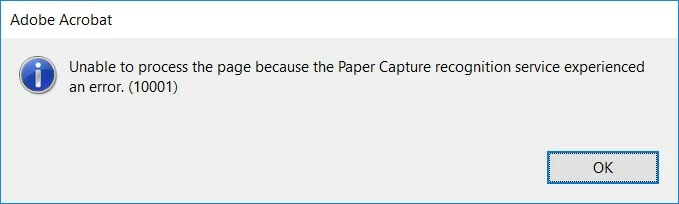
I work on a Dell Precision 7710 laptop that was running Windows 10 v1709 at the time. I followed all the fixes I could find including the plugins replication from the iDRS15 folder into the PaperCapture folder and the Plugins folder. Tried uninstall/reinstall several times. Even installed Acrobat V5. Nothing worked until I had a hunch that the OS just needed to be updated. Updated to Windows 10 v1903 and all is good. Hope this helps someone else with the same conditions/issues.
 AdChoices