Answered
Create calculations in Adobe Acrobat Pro Dc
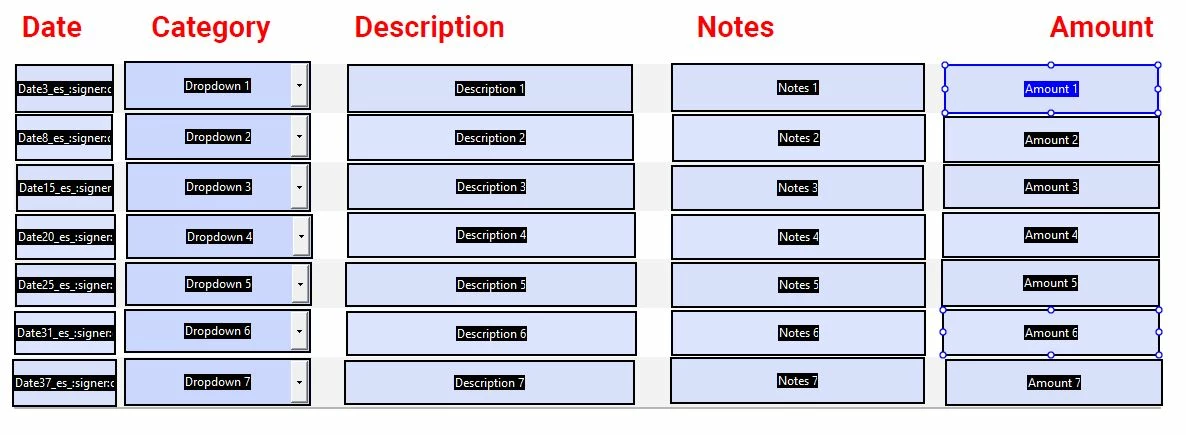
When I click on Tools, the Prepare Form; I then select the file I need to prepare. I select start and add all my text fields thats needed. I created an Expense Report form and when I go to add calculations to the text field, the tabs Format, Calculation, Validation aren't anywhere to be found. I have included two images. One shows the amount column, that is the column I need to add to get a total. The other image shows my text field properties box.
Please help!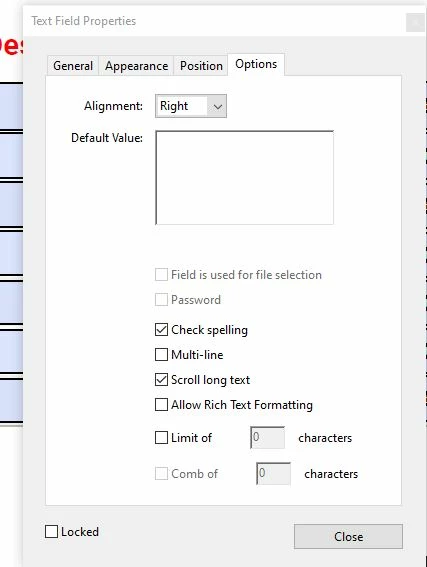
 AdChoices