


Participant
February 2, 2025
Answered

Create pdf from screen or selection copies background not screen or selection

  • February 2, 2025
  • 1 reply
  • 455 views

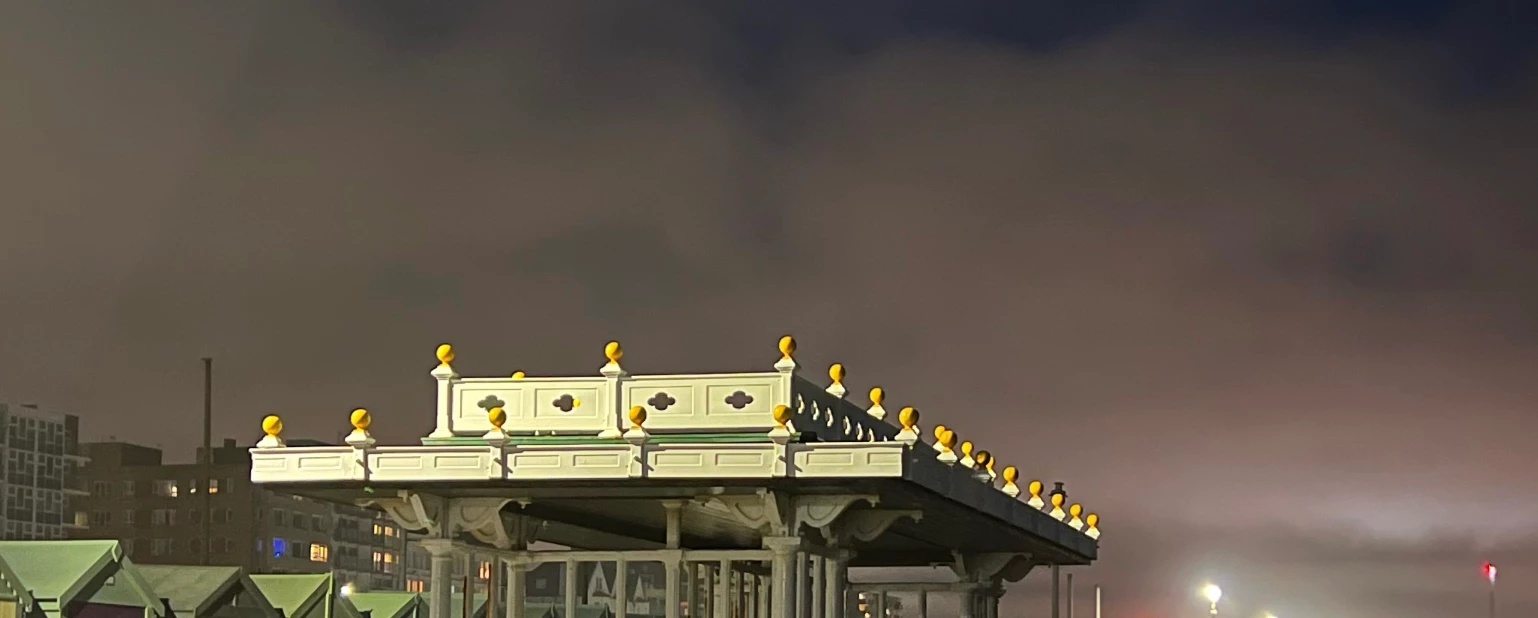
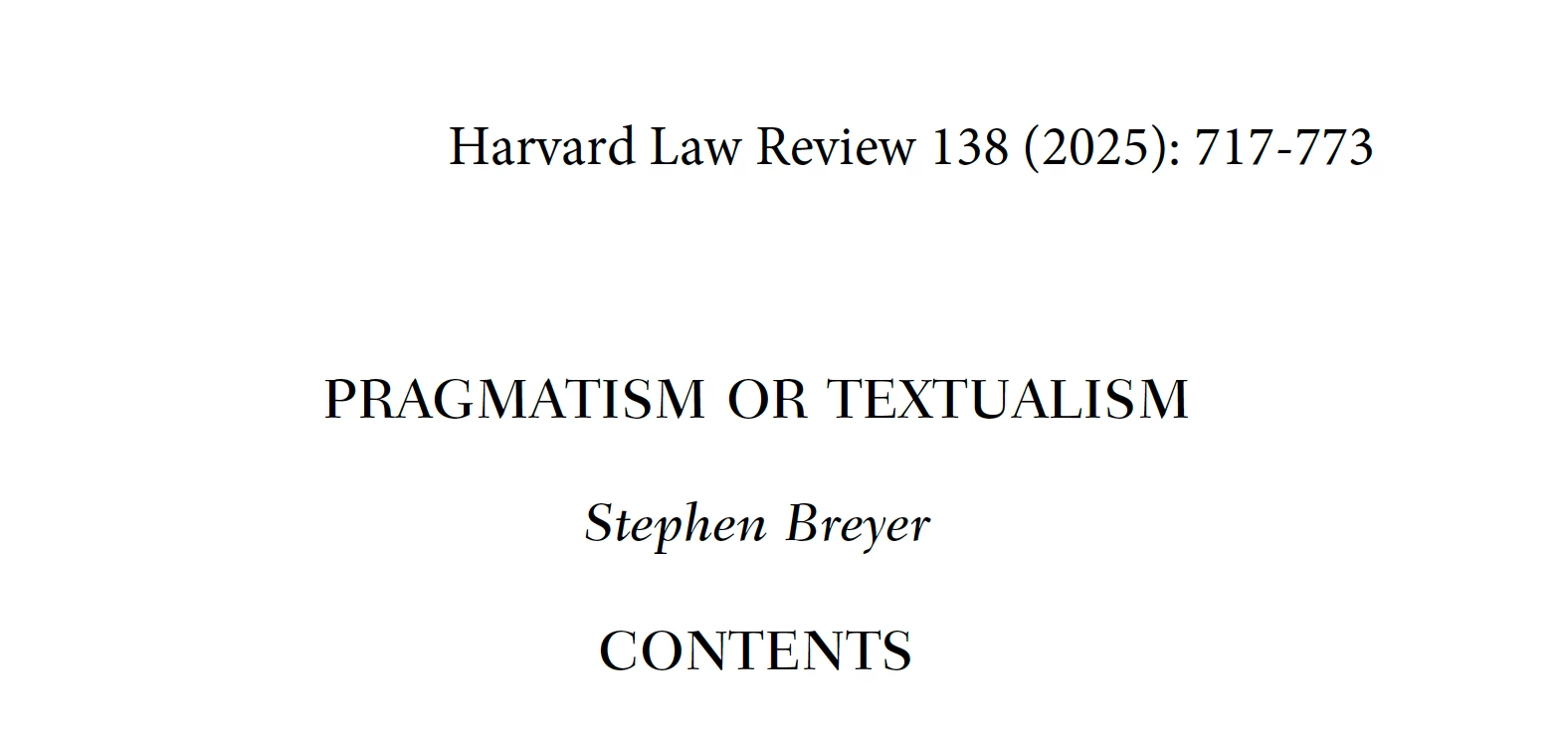
A few months ago, using Acrobat Pro for Mac, latest version, I noticed that when I try to create a selection of a pdf from a pdf using Adobe menu commands  create a pdf from screen capture, or window capture, or selection capture, Acrobat copies the background screen saver on my computer, not the screen, window, or selection that I am trying to capture.. I decided today to try to find a solution. Help!!! I use this tool a lot!!!


Acrobat Pro 2024..004.20272 on Macbook Pro M4 Pro, 2024,  running Sequoia 15.2

Top: Using Acrobat's Create a pdf from selection capture. Bottom: the selection copied using Apple's command-shift-4 to copy a portion of a screen:
Correct answer dennis_3199

OK upgrading to Sequoia 15.3 then prompted installation of Acrobat 2024.005.20400, and that in turn prompted me to grant access to copy screen. So now it works. Weird though--no upgrade ever caused Acrobat to copy background instead of screen. Anyway if anyone else has this problem, try the upgrade route.

1 reply

dennis_3199AuthorCorrect answer
Participant
February 2, 2025

OK upgrading to Sequoia 15.3 then prompted installation of Acrobat 2024.005.20400, and that in turn prompted me to grant access to copy screen. So now it works. Weird though--no upgrade ever caused Acrobat to copy background instead of screen. Anyway if anyone else has this problem, try the upgrade route.

Souvik Sadhu
Community Manager
Community Manager
March 6, 2025

Hi @dennis_3199,


Hope you are doing well.


Thanks for writing about what worked for you.

Marking this as a correct answer and closing the thread for future users to use as a reference.


-Souvik