
Question
Created fillable PDF and now some fields are blank!
So I spent hours creating a complicated PDF then when I go back in random fields are there but their not! When I am in "Prepare Form" mode and I go back in because I noticeed the fillable field wasn't showing. all I see is a box that I can still click into but then when I click properties it shows -16368 as the font size?? It doesn't allow the fillable words to fill in when filling in the form either so its not that it isn't showing as a fillable field something is definately wrong with Adobe. Seems like there is always a issue with these forms!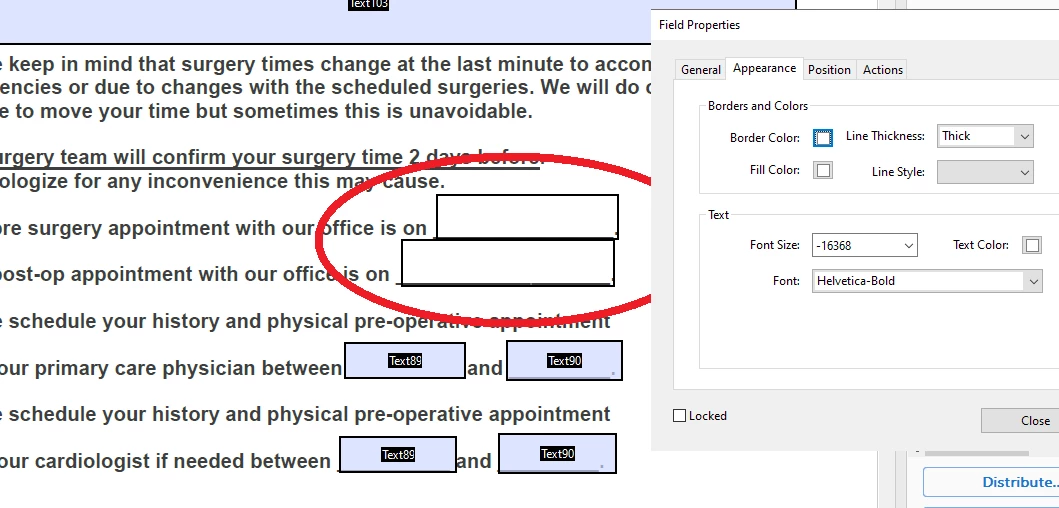
 AdChoices