
Participant
November 29, 2024
Question

Creating a autofill PDF for an event pack

  • November 29, 2024
  • 1 reply
  • 255 views

Hey there, 

I'm looking to streamline our event preparation. Across the year, my team and I organise 8+ events, and we use a repeatable format to create a race pack that includes details for the competitors, such as location, layout, courses, timings, and safety details. 

Currently, we use Google Slides to create this, which requires lots of copying and pasting from our internal event planning document (using a standard format so can link fields) 

Is there a way to create a template that can autofill from our event doc (Word.dox format) to complete these details for each event as we create the race pack and planning documents? I imagine we would need to match fields so would need to create the planning doc with these also?

Thanks for your help - An example of our current format attached
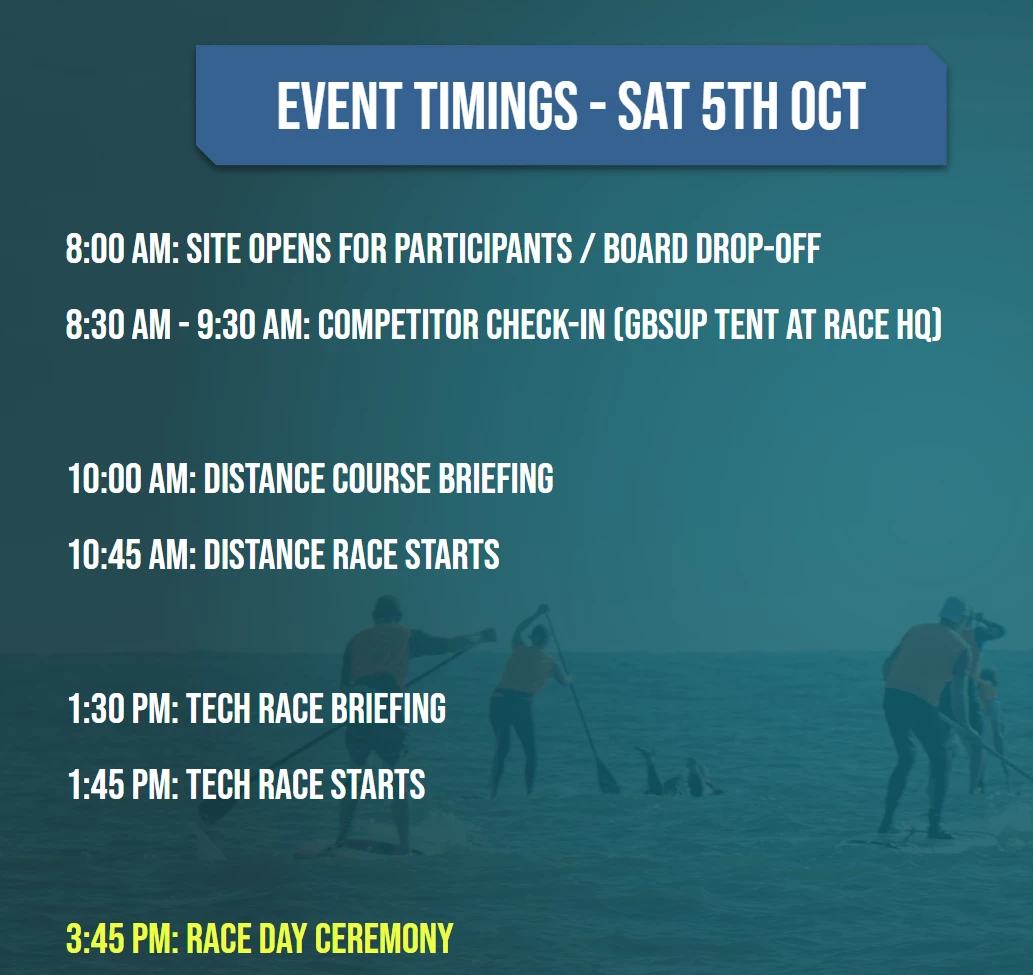
 

1 reply

Souvik Sadhu
Community Manager
Community Manager
February 25, 2025

Hi @Scottydoo756,


Hope you are doing well. Thanks for writing in!


In case you are still looking for a solution, you might want to try the below steps:

  1. Open Adobe Acrobat Pro.
  2. Go to ToolsPrepare Form.
  3. Upload a blank race pack template.
  4. Add fillable fields (Event Name, Date, Location, etc.).
  5. Save as a fillable PDF template.

Use Mail Merge in Word to generate multiple PDFs filled with event details:

  1. In Word, structure your event planning document with merge fields.
  2. Use Mail Merge (via Microsoft Word & Acrobat):
    • Go to MailingsSelect Recipients.
    • Link an Excel sheet containing event details.
    • Merge data into a PDF format.
    • Acrobat will generate race packs automatically filled with data.

If you want fully automated PDF creation inside Acrobat:

  1. Use Acrobat JavaScript to fetch and insert data from a structured text/Excel file.
  2. The script reads event details and fills form fields automatically.
  3. Acrobat then saves a new race pack PDF for each event.


Hope this helps.


-Souvik