


Participant
April 24, 2025
Answered

Creating an Accordion in Adobe Pro

  • April 24, 2025
  • 1 reply
  • 485 views

We often create guides in Word 365 with fairly complex images or screenshots. For accessibility we include a transcript of the image in an accordion. so that a screen reader user can choose if they want to listen to the transcript or skip it. 
So using a random image it would look like this, when collapsed, as it would be by default

but could be expanded by selecting the arrow besise the transcript
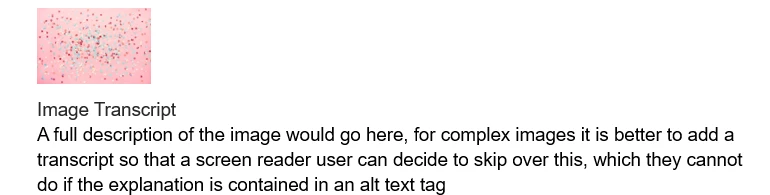
Is there any way to emulate this in Adobe Acrobat Pro?  If I save the Word document as Adobe PDF this functionality is lost so the transcript is either (depending on the state when saved) hidden and can't be viewed, or is there in full, which kind of defeats the purpose. 
Any ideas or help would be much appeciated.


Many thanks

Correct answer try67

You can place the additional text in a hidden field and show or hide that field when a button is clicked, but when it's hidden there will just be an empty area on the page where that text is located. You can't "re-flow" the page's contents (not to mention the contents of other pages) to move up or down, unless the file in its entirety is composed of fields.

1 reply

try67
Community Expert
try67Community ExpertCorrect answer
Community Expert
April 24, 2025

You can place the additional text in a hidden field and show or hide that field when a button is clicked, but when it's hidden there will just be an empty area on the page where that text is located. You can't "re-flow" the page's contents (not to mention the contents of other pages) to move up or down, unless the file in its entirety is composed of fields.

Participant
May 2, 2025

Thank you, it is a pity that it doesn't reflow as it would make an accordian pointless and isn't great for accessibility as large areas of white page with no text can cause issues for screan reader users.