
Question
Creating Multiple Check Boxes
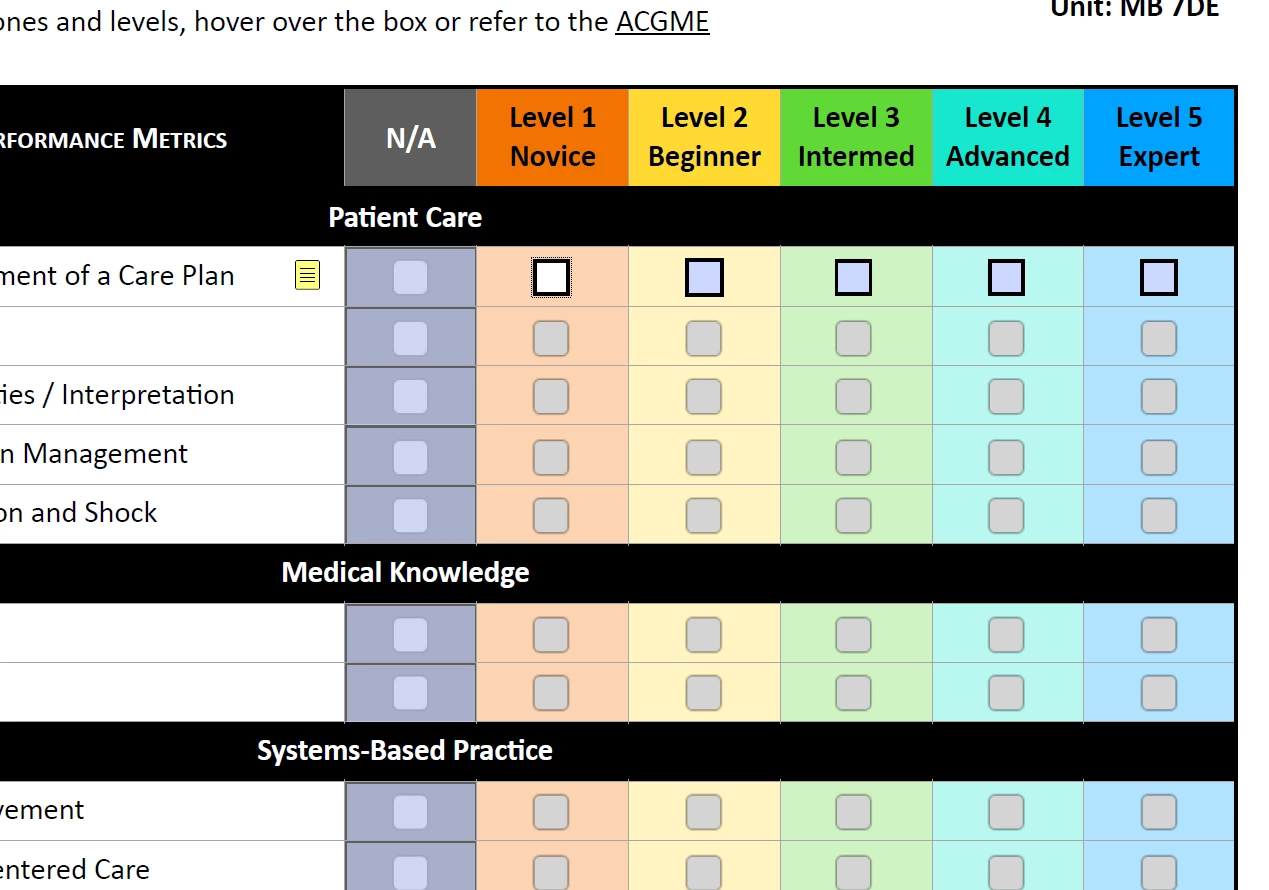
I created a base form in Apple Numbers that has numerous checkboxes. These do not carry over when I export into other file types. I can create individual checkboxes within Adobe, but I have to create a LOT of checkboxes on multiple forms, and it is quite laborious. Is there a way to create multiple checkboxes at once? I can copy and paste the initial checkboxes, but this links all subsequent checkboxes so that if one is checked, all the boxes are checked. I have attached a screenshot of part of the form I am working with to illustrate the issue.
I am new to Adobe and have minimal knowledge of its features and nuance.
Thank you for any help.
 AdChoices